
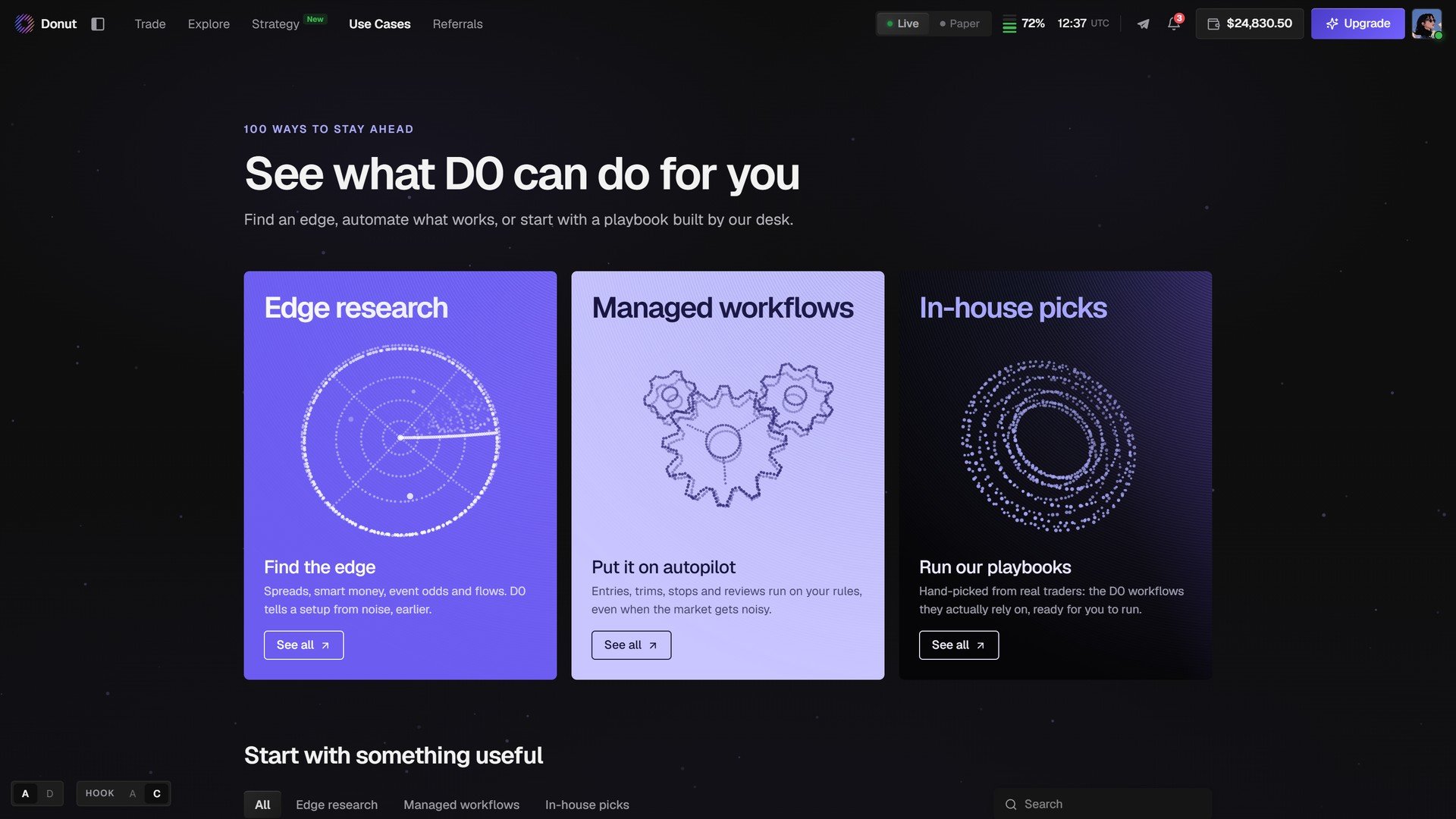
Use Cases.
Start with something useful
Below the three cards, every use case is a tile, filterable by Edge research, Managed workflows, In-house picks, with a search box. A tile shows what the use case does, how it runs (Automation · Every day 21:00, Multi-condition price alert, Hyperliquid), and Try this.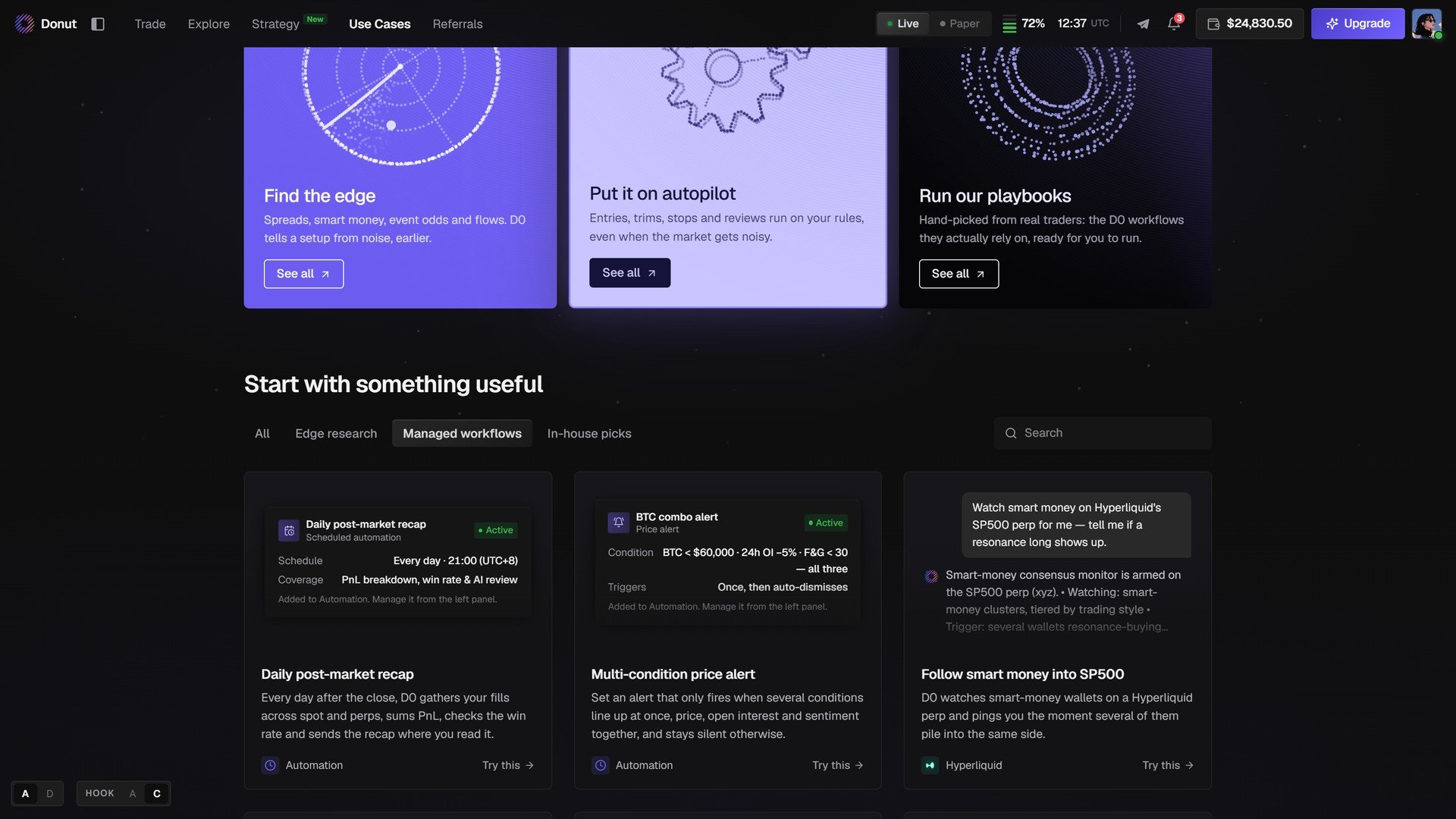
Managed workflows: a daily post-market recap, a multi-condition price alert, and a smart money follow on Hyperliquid.
Which mode to use
The same three doors appear on the chat home as a carousel, and Explore → Ask Anything turns any question into a guided run. See Explore.
What’s next
- Explore
- Scheduled Tasks & Custom Automations
- Playbooks: worked examples, end to end