
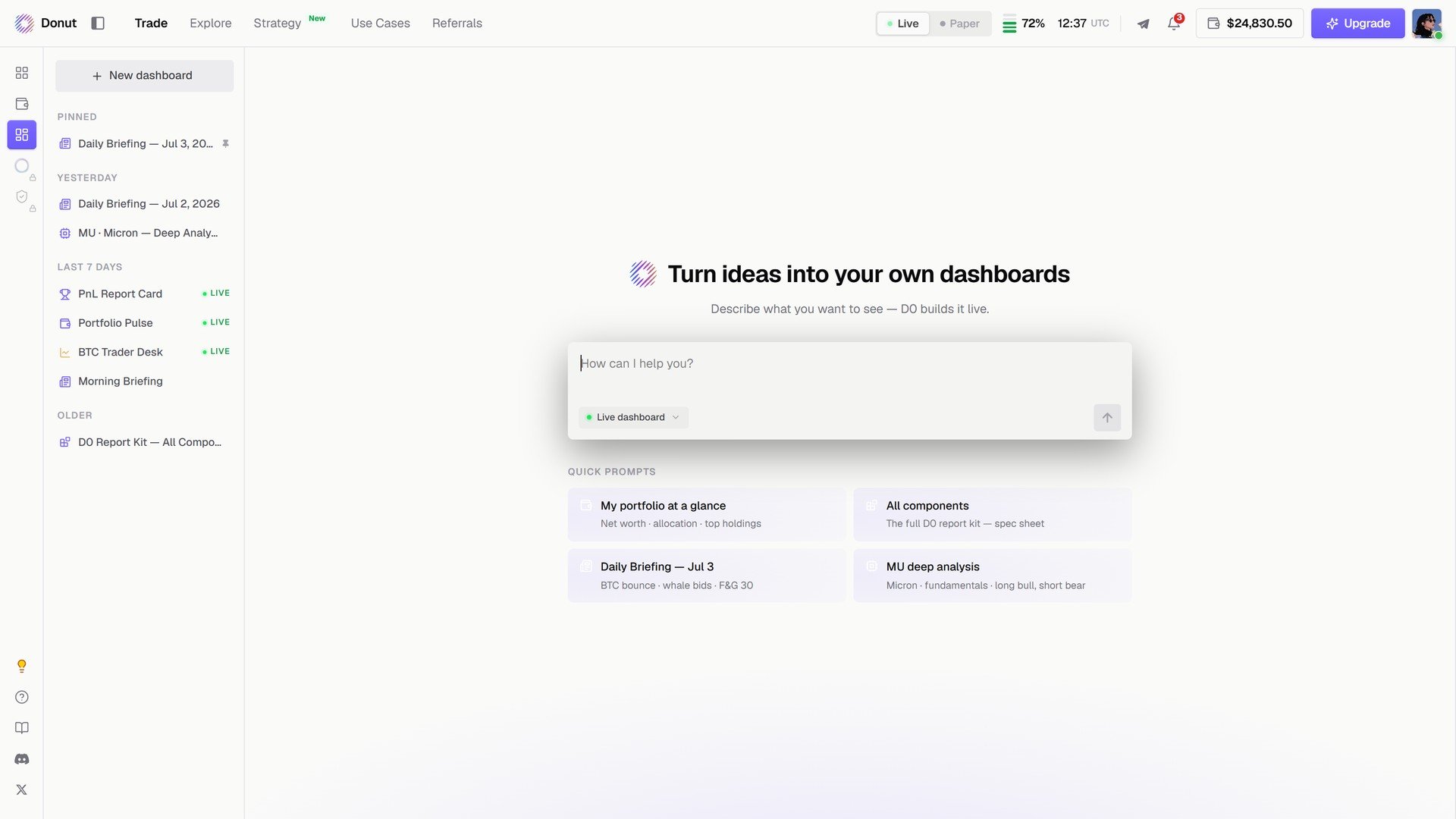
Turn ideas into your own dashboards.
Building one
- Click + New dashboard, or type into How can I help you?
- Leave Live dashboard on so the components refresh.
- Send. D0 lays out the page.
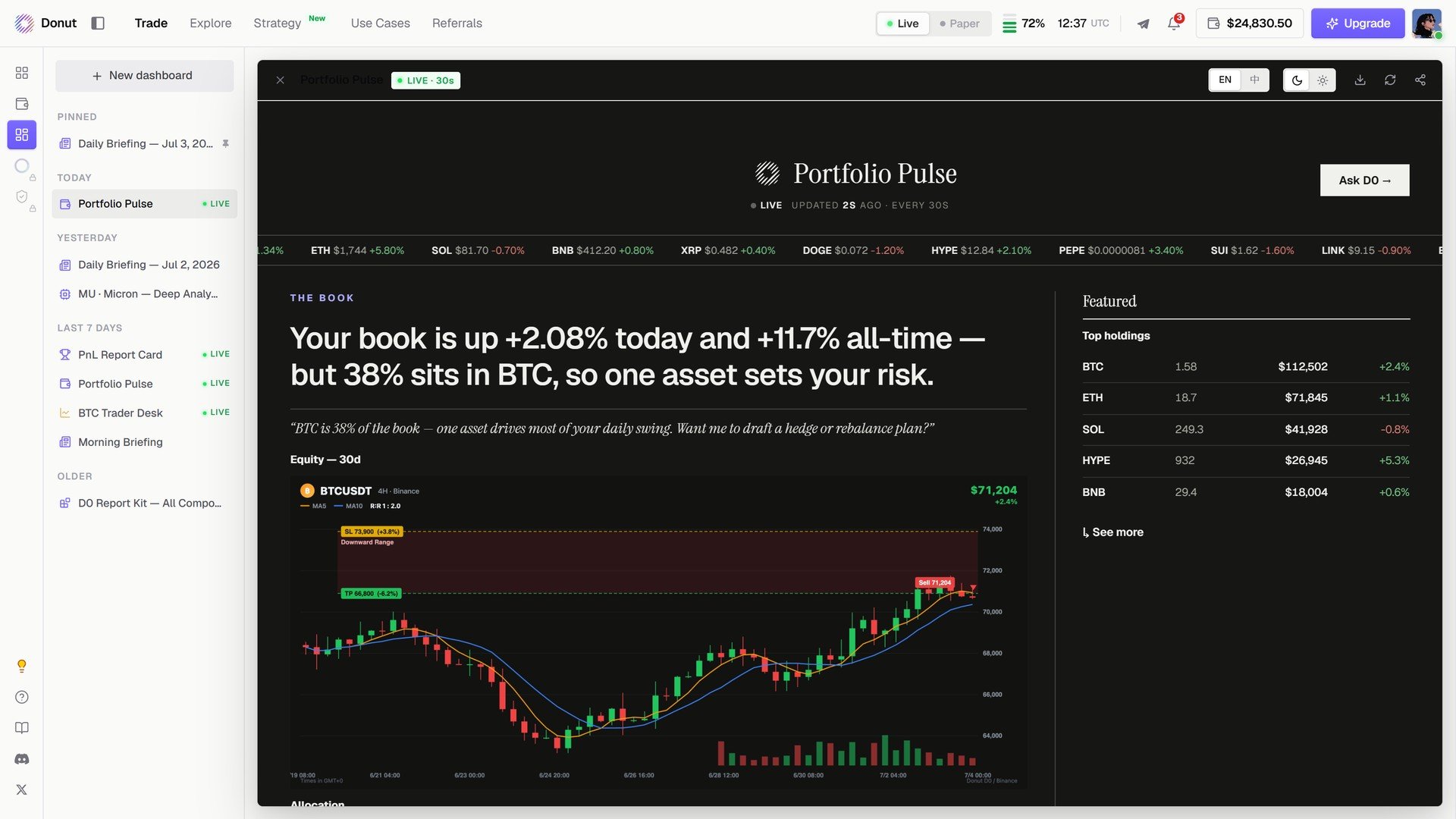
My portfolio at a glance: Portfolio Pulse, with the book's headline, holdings, and a BTC chart.
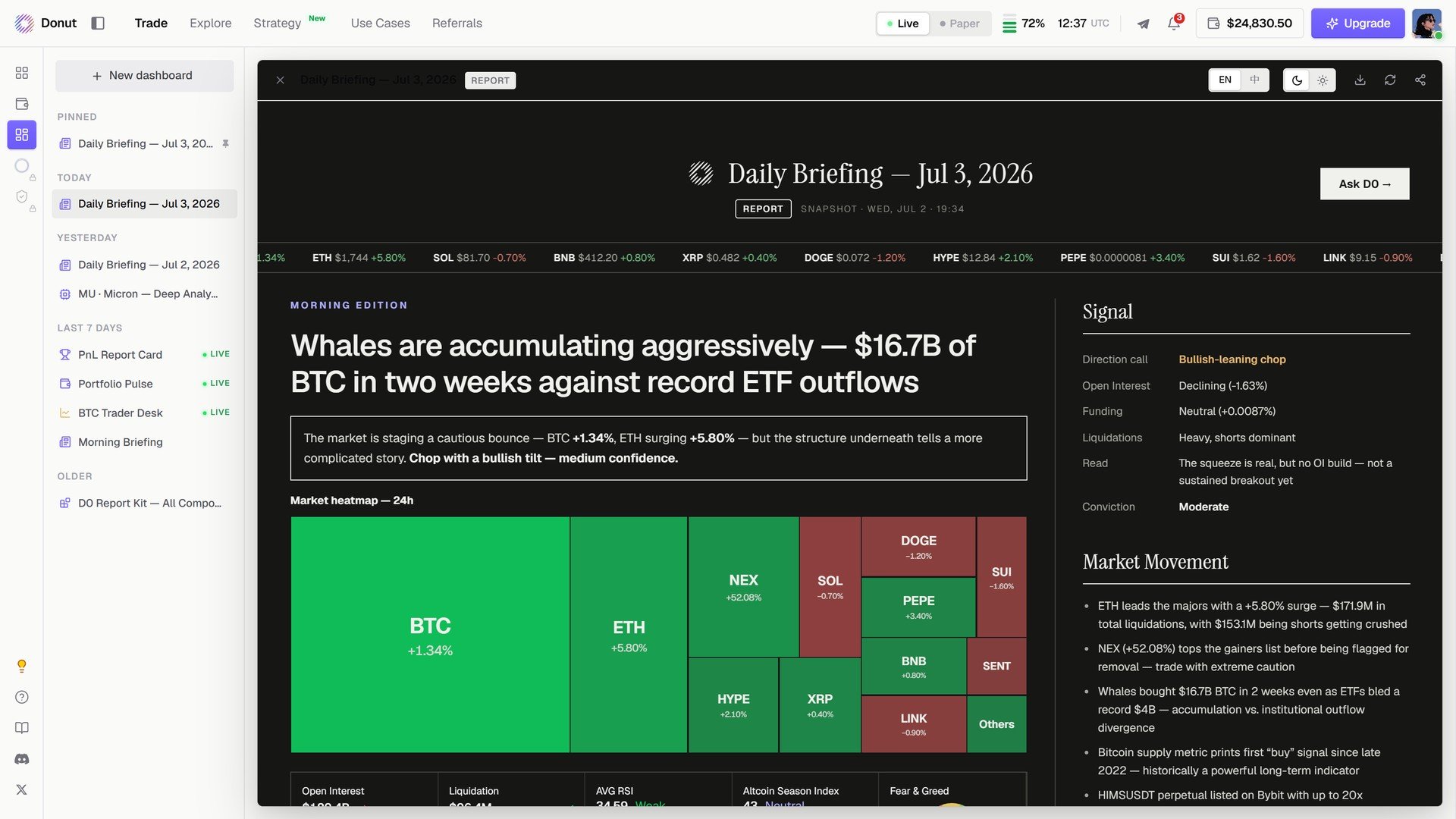
Daily Briefing: a morning edition with a market heatmap, the signal read, and market movement.
Adding to one
You are not locked into the first version. Ask for another component in the same thread (Add top 5 Raydium pools by TVL) and it inserts into the dashboard.What you can build
- Pre-market scan: a 1H chart, your perps positions, top gainers, a liquidation heatmap.
- DeFi yield tracker: top stablecoin pools by APY with your LP positions highlighted.
- Portfolio review: PnL by chain, allocation, a 7-day trend.
What’s next
- Portfolio Overview
- Scheduled Tasks & Custom Automations: a daily briefing that arrives on its own