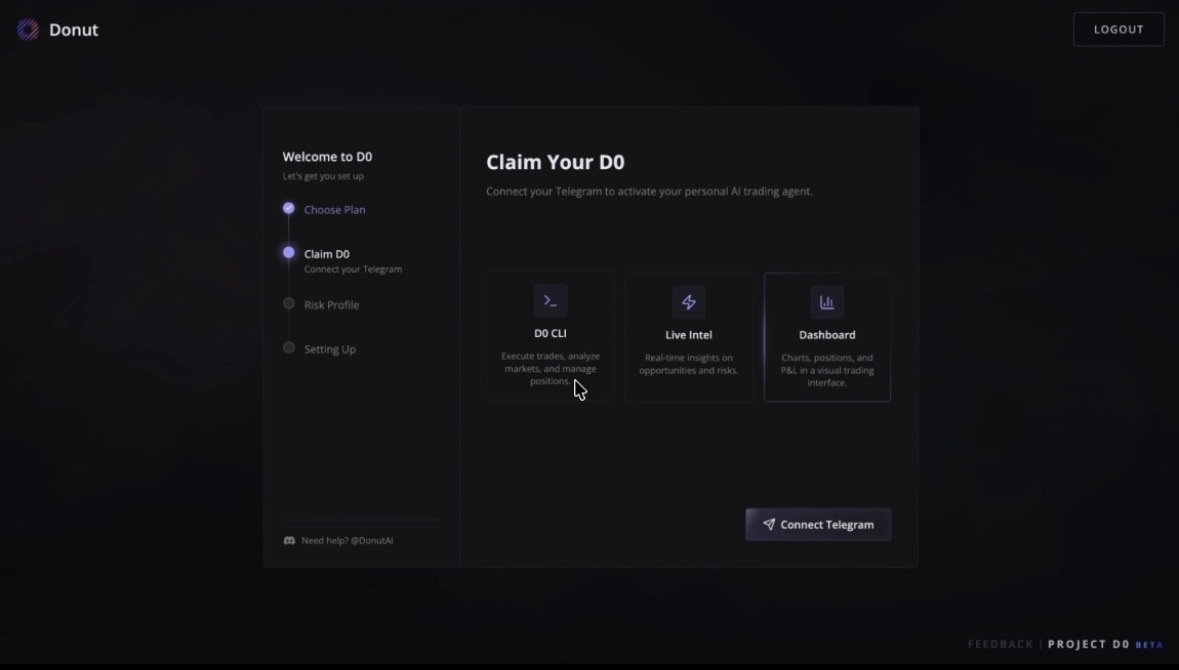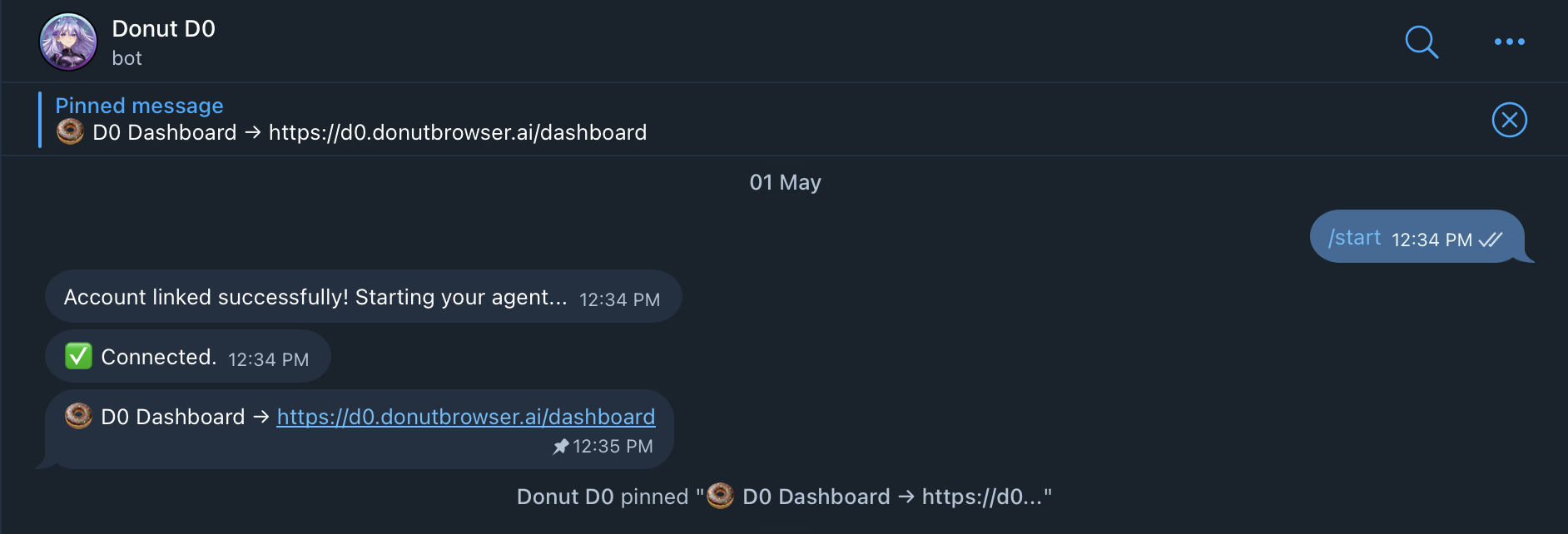
- Visit the D0 Dashboard
- Sign in with Gmail on the D0 Dashboard (first-time setup)
- Choose your preferred Subscription Plan
- Connect Telegram — one click, no manual bot setup
- Answer a quick risk questionnaire (optional)
- Wait for provisioning (about 1-2 minutes)
- Start using D0 in Telegram — this is your daily interface
The full sign-up flow, end to end (~2 min).
Step 1: Visit the D0 Dashboard
Open d0.donutbrowser.ai and click Claim Now (or Sign In if you already have an account). After provisioning you’ll land at d0.donutbrowser.ai/dashboard.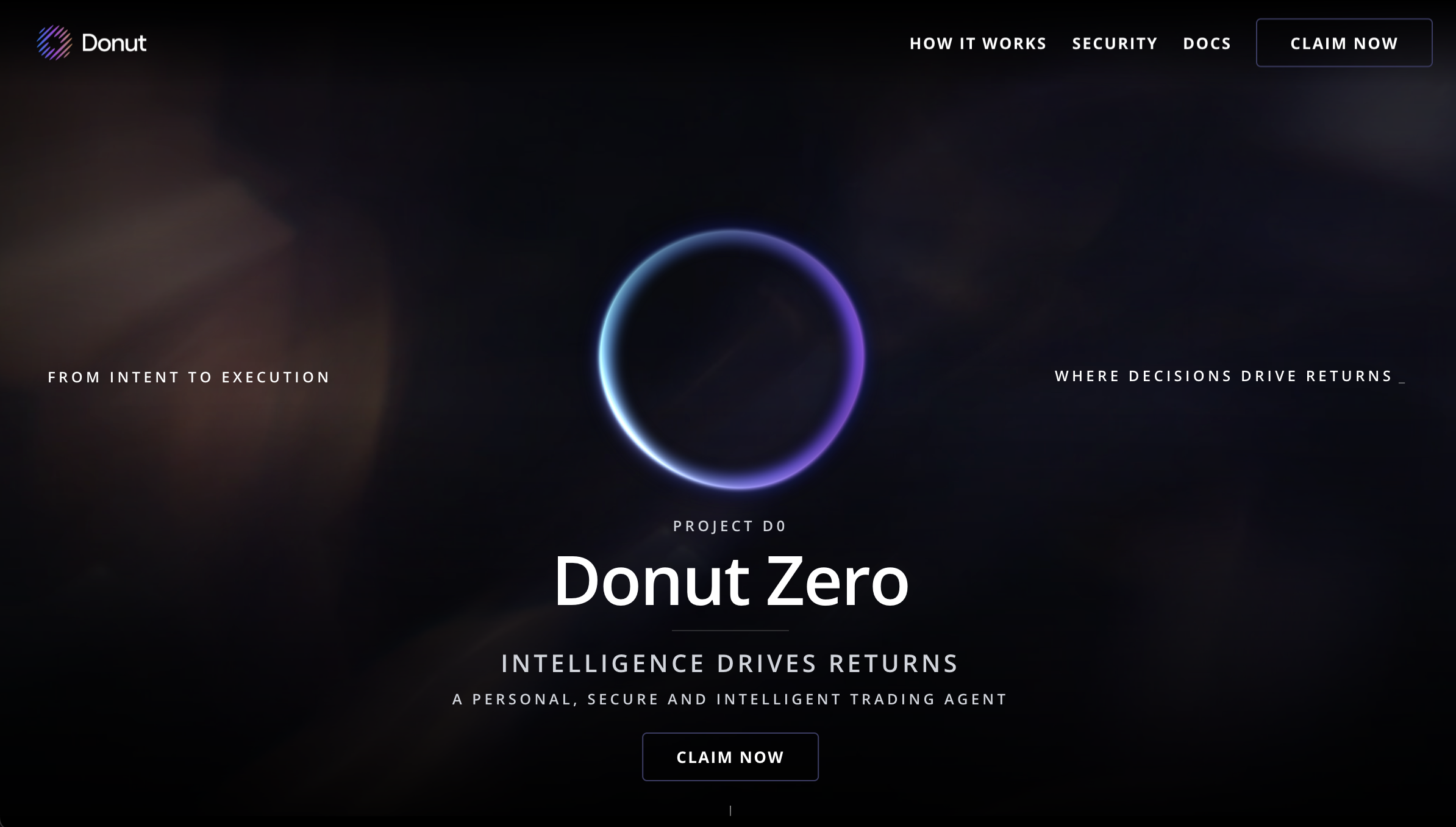
Step 2: Sign In with Gmail
Authenticate with your Gmail account. This web sign-in is only for first-time setup and provisioning.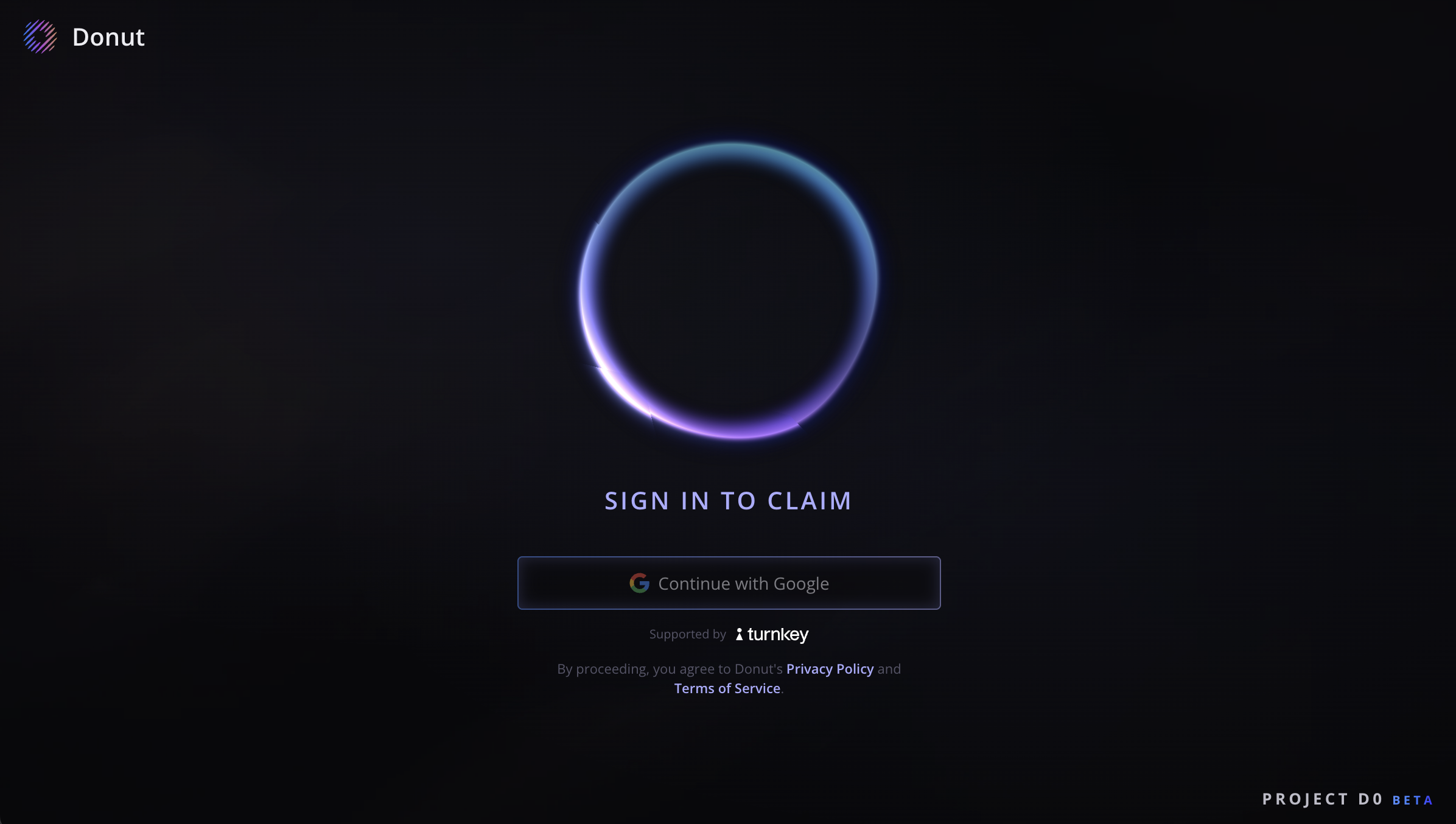
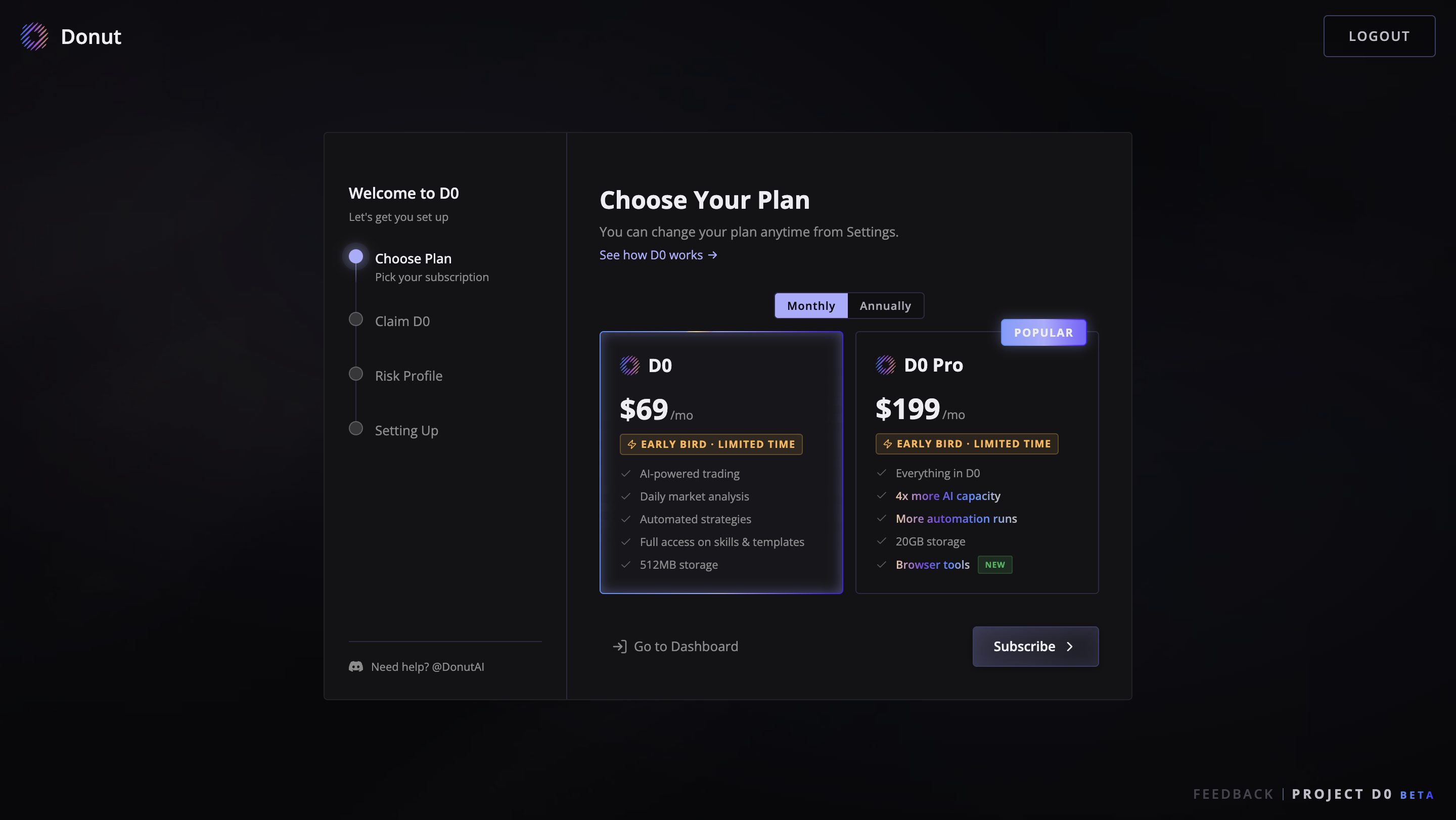
Step 3: Choose Your Subscription Plan
After signing in, you’ll see the subscription page with the available plans. Pick the one that fits your needs:- D0 ($69/mo) — the core agent: unlimited conversations, 200+ data tools, spot trading via Jupiter, Donut Perps up to 150×, Hyperliquid, unlimited price alerts, and the daily market brief.
- D0 Pro ($199/mo) — everything in D0, plus DeFi yield management, prediction markets, advanced strategies, automation workflows, cross-chain transfers, and exportable reports.
Step 4: Connect Telegram
Click Connect Telegram — this opens a Telegram authorization page. Tap Authorize to link your account. D0 automatically assigns a pre-configured bot to you. No BotFather, no API tokens to copy.