
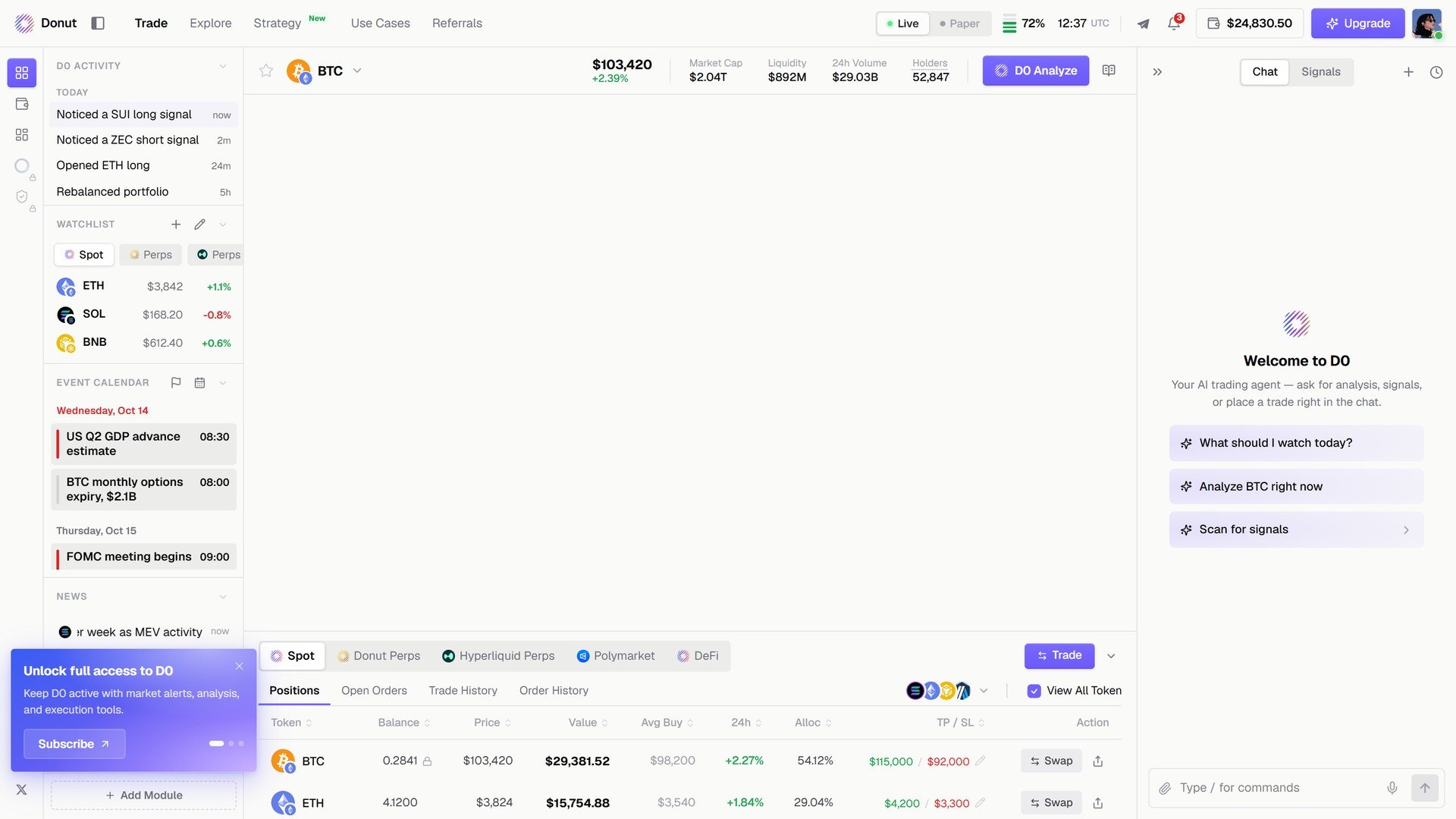
D0 Analyze in the market header.
The answer arrives like any other D0 message, with follow-up actions: Set alert at the reclaim level, Open trade ticket, Watch this market.
What’s next
- The Trade Panel: where the button lives
- Market Analysis: what goes into a read
- Portfolio Overview: Ask D0 on your whole book