
Ask once, get the result
The chat home opens on What would you like to discover today? with the composer set to Ask D0 or describe an automation. The Approve each control next to it decides whether D0 asks before every action the automation takes.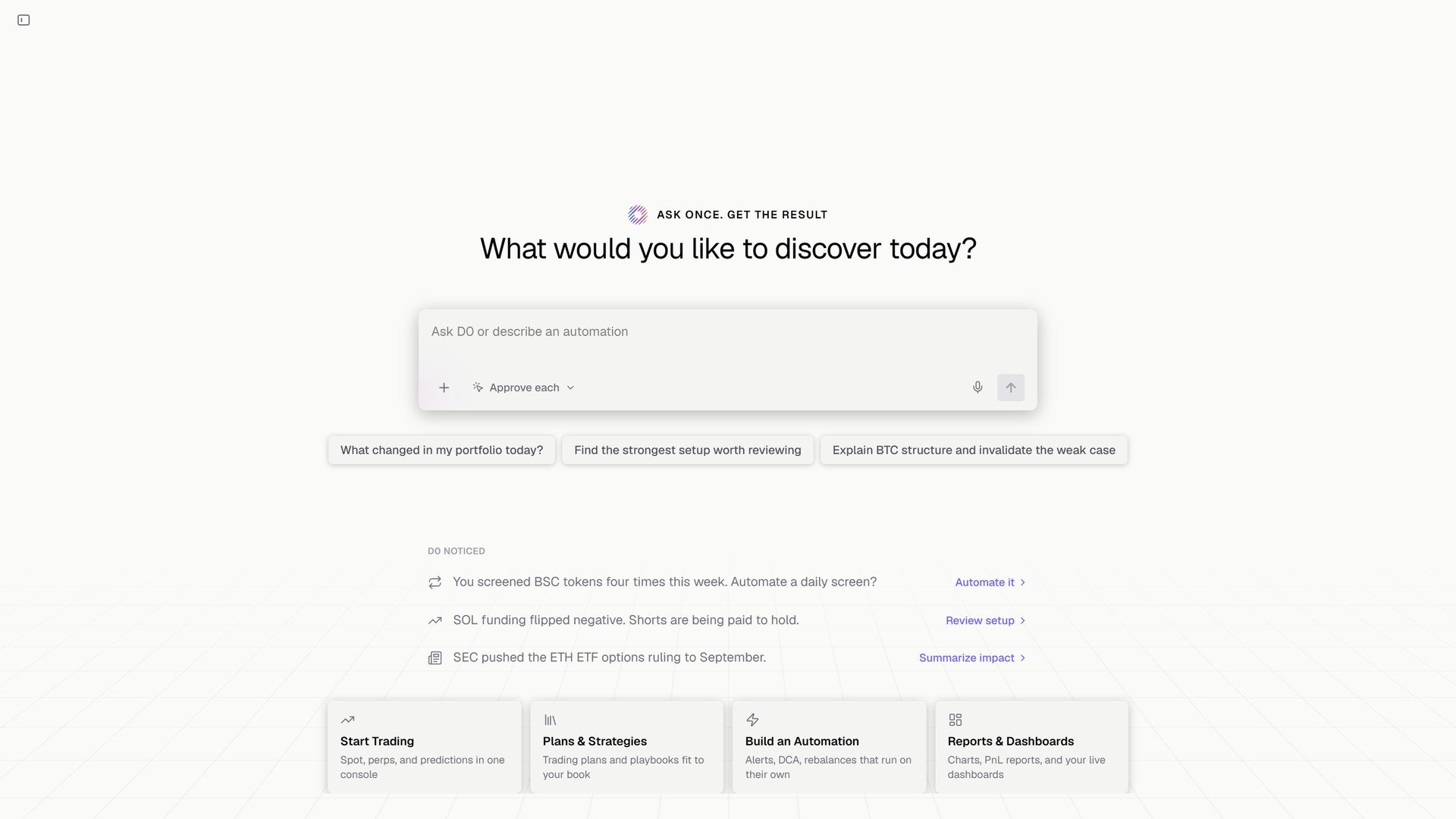
The chat home, with D0 noticed underneath.
Describing a rule
You: Set up an automation to monitor Solana for a long entry setup, when a sharp selloff reaches a defined support level and a reversal candle prints a long lower wick showing buyers stepping in, then closes back above support. When the setup confirms, alert me with the support level, a suggested entry, a stop below the wick low, and a target. D0: Set up SOL wick-reversal long setup. It checks closed 15-minute SOL spot candles every 15 minutes, using the lowest low of the prior 20 candles as support. It flags a ≥2% selloff over four candles into support, followed by a candle that closes back above support with a lower wick at least as long as its body. The alert suggests entry at that candle’s close, a stop 0.1% below its low, and a target at 2R. It’s informational only and will not trade; qualifying newly confirmed setups may alert again on later checks.What D0 does with your sentence:
- Asks for the signal rules and trigger thresholds it needs, or fills them with suggested defaults.
- States the rule back: cadence, data source, the exact conditions, what the alert will contain, and where it is delivered.
- Adds the automation to the Automation module, where you can pause or re-enable it.
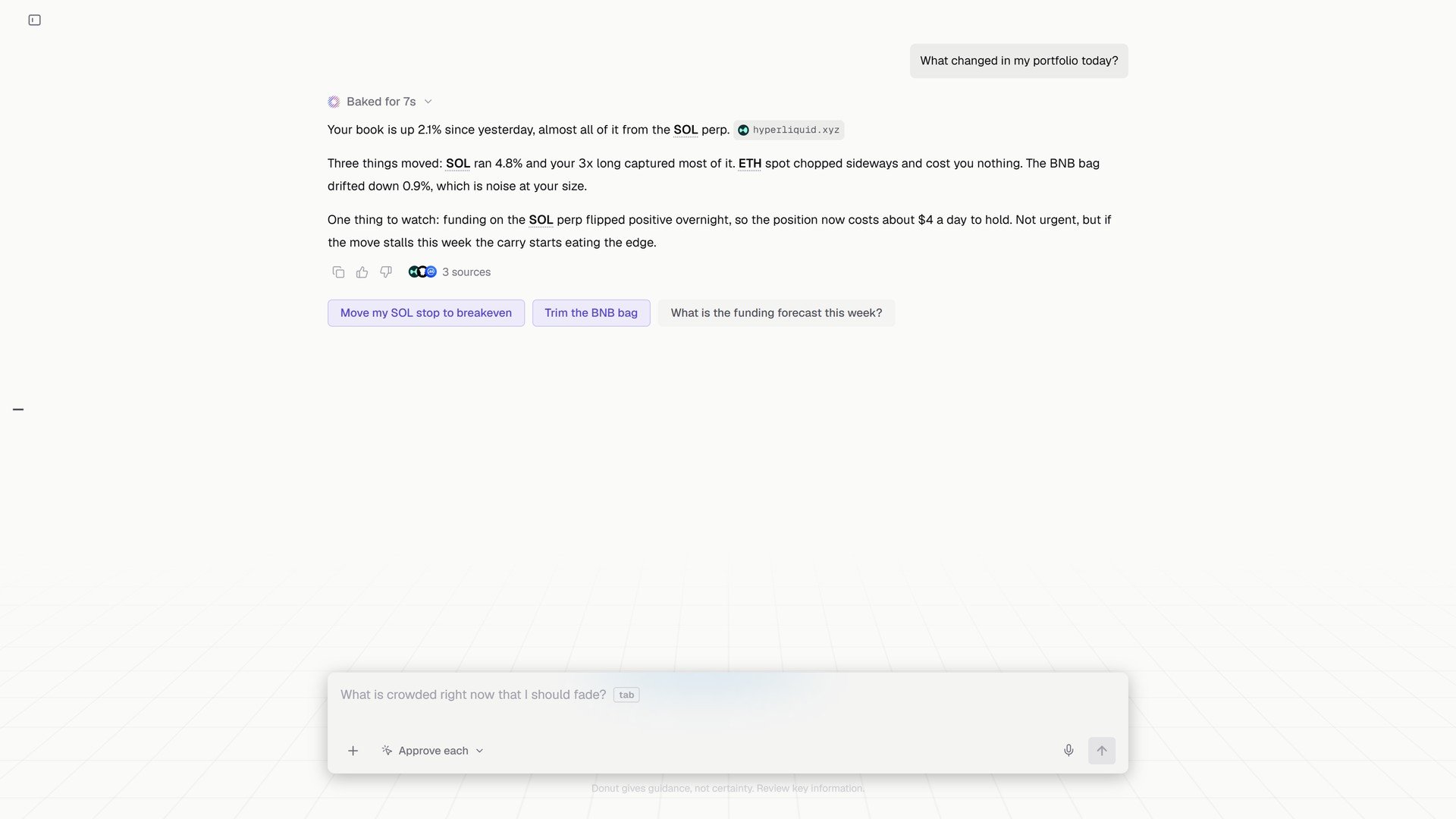
A question answered in the same chat: what changed in the portfolio today, and three follow-ups.
Chat-built automations are informational unless you give them an action path. To let D0 trade a rule, run a strategy from the Strategy Library, which requires a daily loss cap, or set an explicit boundary for automated execution. See Automated Trading.
Price alerts
Simple threshold alerts (Alert me when SOL goes above $150) are the lightest automation. They appear in the same module and fire to the chat, the Inbox, and Telegram if connected. See Price Alerts.Tips
What’s next
- Strategy Library: automations that trade
- Price Alerts
- Scheduled Automations: worked examples