
问一次,拿结果
对话首页以 What would you like to discover today? 开场,输入框写着 Ask D0 or describe an automation。旁边的 Approve each 决定自动化每次行动前是否先问你。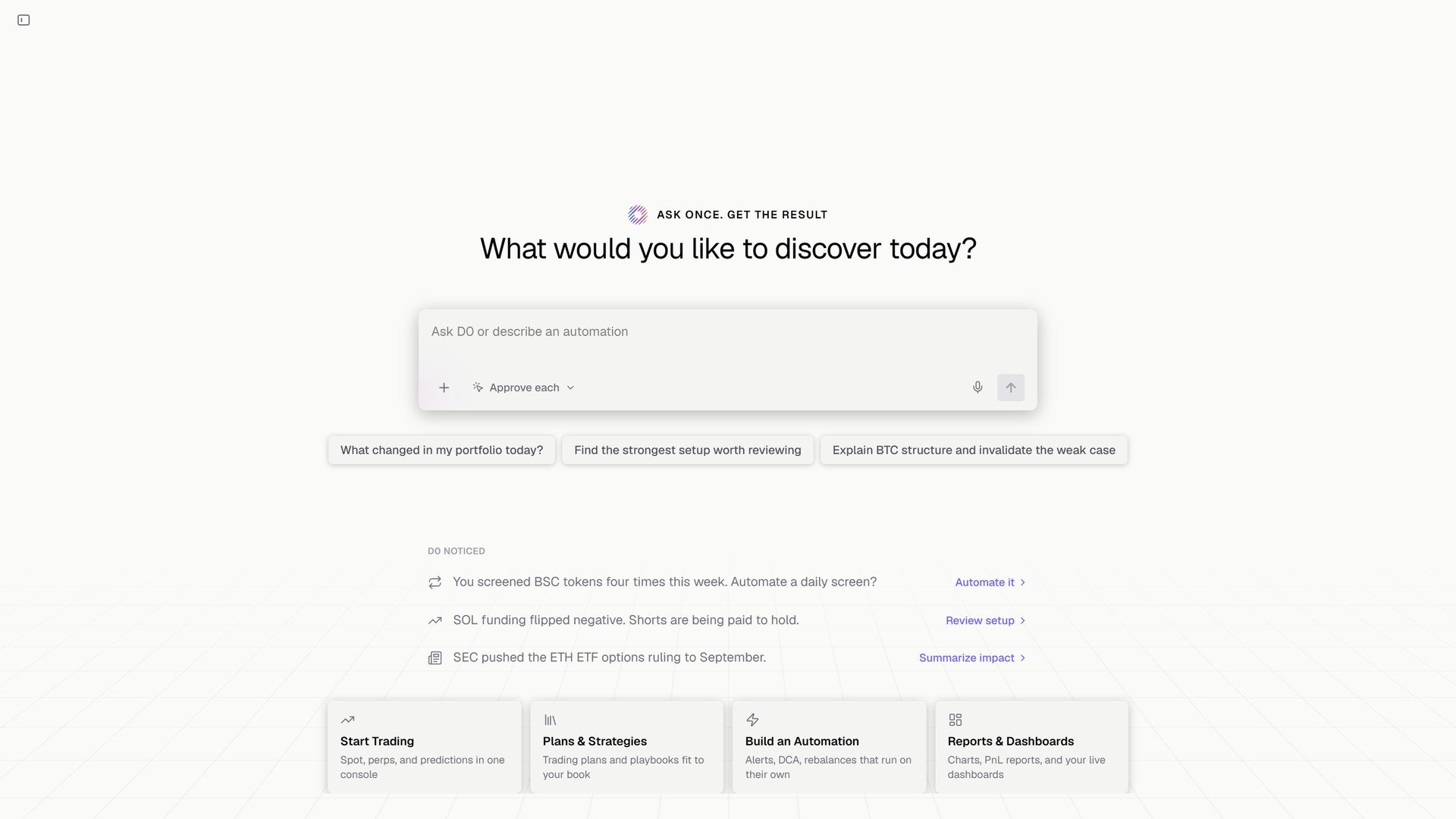
对话首页,下方是 D0 noticed。
描述一条规则
你: Set up an automation to monitor Solana for a long entry setup, when a sharp selloff reaches a defined support level and a reversal candle prints a long lower wick showing buyers stepping in, then closes back above support. When the setup confirms, alert me with the support level, a suggested entry, a stop below the wick low, and a target. D0: Set up SOL wick-reversal long setup. It checks closed 15-minute SOL spot candles every 15 minutes, using the lowest low of the prior 20 candles as support. It flags a ≥2% selloff over four candles into support, followed by a candle that closes back above support with a lower wick at least as long as its body. The alert suggests entry at that candle’s close, a stop 0.1% below its low, and a target at 2R. It’s informational only and will not trade; qualifying newly confirmed setups may alert again on later checks.D0 拿到你这句话之后做的事:
- 询问它需要的信号规则和触发阈值,或用建议默认值填上。
- 把规则复述给你:频率、数据源、确切条件、提醒内容、投递到哪里。
- 把自动化加进 Automation 模块,你可以在那里暂停或重新启用。
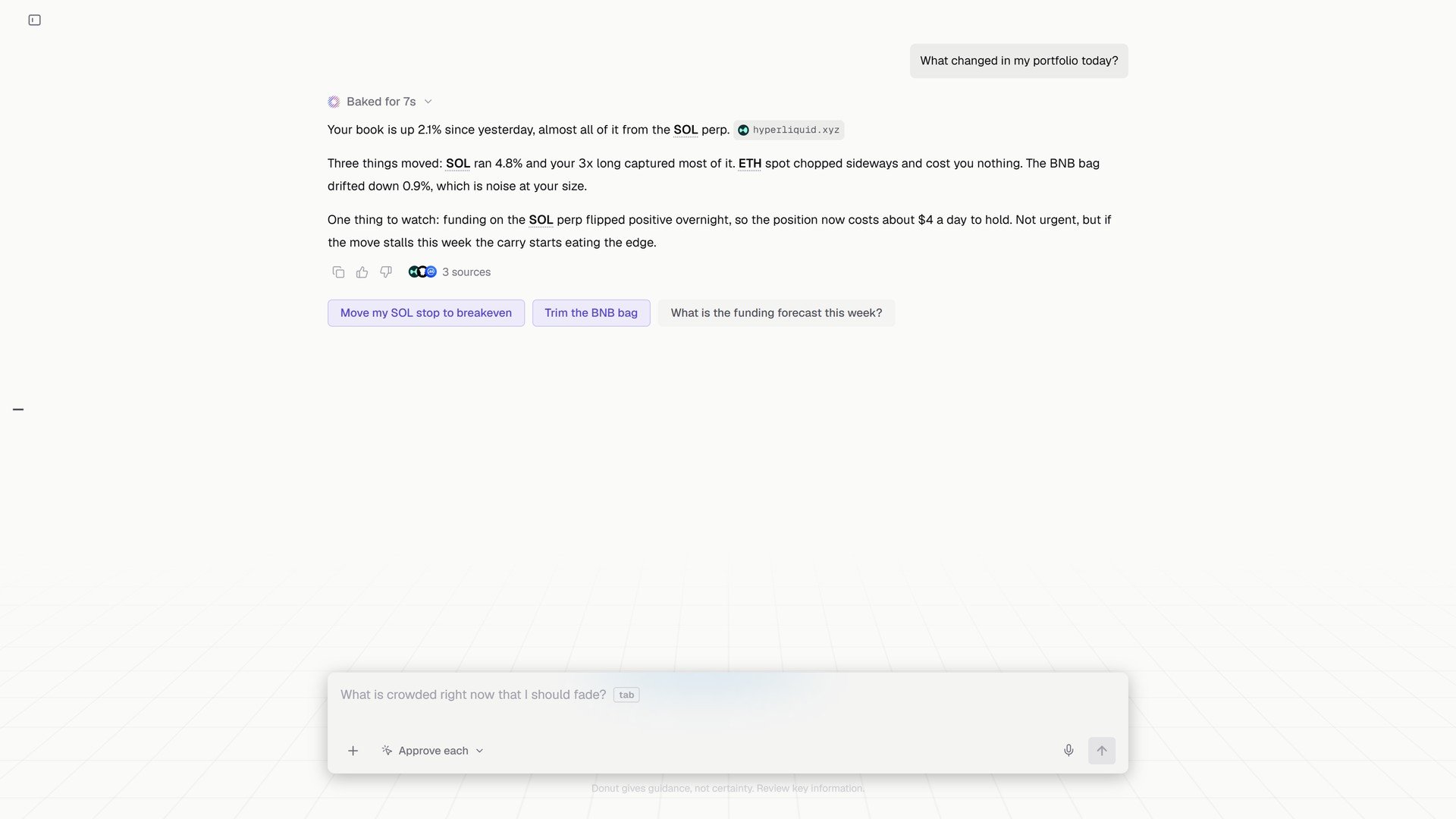
同一个对话里回答的问题:今天组合变了什么,以及三个后续操作。