
The gift is tied to the Discord account you connect, and each gift redeems once. There’s no card and no payment involved.
Step 1: Sign in to D0
Open d0.getdonut.ai and sign in with Continue with Google, Continue with X, or Continue with email. If you don’t have an account yet, follow Create an Account first.Step 2: Connect Discord
The Welcome to D0 screen has a Connect Discord row at the bottom: Check if you’re eligible for rewards. Click it.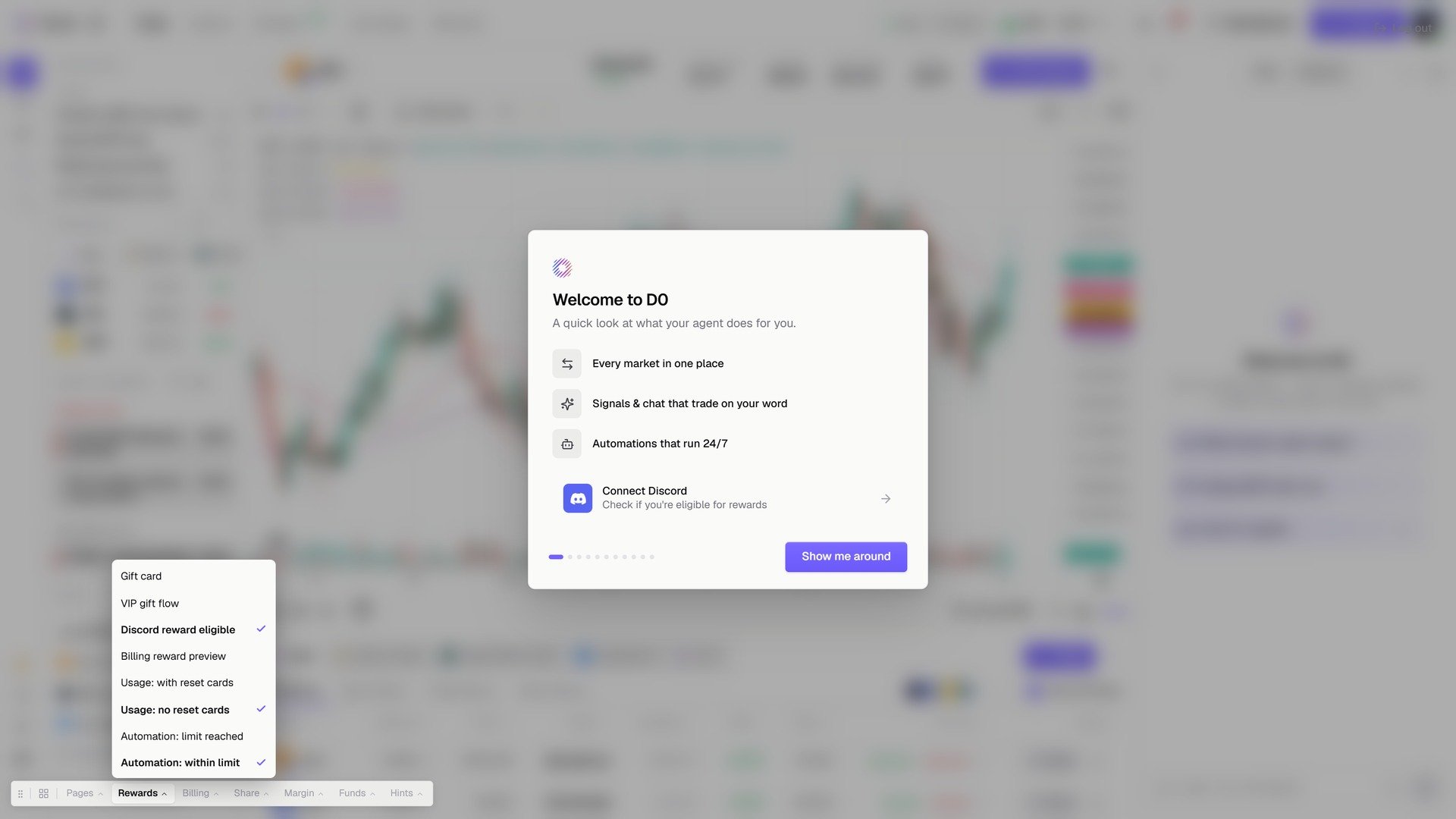
Connect Discord on the welcome screen.
Connecting is what makes the check possible: D0 reads your legacy role in the Donut server to work out how much free Pro time you get.
Step 3: Claim your gift
Back in D0 you’ll see Thanks for being with us since day one. Click Claim your gift.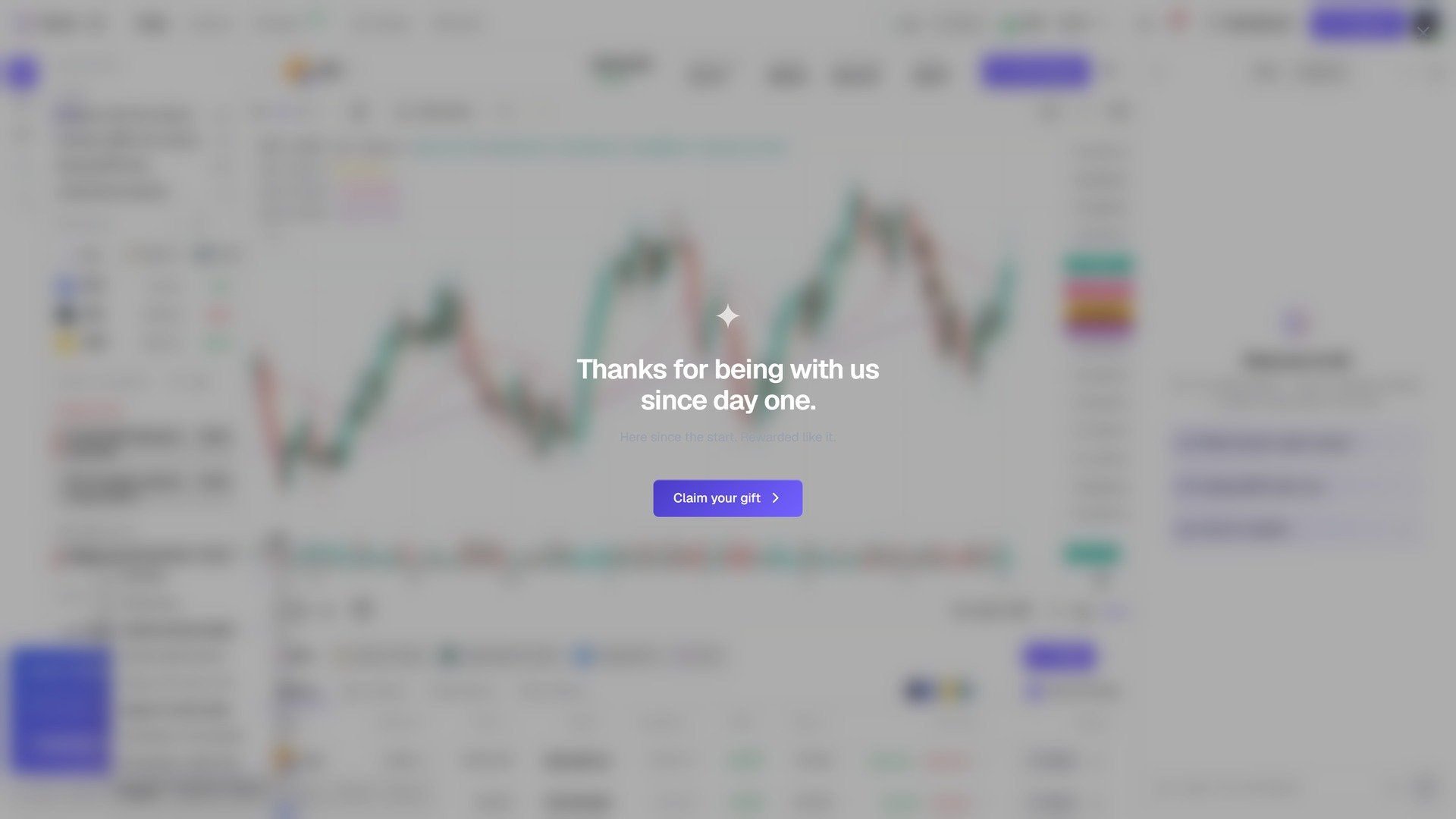
Thanks for being with us since day one.
Step 4: Scratch the card
Your gift card shows the free duration you qualified for. Scratch the panel to reveal your one-time redemption code.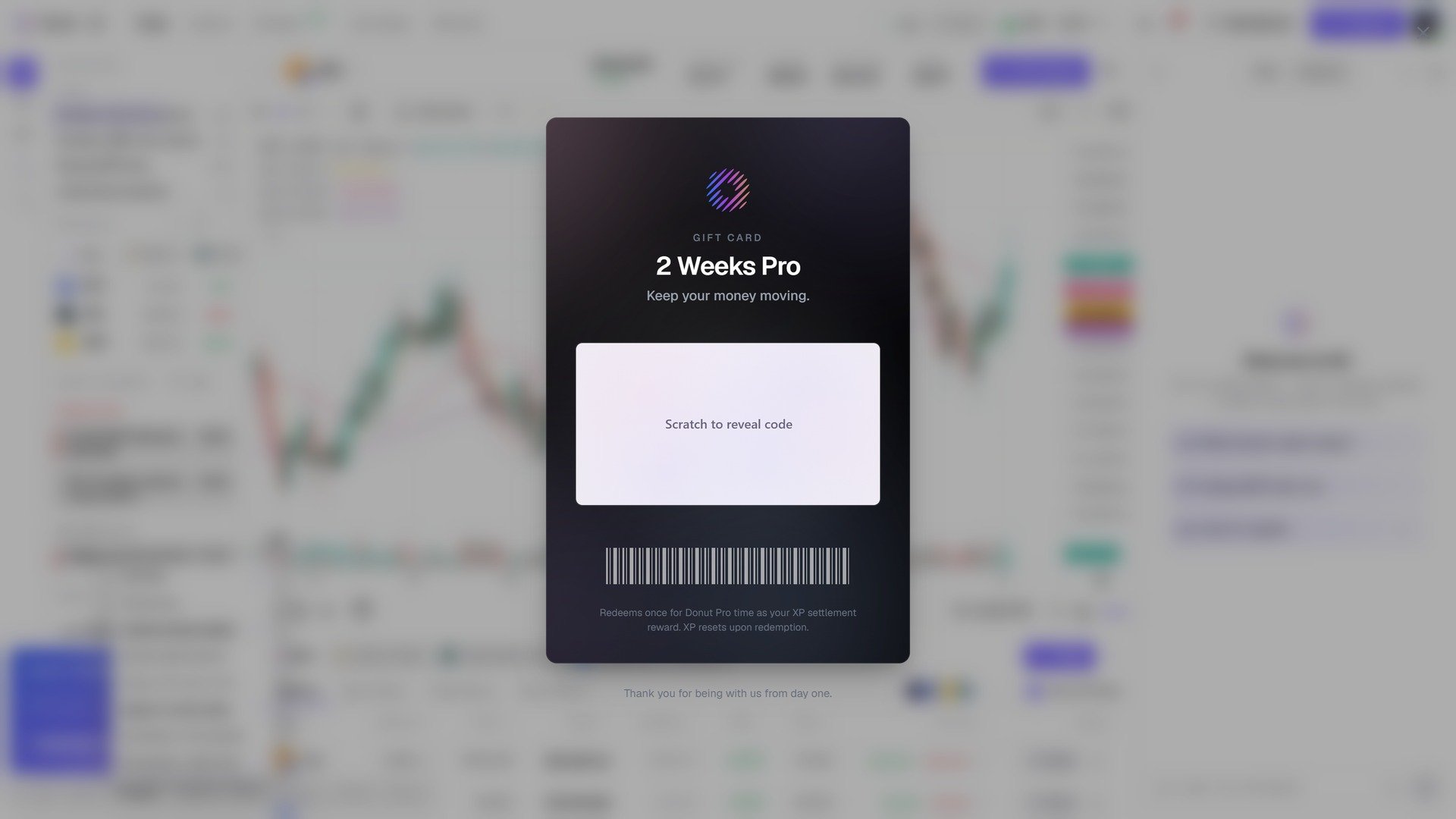
Scratch to reveal code.
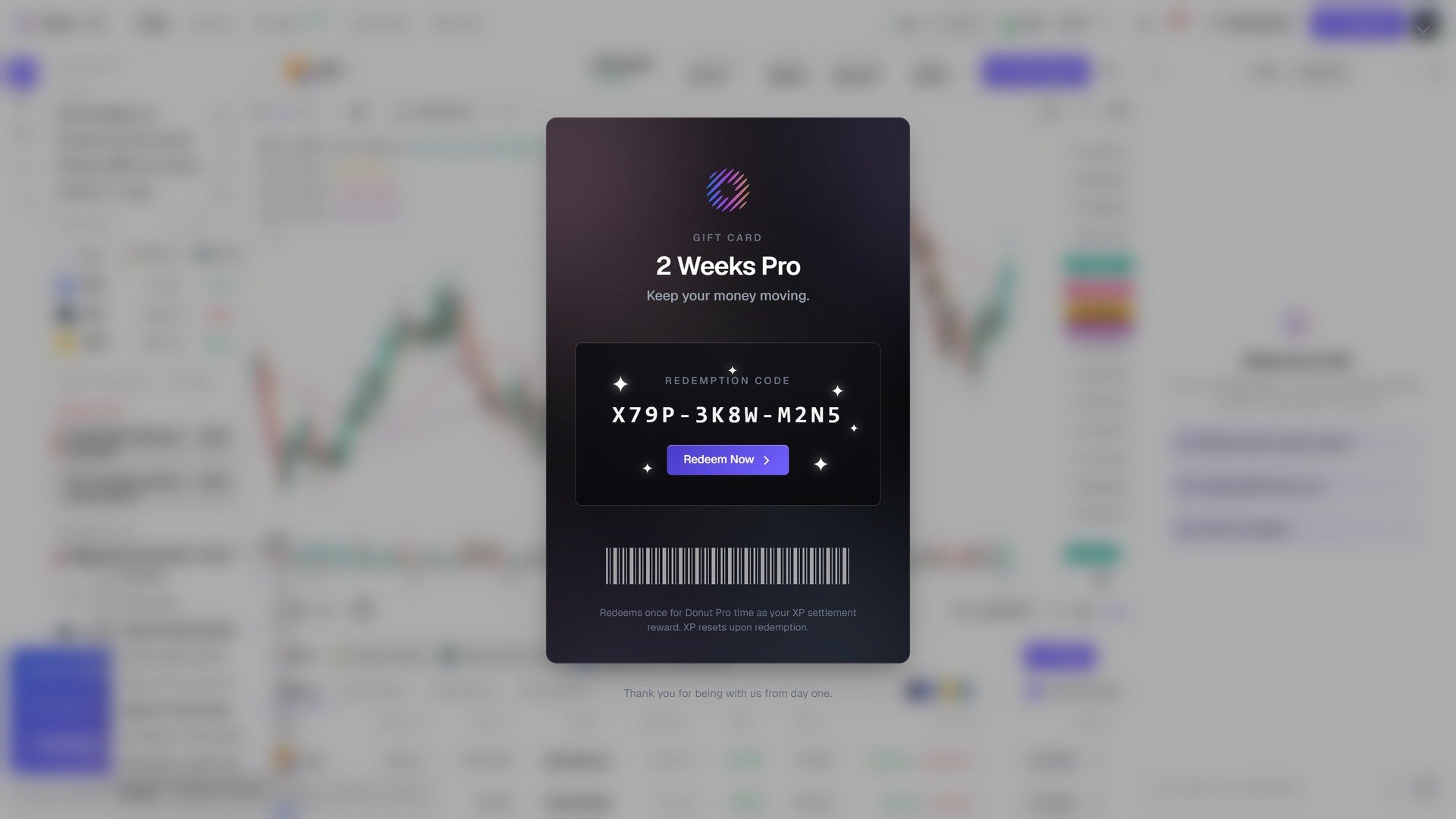
The redemption code, and Redeem Now.
Step 5: Pro unlocked
You’ll get a confirmation that your Pro time is now active. Click Enter D0 to go to the console.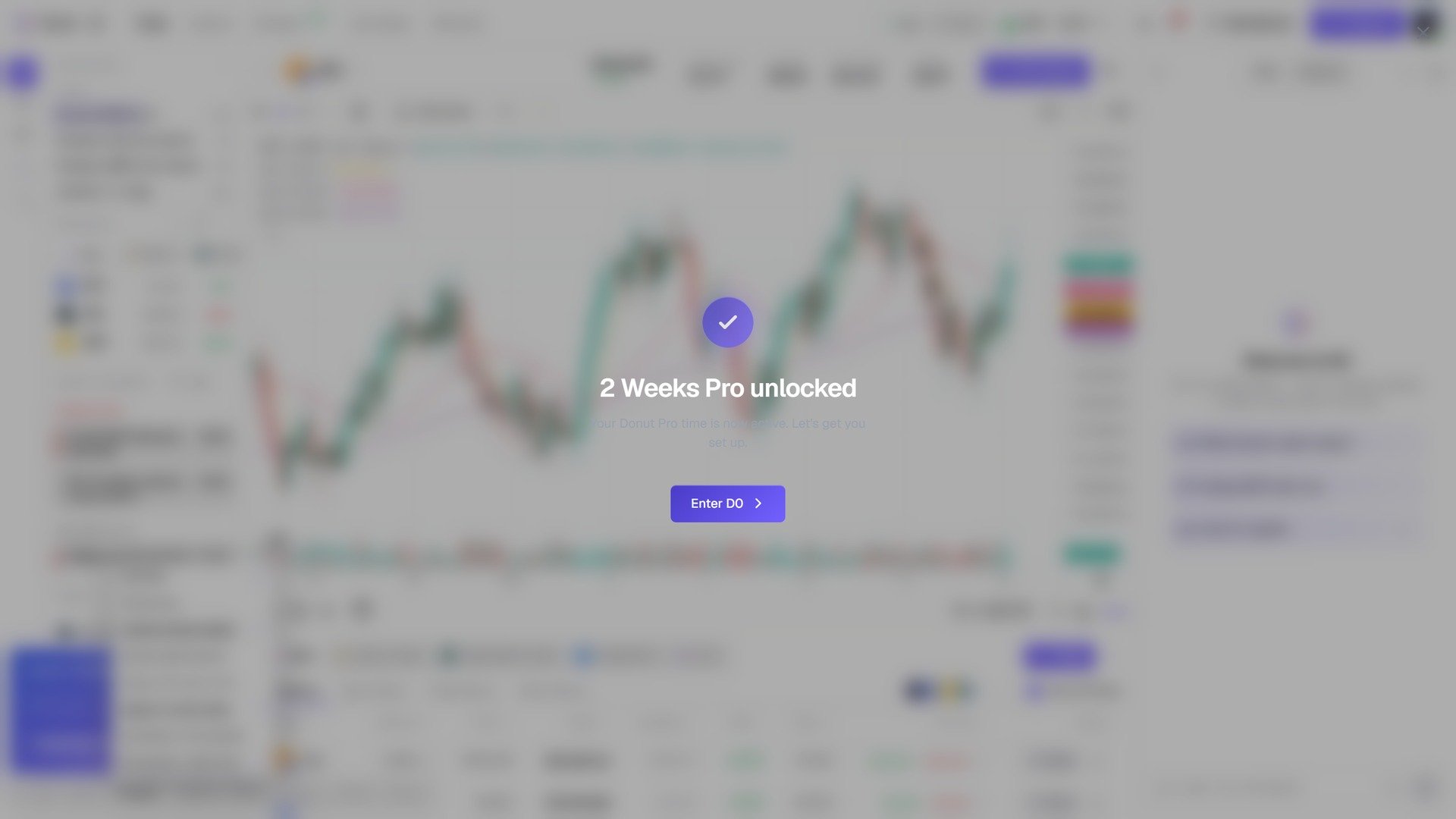
2 Weeks Pro unlocked.
After claiming
The Discord row on the welcome screen now reads Discord connected · Congratulations! Free reward applied, and your plan under Settings → Plan & Billing shows the Pro time. When you later subscribe, the gift carries over: the checkout shows your first charge on the date the gift ends.Troubleshooting
The Discord row says Not applicable at this time
The Discord row says Not applicable at this time
The gift only applies to Discord accounts that hold a qualifying legacy role in the Donut server, and only once per account. If you believe you qualify, make sure you authorized with the right Discord account.
I connected the wrong Discord account
I connected the wrong Discord account
On the Discord authorization screen, click Not you? to sign in with the account that holds your legacy role, then authorize again.
It says the gift has already been claimed
It says the gift has already been claimed
Each gift redeems once. If your Pro time isn’t showing under Settings → Plan & Billing after claiming, reach out in the Donut Telegram.