
Account
Display name, email, and Connected accounts: Telegram, X, Discord, each with Connect or Disconnect. Connecting Telegram is how D0’s alerts and chat reach you there. See Connect Telegram.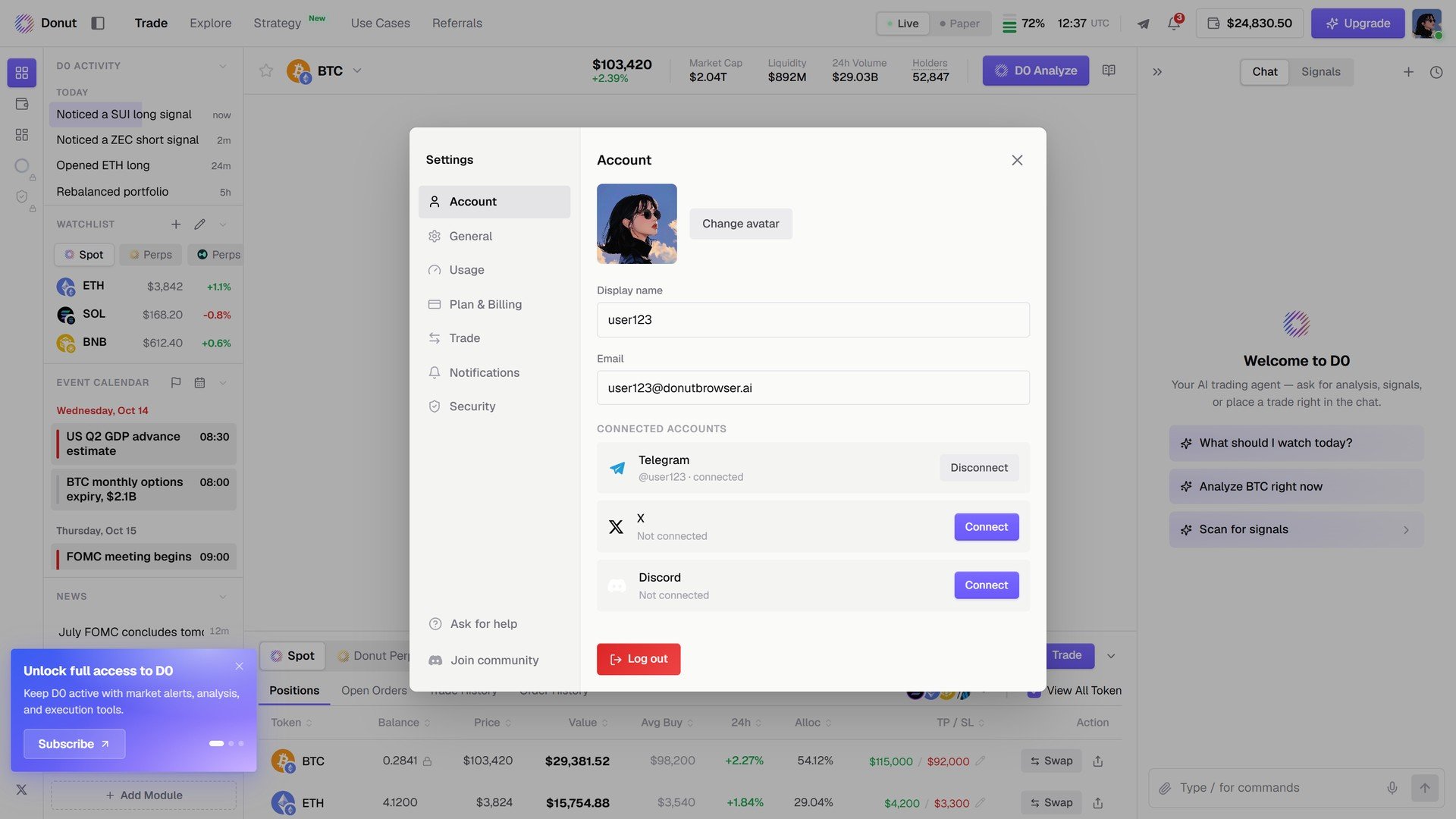
Account.
Usage
Your plan’s limits and how much is left: Chat (daily) and Automation (monthly), with the reset time.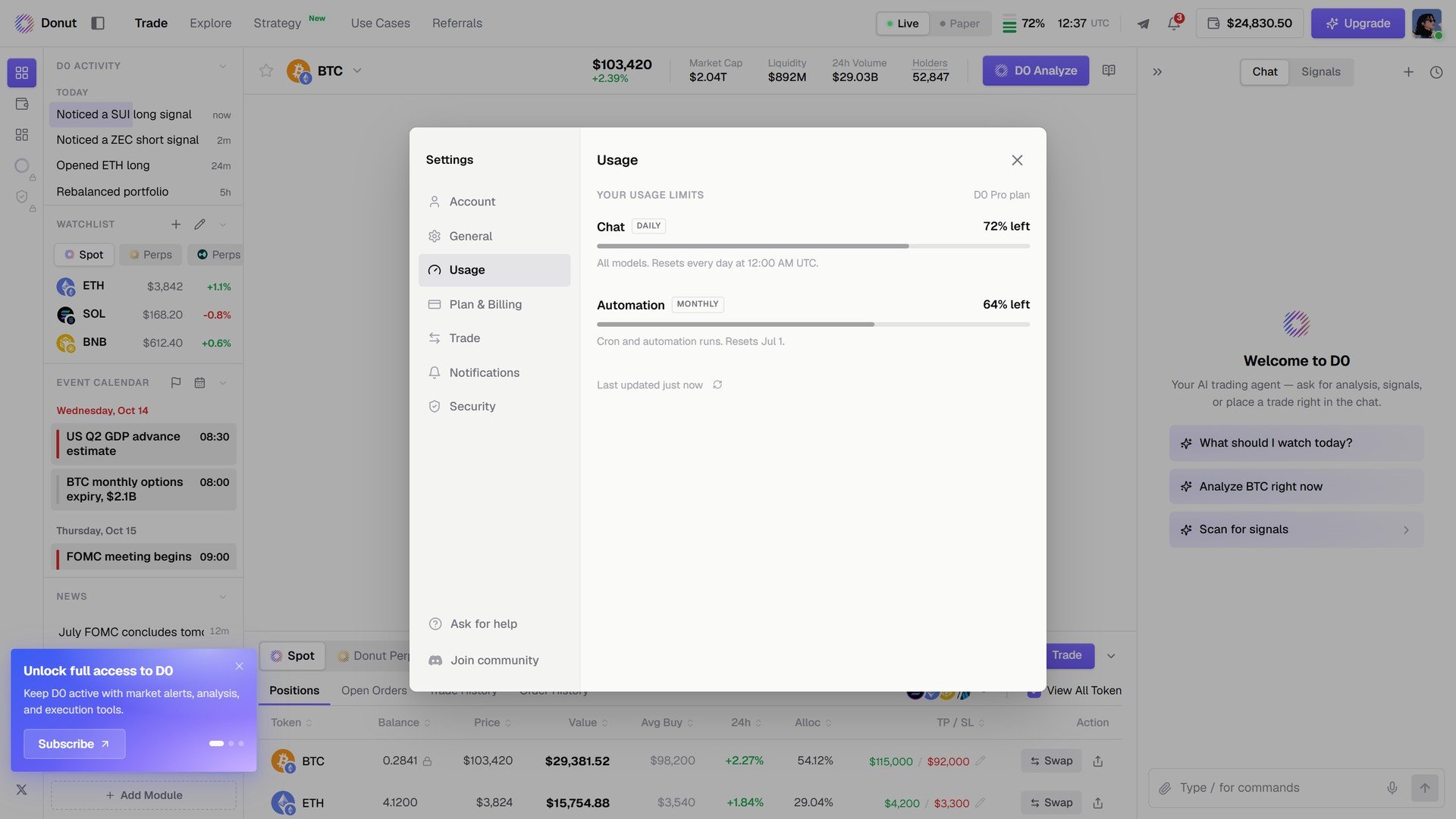
Usage.
Plan & Billing
Your current plan and its renewal date, Change plan / Cancel plan, the payment method on file (card or crypto), the billing email, and the billing history. See Subscription Plans.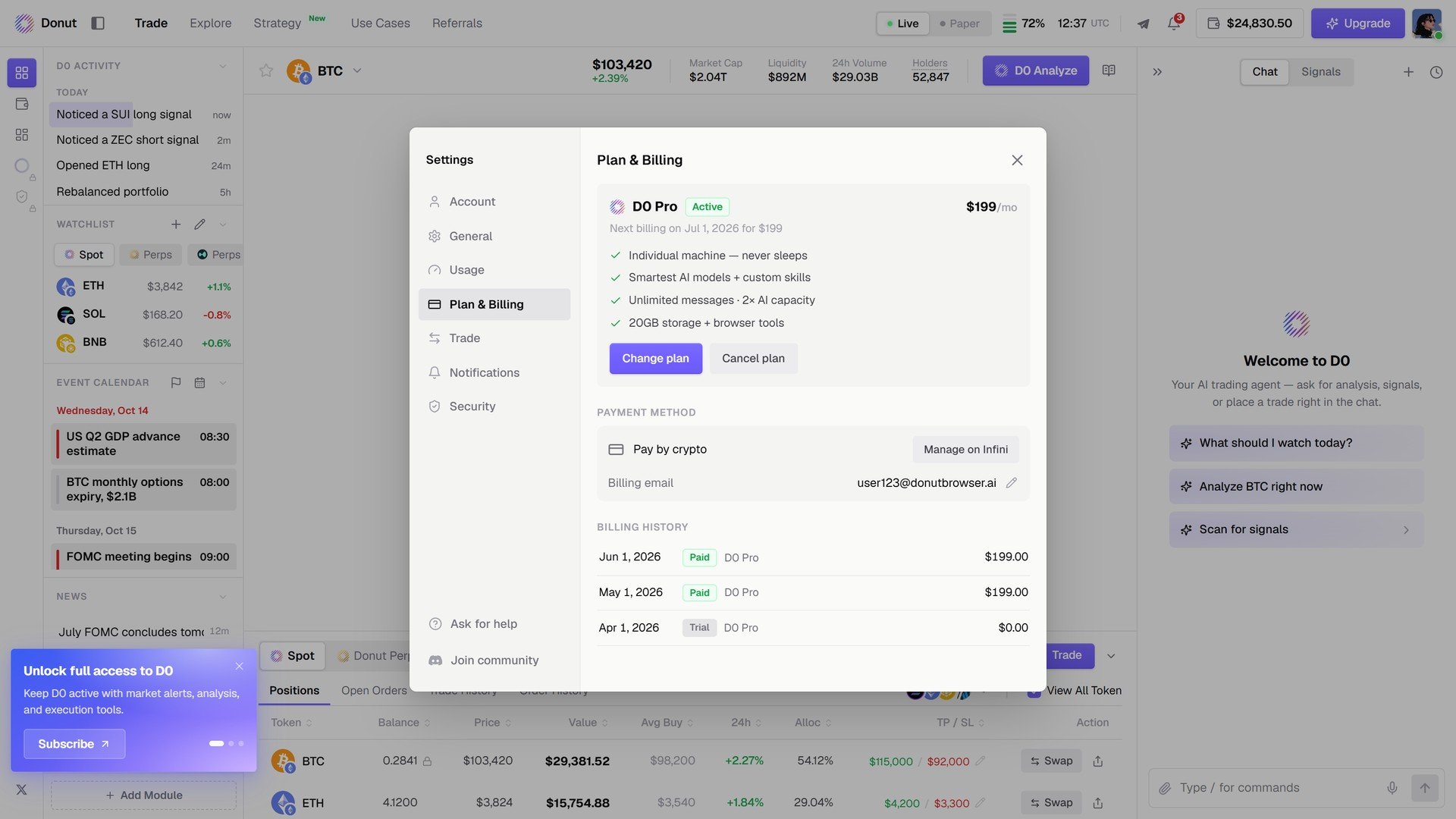
Plan & Billing.
Notifications
Signals: one toggle per source, Signals, On-chain Moves, Polymarket Opportunities, Thorp Momentum, Thorp Funding Carry. Alerts: transactional notices are always delivered. Muted: assets you have silenced. See Signals.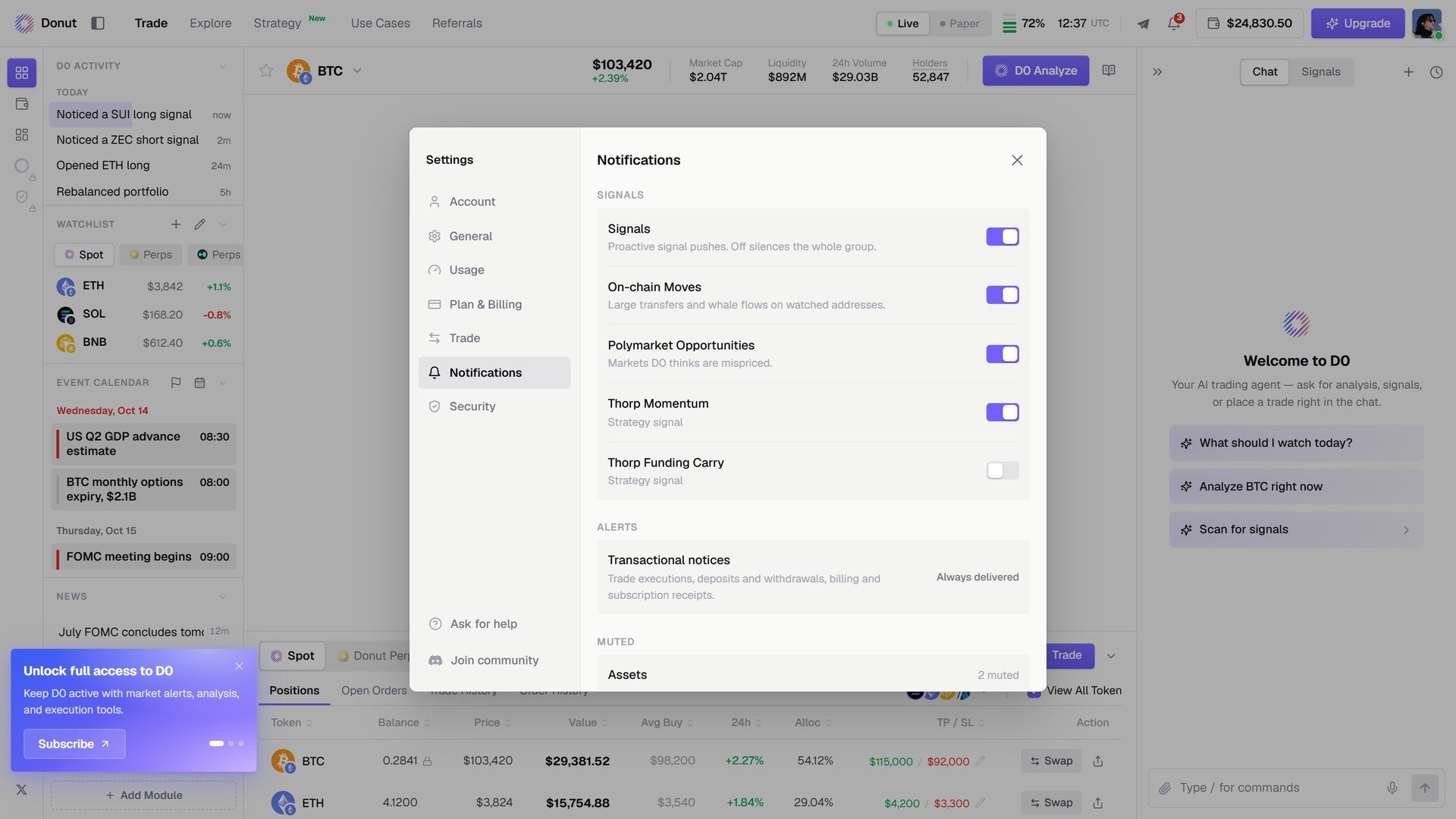
Notifications.
Security
Two-factor authentication and Active sessions with a Revoke per device and Sign out of all devices. See Security & Compliance.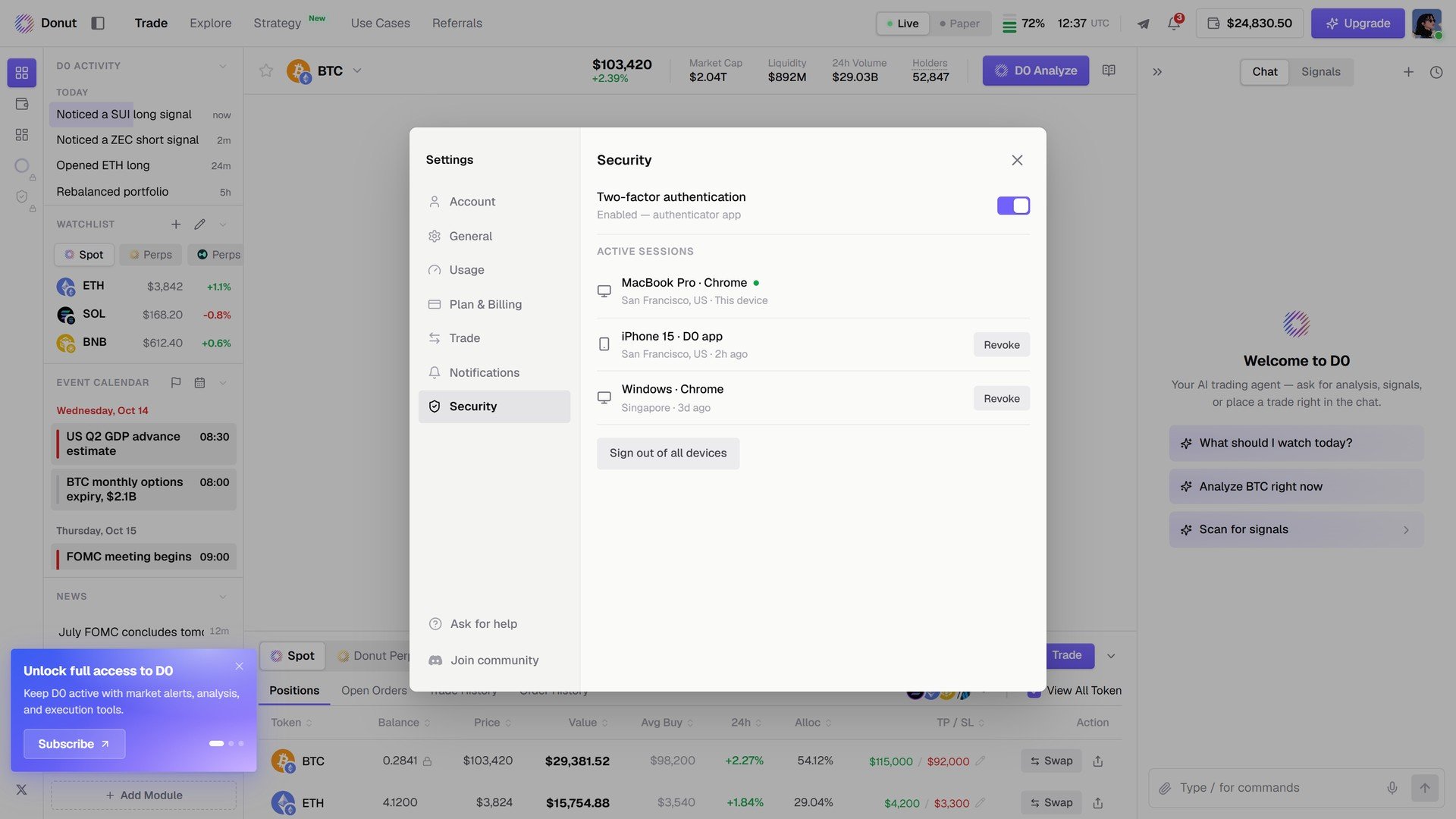
Security.