
Account
显示名、邮箱,以及 Connected accounts:Telegram、X、Discord,各有 Connect 或 Disconnect。连接 Telegram 之后,D0 的提醒和对话会在那里找到你。见连接 Telegram。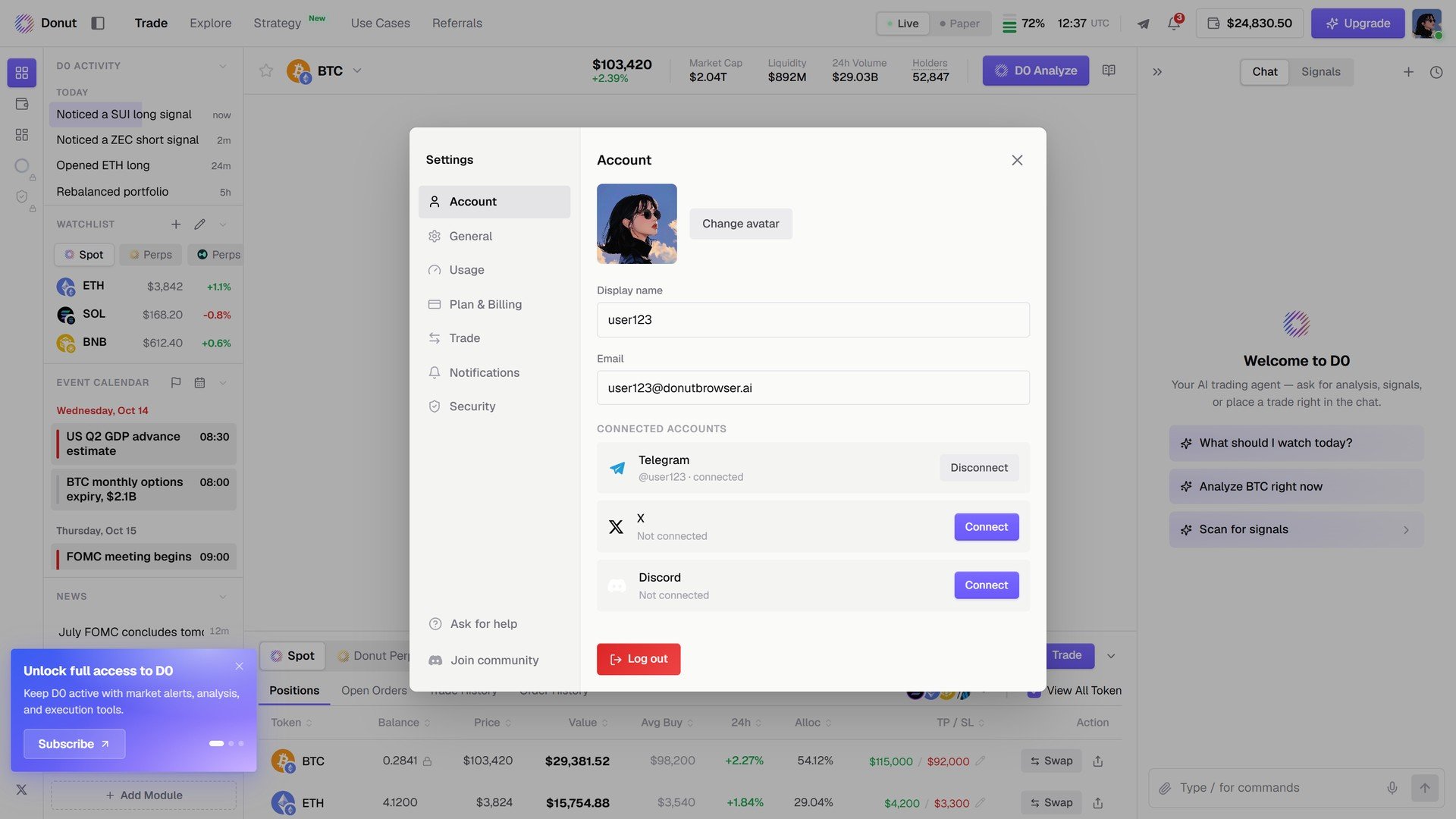
Account。
Usage
你方案的额度和剩余:Chat(按日)和 Automation(按月),附重置时间。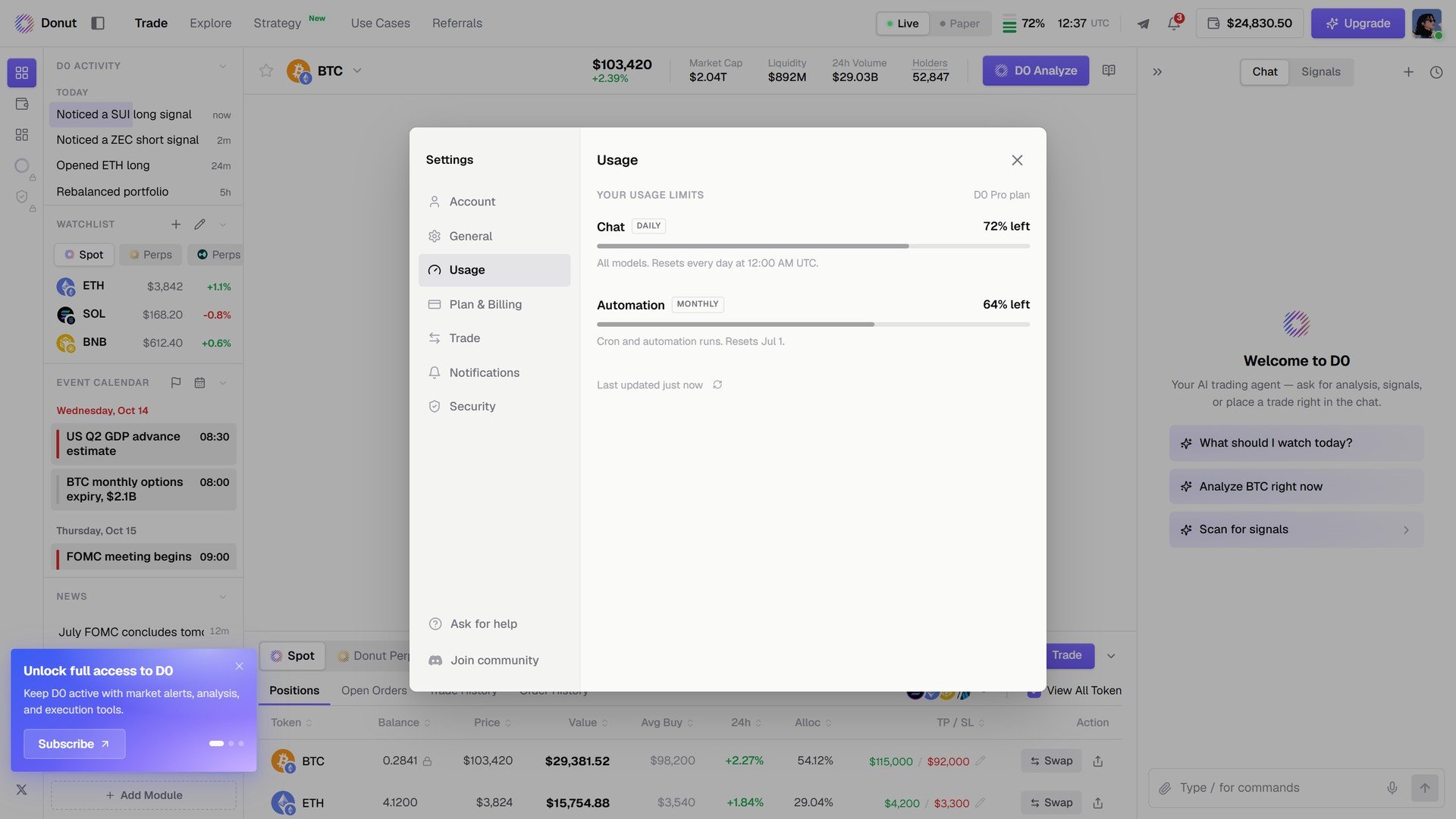
Usage。
Plan & Billing
当前方案和续费日期、Change plan / Cancel plan、存档的付款方式(卡或加密货币)、账单邮箱和账单历史。见订阅方案。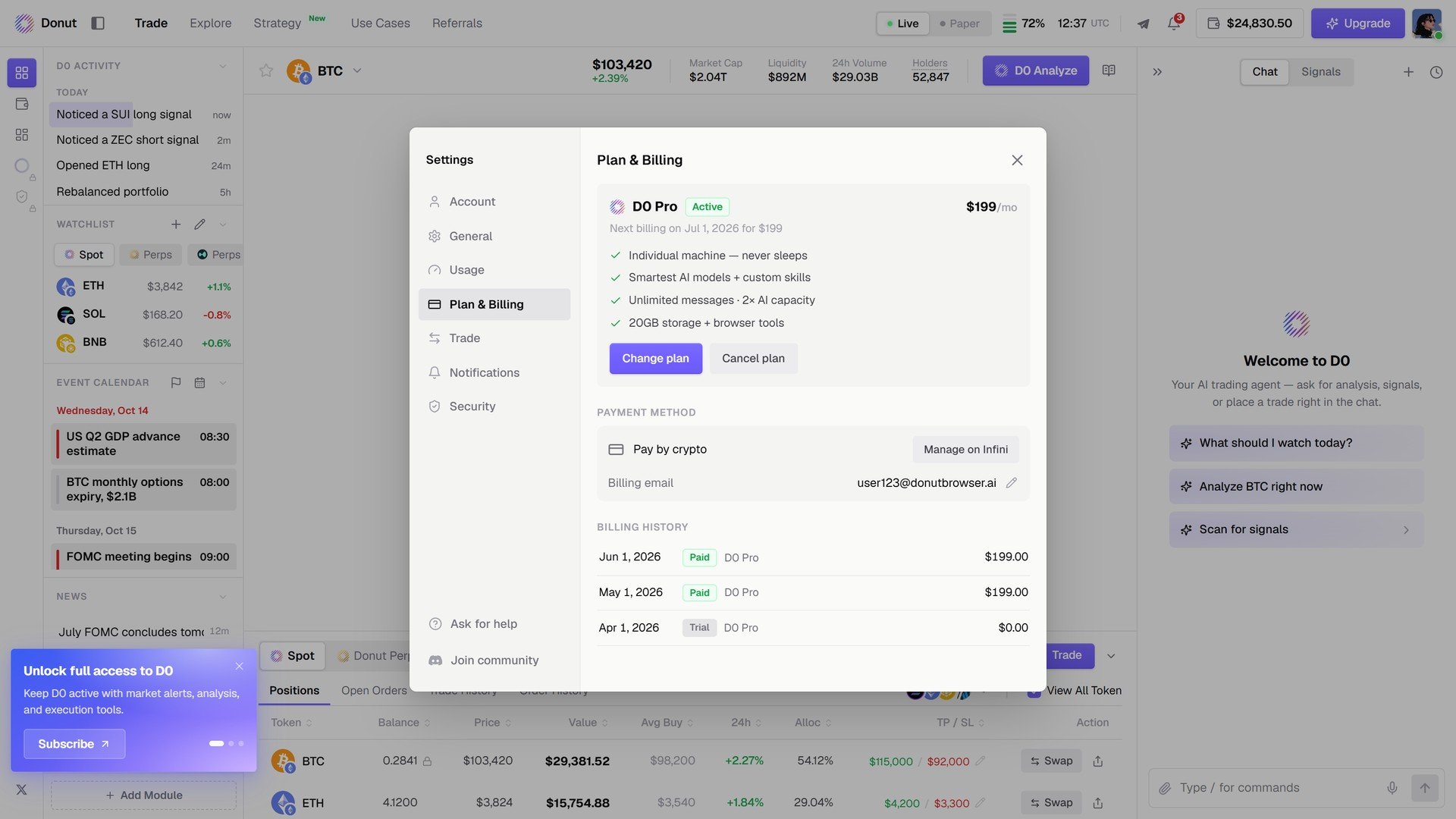
Plan & Billing。
Notifications
Signals:每个来源一个开关,Signals、On-chain Moves、Polymarket Opportunities、Thorp Momentum、Thorp Funding Carry。Alerts:交易类通知始终投递。Muted:你静音的资产。见信号。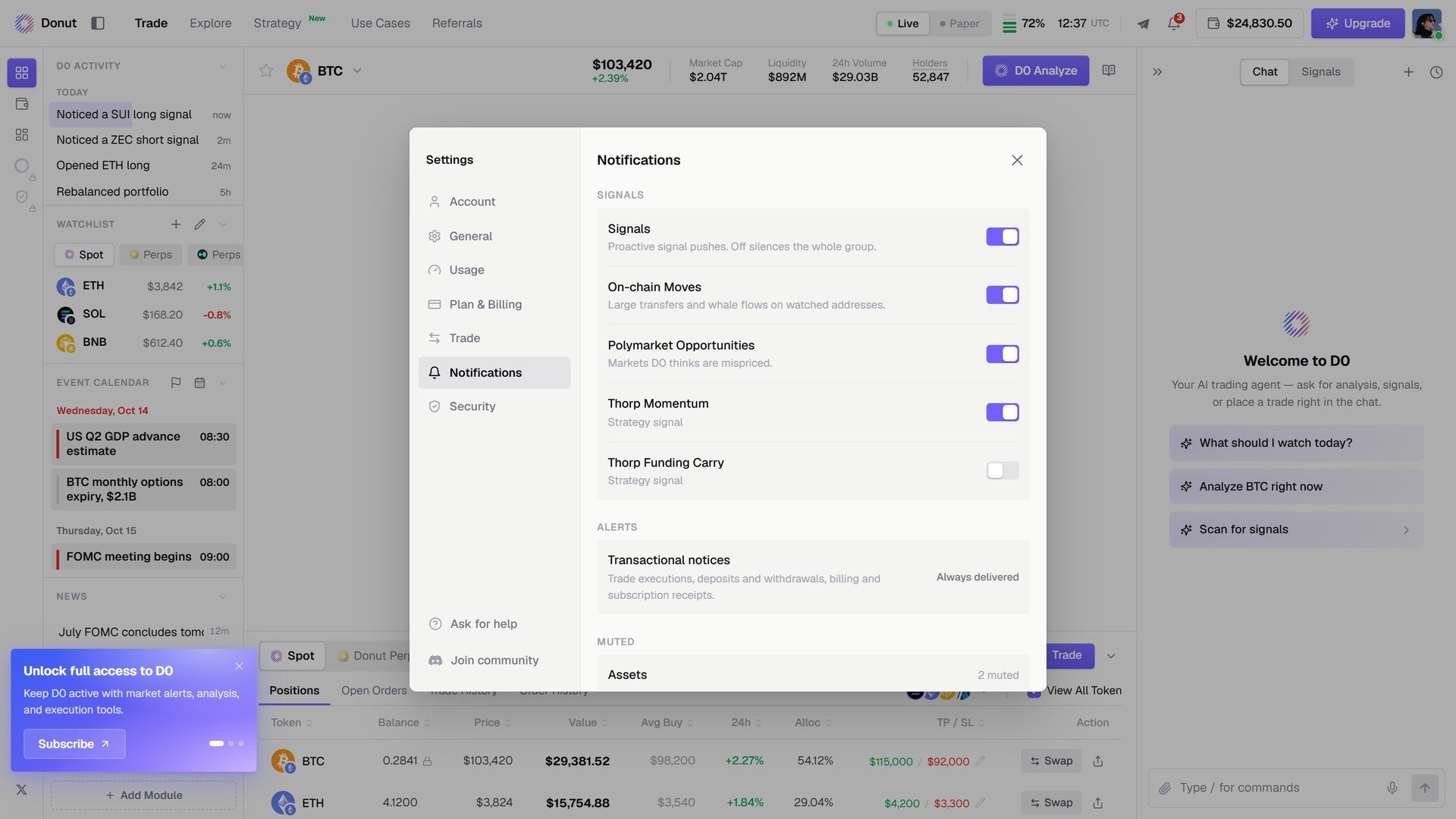
Notifications。
Security
Two-factor authentication,以及 Active sessions,每台设备一个 Revoke,还有 Sign out of all devices。见安全与合规。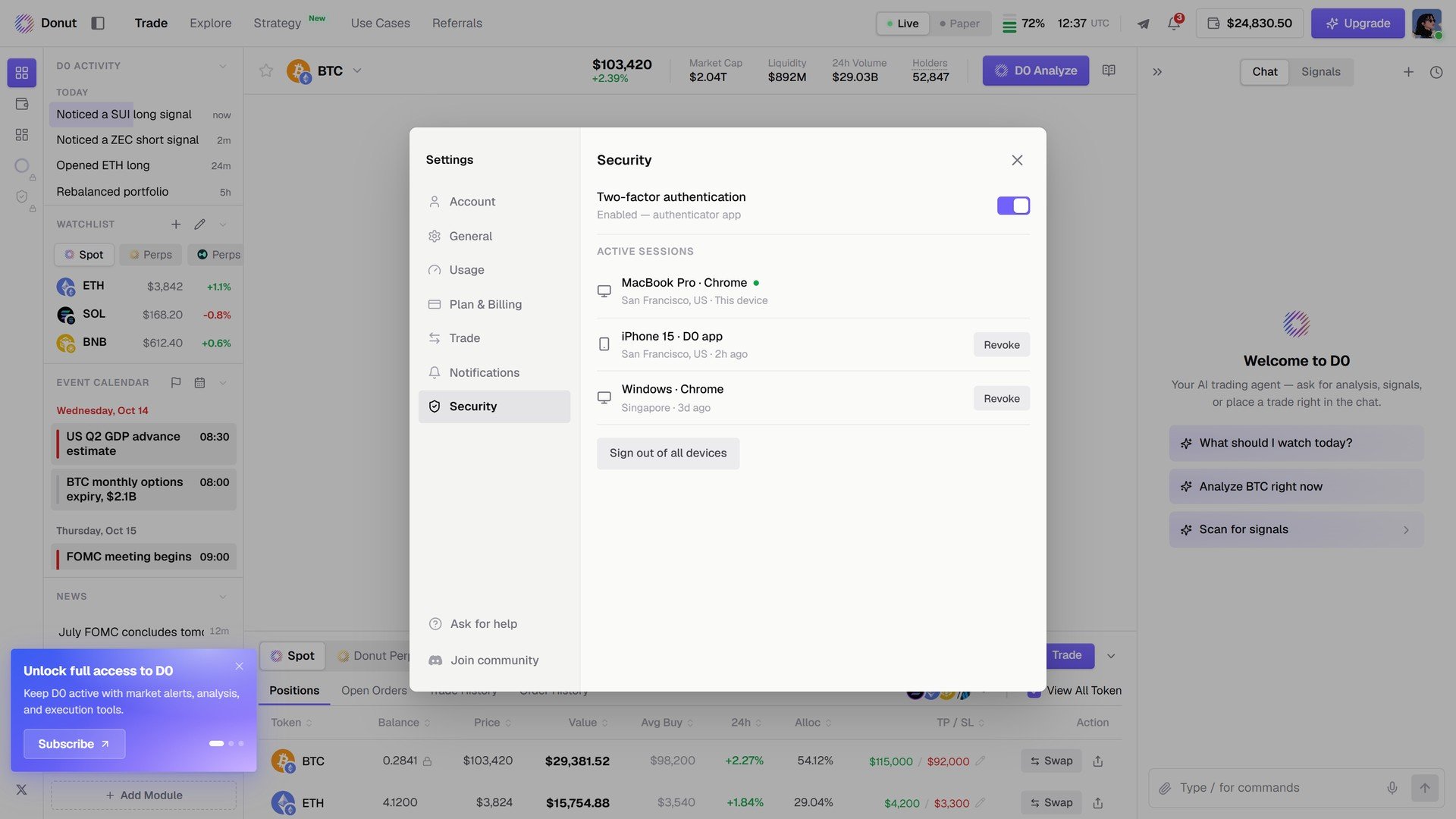
Security。