> ## Documentation Index
> Fetch the complete documentation index at: https://docs-d0.donutbrowser.ai/llms.txt
> Use this file to discover all available pages before exploring further.
# 设置
> 账户、用量、方案与账单、通知、安全。点顶栏的头像。
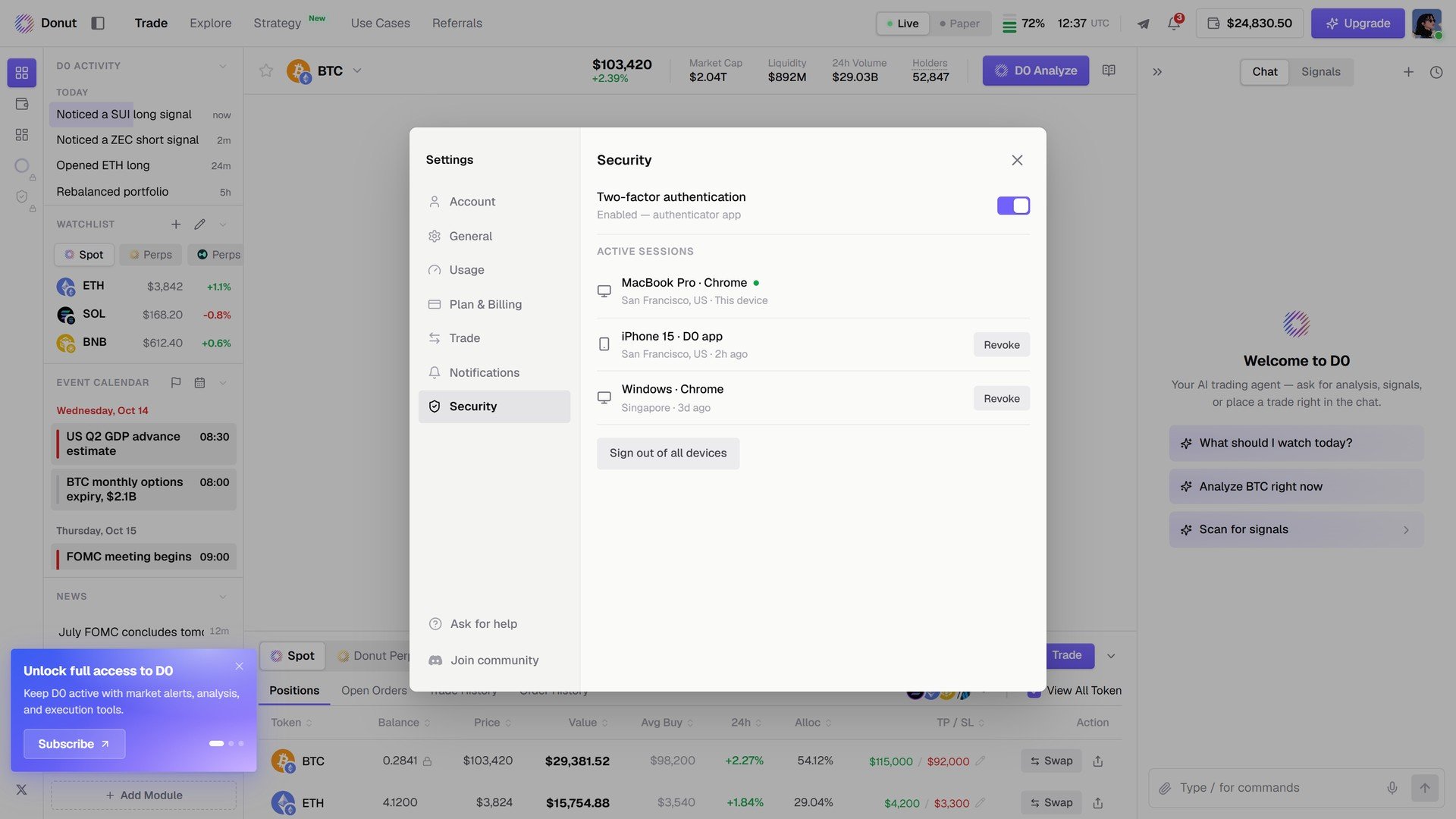
点任意页面右上角的头像。Settings 以弹窗打开,左栏七个区块:**Account**、**General**、**Usage**、**Plan & Billing**、**Trade**、**Notifications**、**Security**,底部是 **Ask for help**、**Join community** 和 **Log out**。
## Account
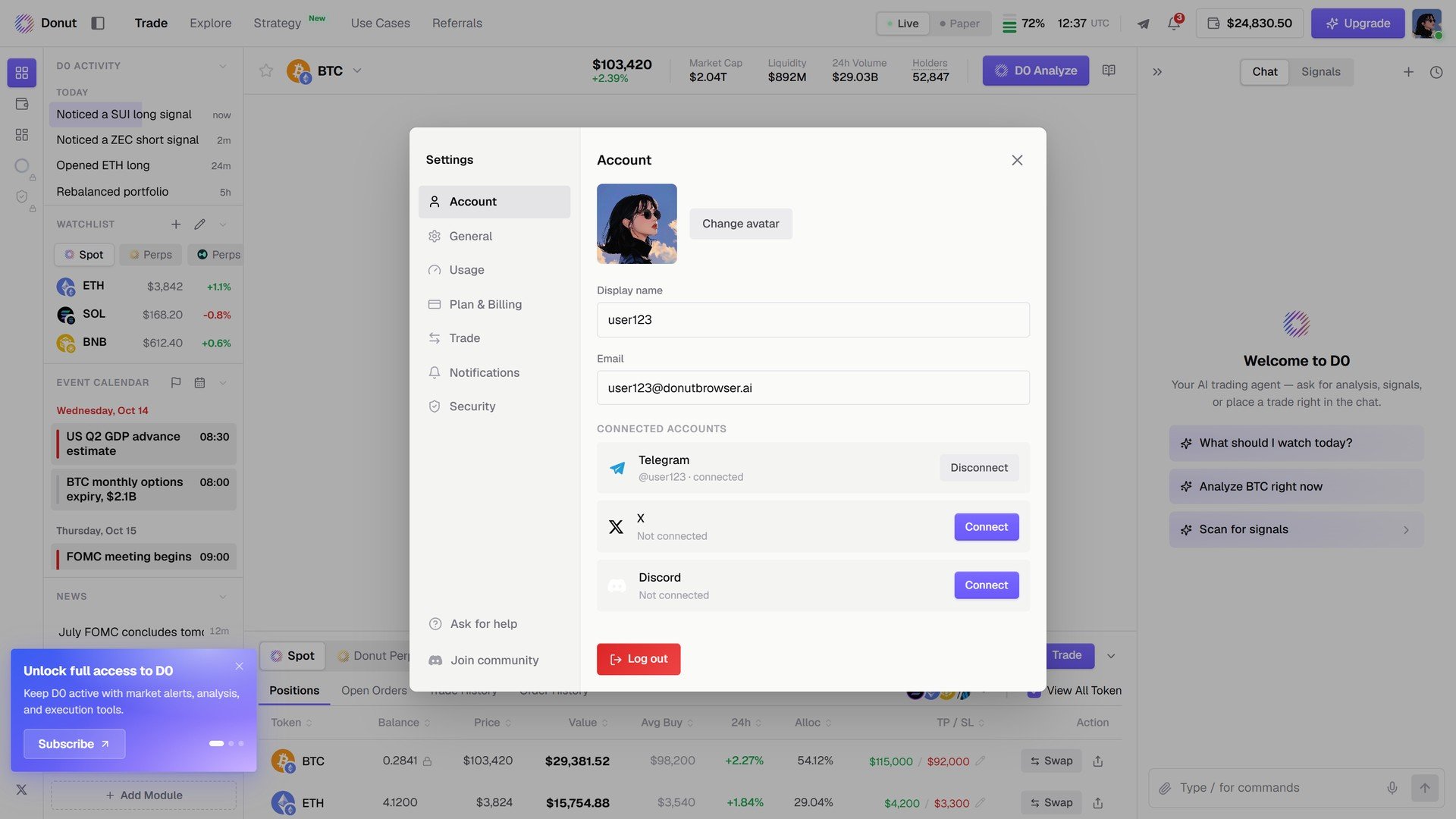
显示名、邮箱,以及 **Connected accounts**:**Telegram**、**X**、**Discord**,各有 **Connect** 或 **Disconnect**。连接 Telegram 之后,D0 的提醒和对话会在那里找到你。见[连接 Telegram](/zh/getting-started/deploy-bot)。
 ## Usage
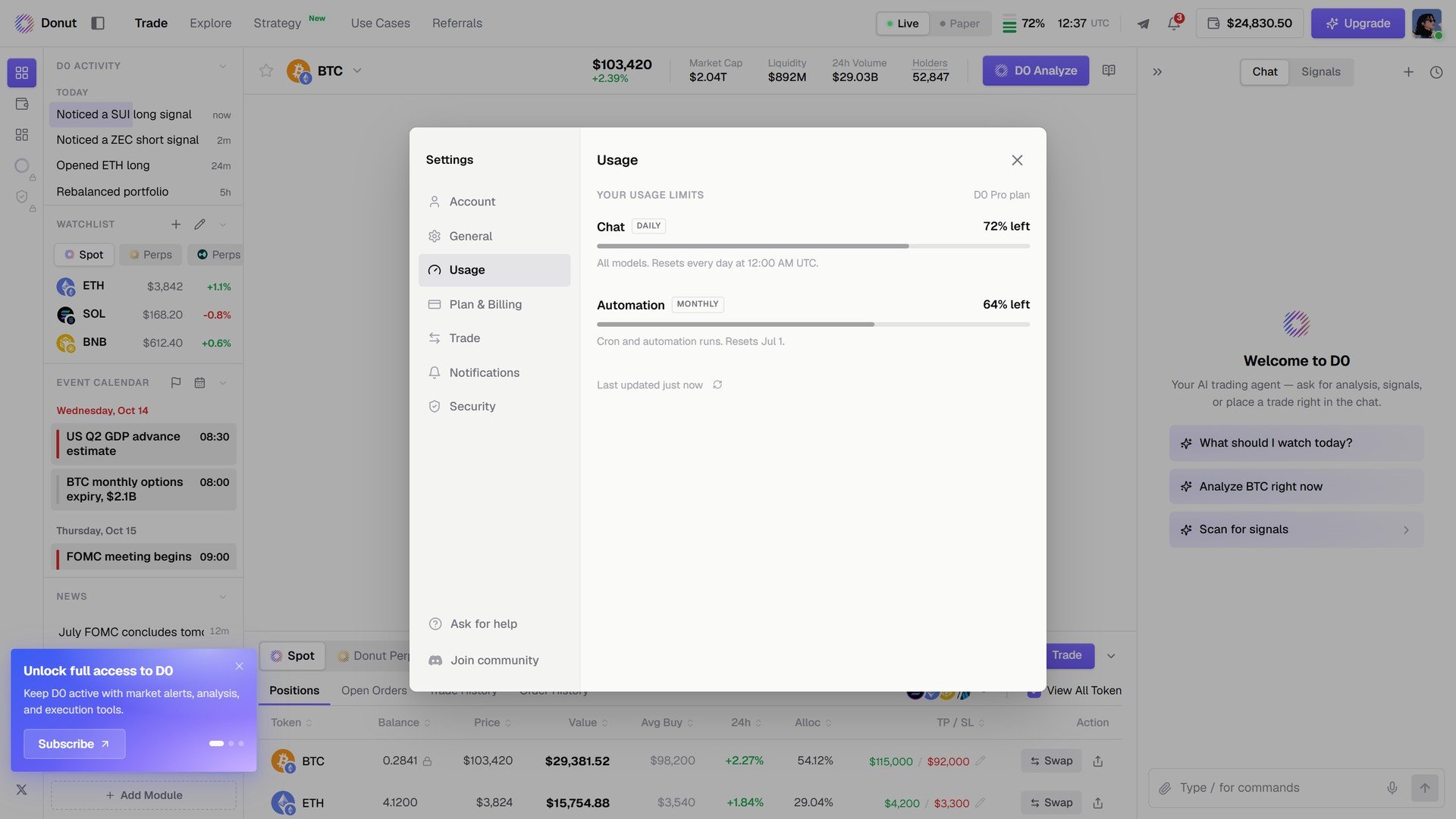
你方案的额度和剩余:**Chat**(按日)和 **Automation**(按月),附重置时间。
## Usage
你方案的额度和剩余:**Chat**(按日)和 **Automation**(按月),附重置时间。
 ## Plan & Billing
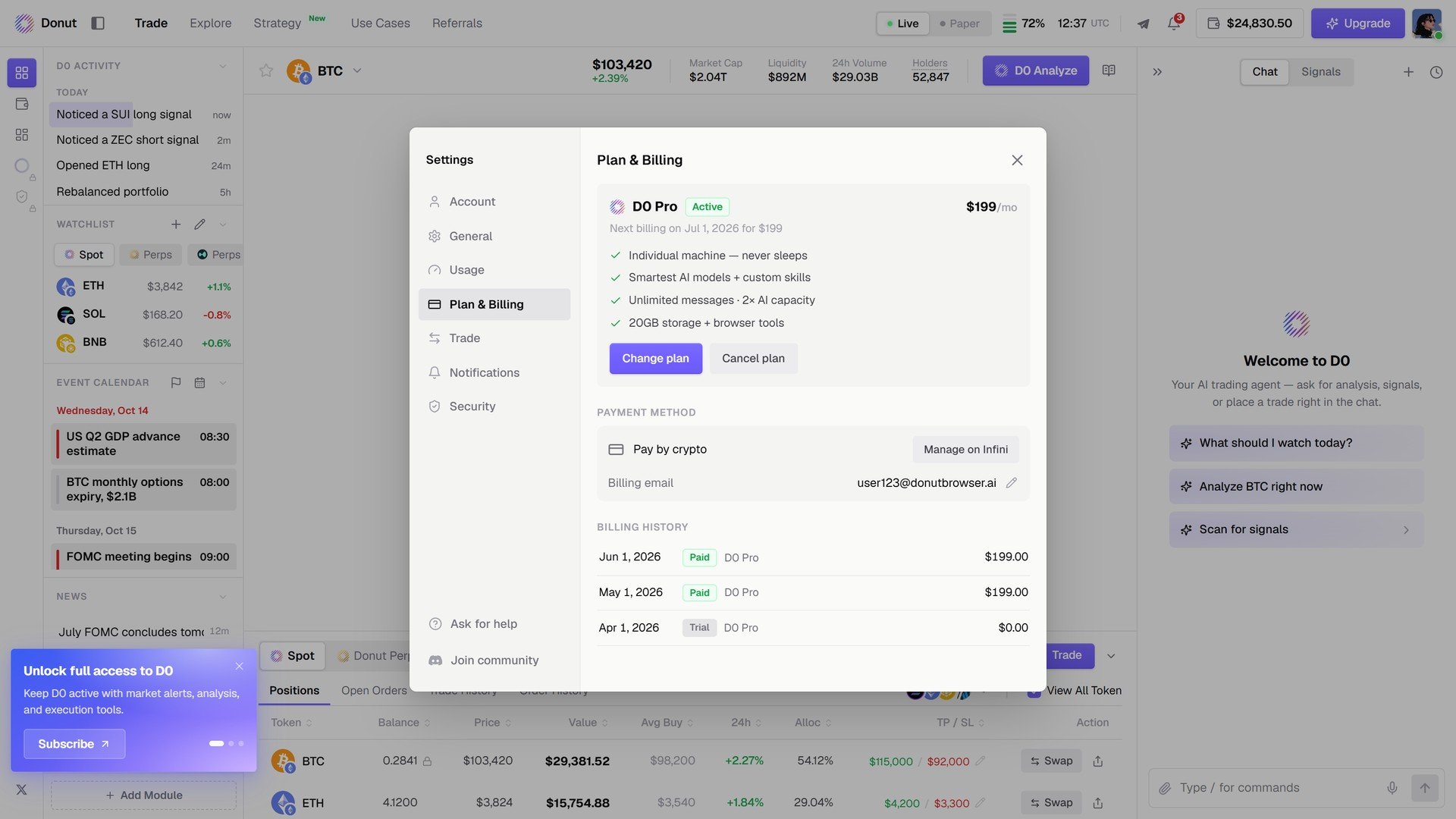
当前方案和续费日期、**Change plan** / **Cancel plan**、存档的付款方式(卡或加密货币)、账单邮箱和账单历史。见[订阅方案](/zh/reference/subscription)。
## Plan & Billing
当前方案和续费日期、**Change plan** / **Cancel plan**、存档的付款方式(卡或加密货币)、账单邮箱和账单历史。见[订阅方案](/zh/reference/subscription)。
 ## Notifications
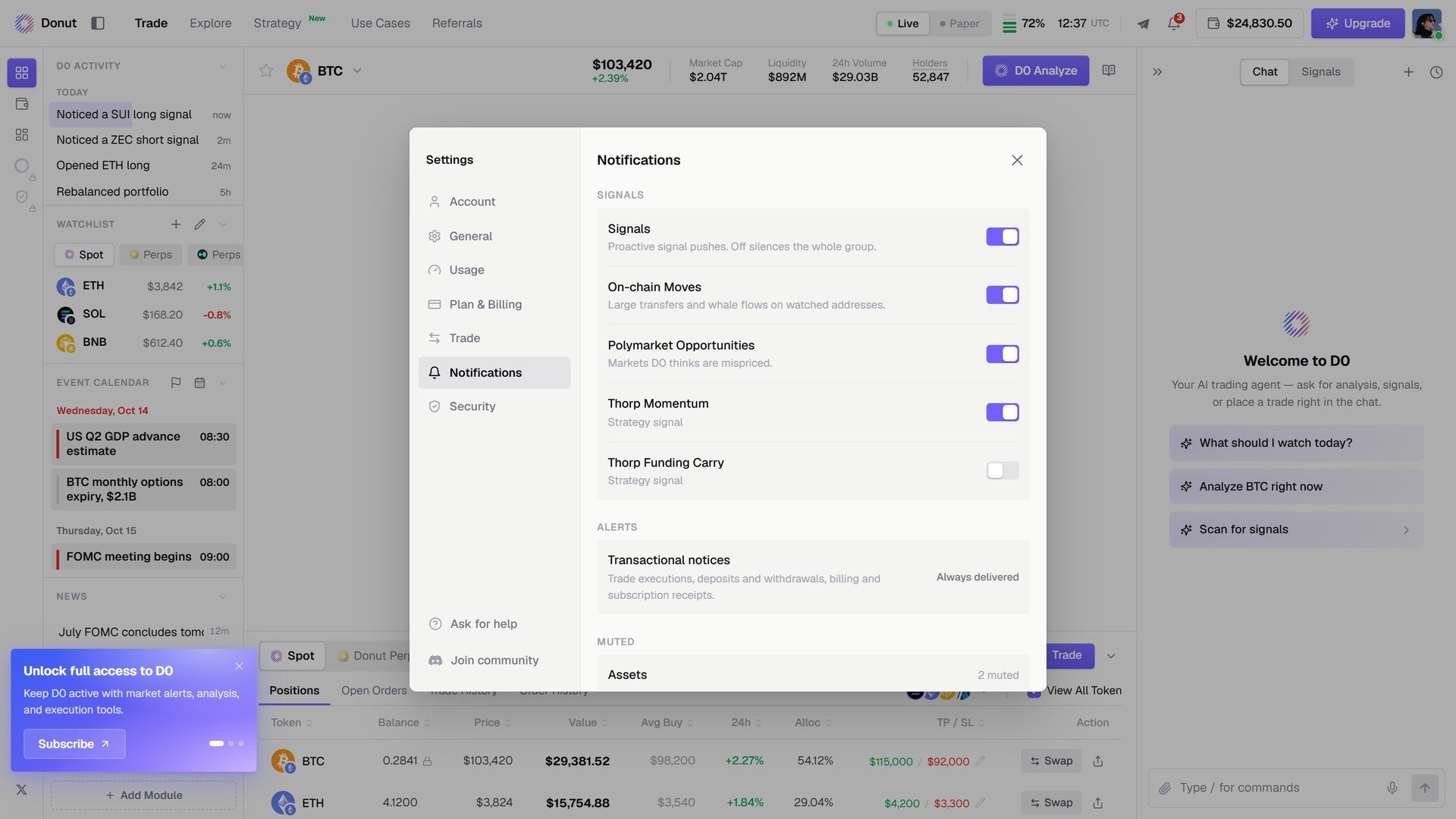
**Signals**:每个来源一个开关,**Signals**、**On-chain Moves**、**Polymarket Opportunities**、**Thorp Momentum**、**Thorp Funding Carry**。**Alerts**:交易类通知始终投递。**Muted**:你静音的资产。见[信号](/zh/features/thorp-strategy)。
## Notifications
**Signals**:每个来源一个开关,**Signals**、**On-chain Moves**、**Polymarket Opportunities**、**Thorp Momentum**、**Thorp Funding Carry**。**Alerts**:交易类通知始终投递。**Muted**:你静音的资产。见[信号](/zh/features/thorp-strategy)。
 ## Security
**Two-factor authentication**,以及 **Active sessions**,每台设备一个 **Revoke**,还有 **Sign out of all devices**。见[安全与合规](/zh/reference/security-and-compliance)。
## Security
**Two-factor authentication**,以及 **Active sessions**,每台设备一个 **Revoke**,还有 **Sign out of all devices**。见[安全与合规](/zh/reference/security-and-compliance)。
 ## 下一步
* [订阅方案](/zh/reference/subscription)
* [连接 Telegram](/zh/getting-started/deploy-bot)
This documentation is built and hosted on [Mintlify](https://mintlify.com), a developer documentation platform.
## 下一步
* [订阅方案](/zh/reference/subscription)
* [连接 Telegram](/zh/getting-started/deploy-bot)
This documentation is built and hosted on [Mintlify](https://mintlify.com), a developer documentation platform.