> ## Documentation Index
> Fetch the complete documentation index at: https://docs-d0.donutbrowser.ai/llms.txt
> Use this file to discover all available pages before exploring further.
# 领取 Discord 社区礼包
> 如果你在 Donut Discord 里持有早期身份组,你有资格获得免费的 D0 Pro 时长。连接 Discord、刮开卡片,立刻生效。
按这份指南确认资格、连接正确的 Discord 账号,并顺利领走你的一次性 Pro 礼包。
**礼包绑定你连接的那个 Discord 账号,且每份礼包只能兑换一次。** 不需要绑定银行卡,也不涉及任何支付。
## 第 1 步:登录 D0
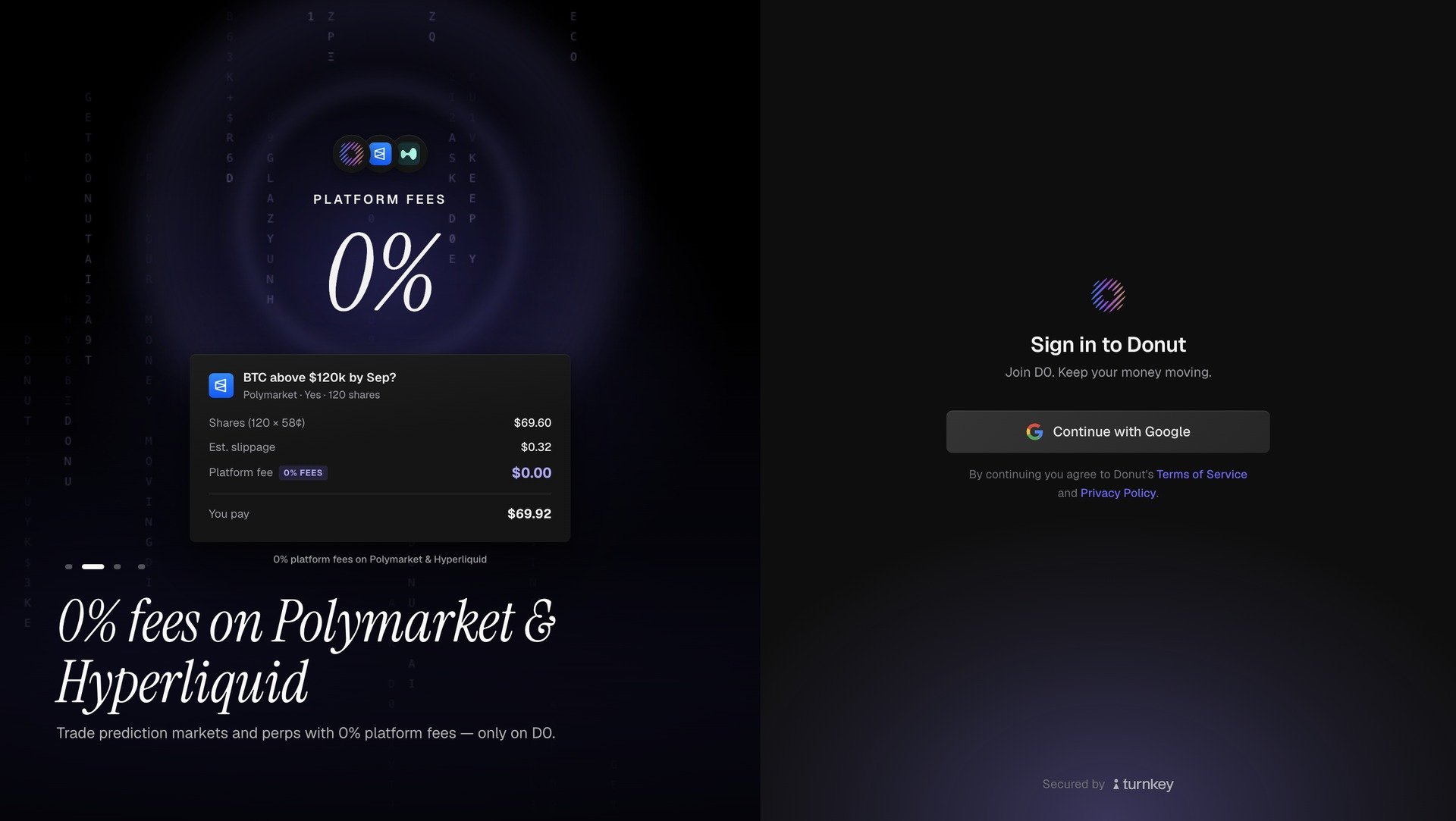
打开 [**d0.donutbrowser.ai**](https://d0.donutbrowser.ai/),点 **Continue with Google** 登录或创建账号。如果你还没有账号,先按 [创建账号](/zh/getting-started/create-account) 走一遍。
 ## 第 2 步:连接 Discord
登录后你会进入 **Welcome to D0** 页面。在底部找到 **Discord community gift** 卡片,点 **Connect**。
## 第 2 步:连接 Discord
登录后你会进入 **Welcome to D0** 页面。在底部找到 **Discord community gift** 卡片,点 **Connect**。
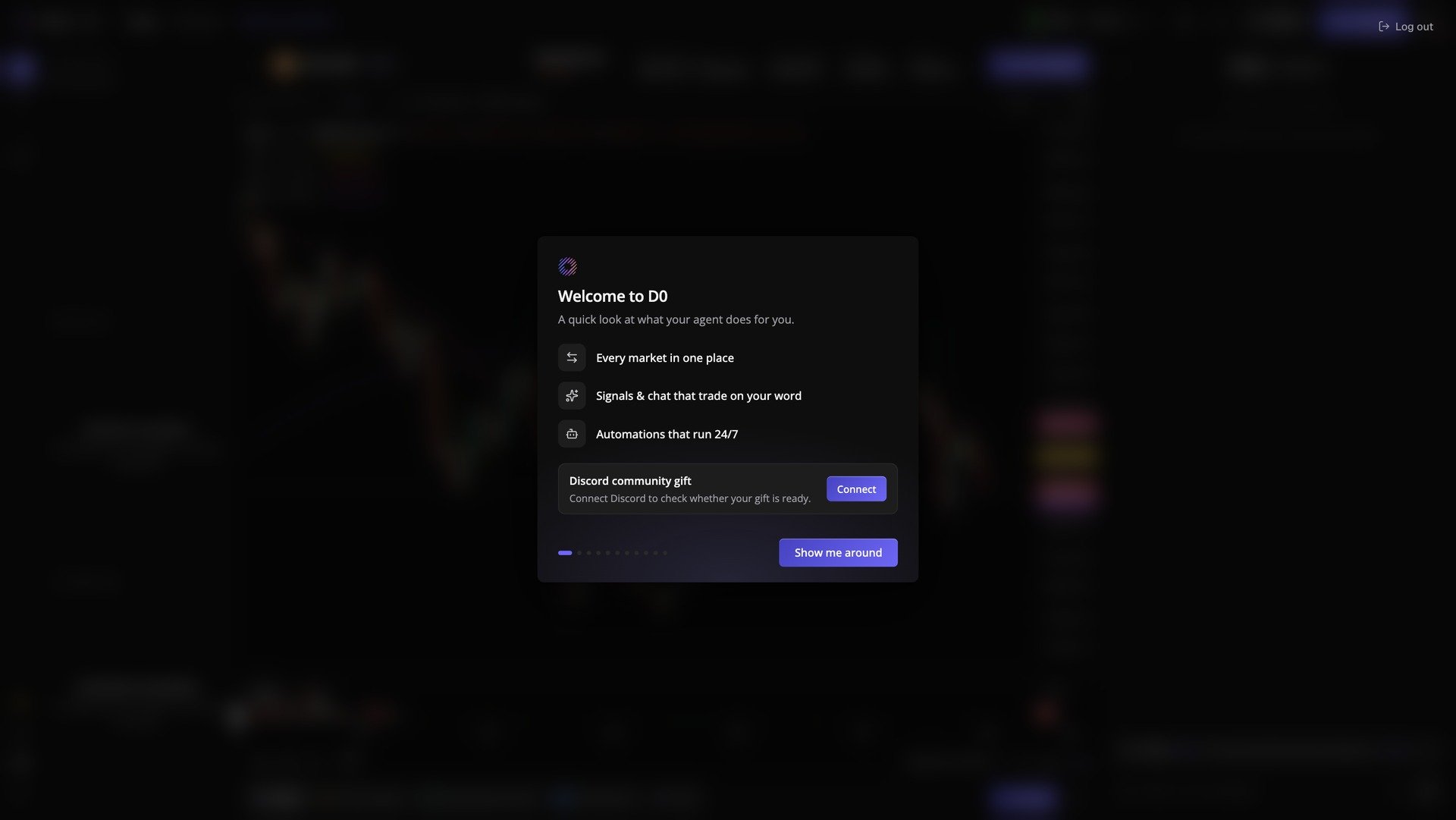 连接是这次核对的前提:**D0 会读取你在 Donut 服务器里的早期身份组,据此计算你能拿到多少免费 Pro 时长。**
## 第 3 步:在 Discord 上授权
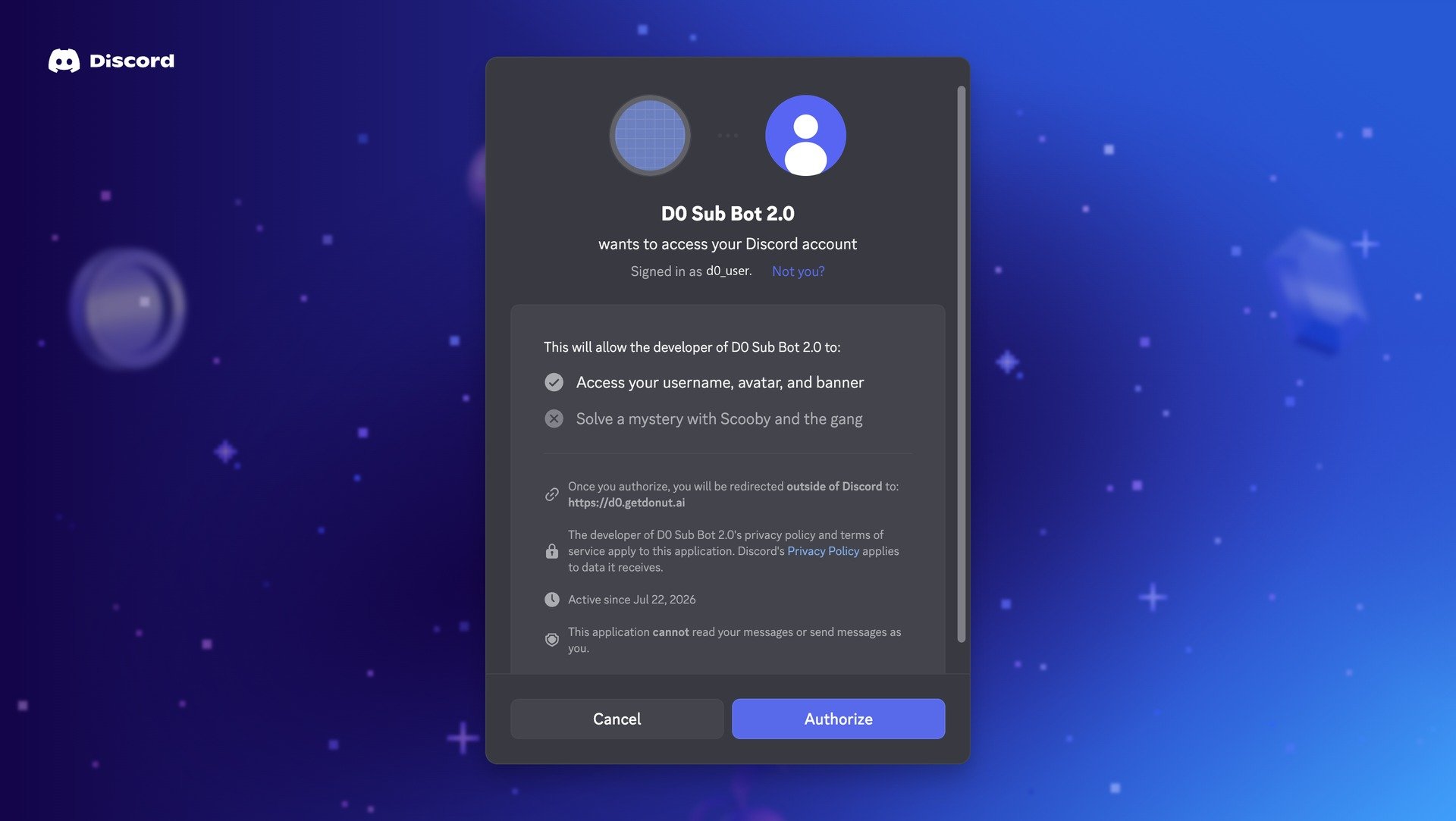
Discord 会让你授权 **D0 Sub Bot 2.0**。先确认你当前登录的是正确的账号(用 **Not you?** 切换),然后点 **Authorize**。
**该应用只读取你的用户名、头像和横幅,无法读取你的消息,也无法以你的身份发消息。**
连接是这次核对的前提:**D0 会读取你在 Donut 服务器里的早期身份组,据此计算你能拿到多少免费 Pro 时长。**
## 第 3 步:在 Discord 上授权
Discord 会让你授权 **D0 Sub Bot 2.0**。先确认你当前登录的是正确的账号(用 **Not you?** 切换),然后点 **Authorize**。
**该应用只读取你的用户名、头像和横幅,无法读取你的消息,也无法以你的身份发消息。**
 ## 第 4 步:揭开你的礼包
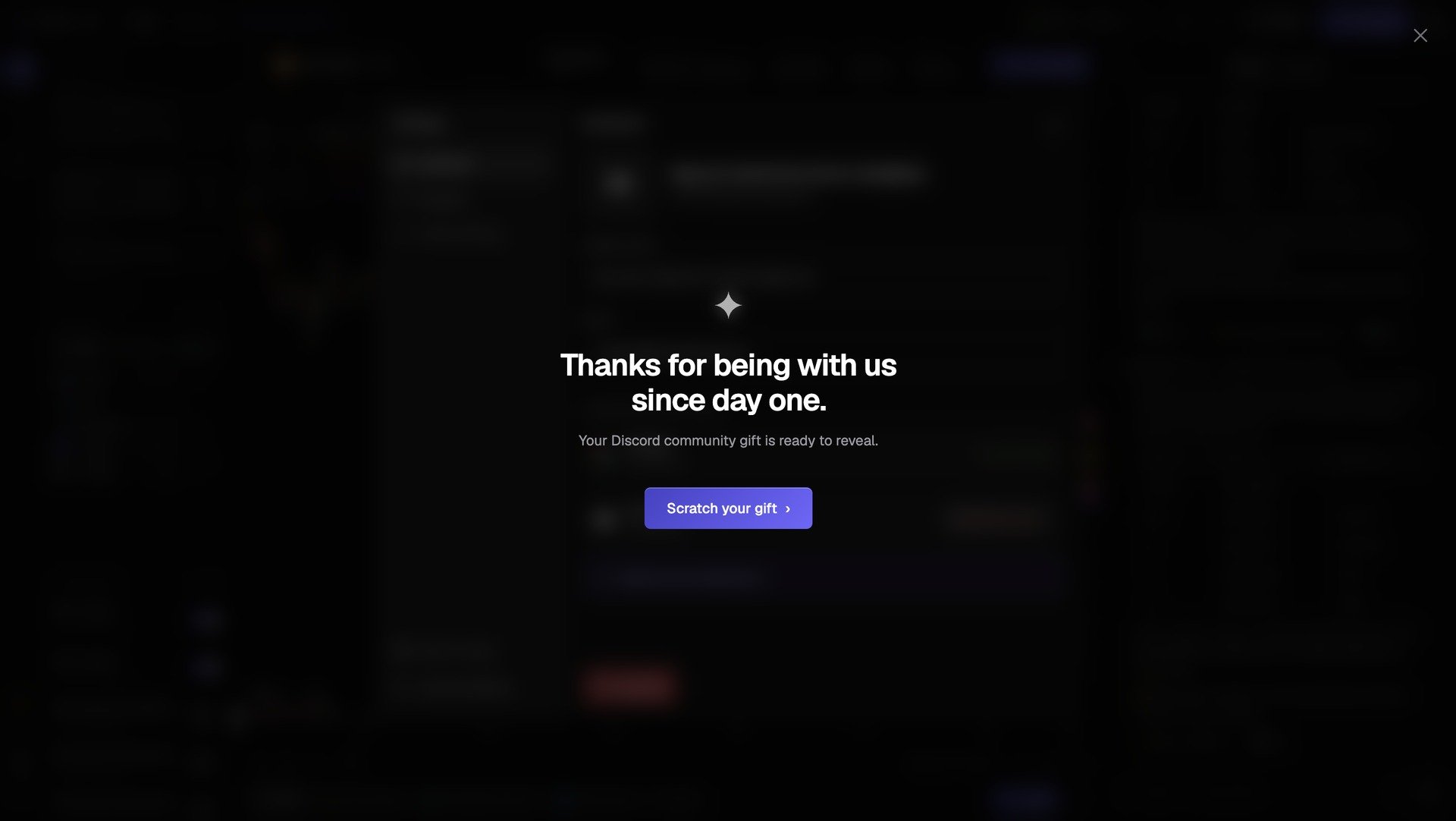
回到 D0,你会看到「Thanks for being with us since day one.」。点 **Scratch your gift**。
## 第 4 步:揭开你的礼包
回到 D0,你会看到「Thanks for being with us since day one.」。点 **Scratch your gift**。
 ## 第 5 步:刮开卡片
礼品卡上显示你符合资格的免费时长。刮开涂层露出一次性兑换码,然后确认领取。
## 第 5 步:刮开卡片
礼品卡上显示你符合资格的免费时长。刮开涂层露出一次性兑换码,然后确认领取。
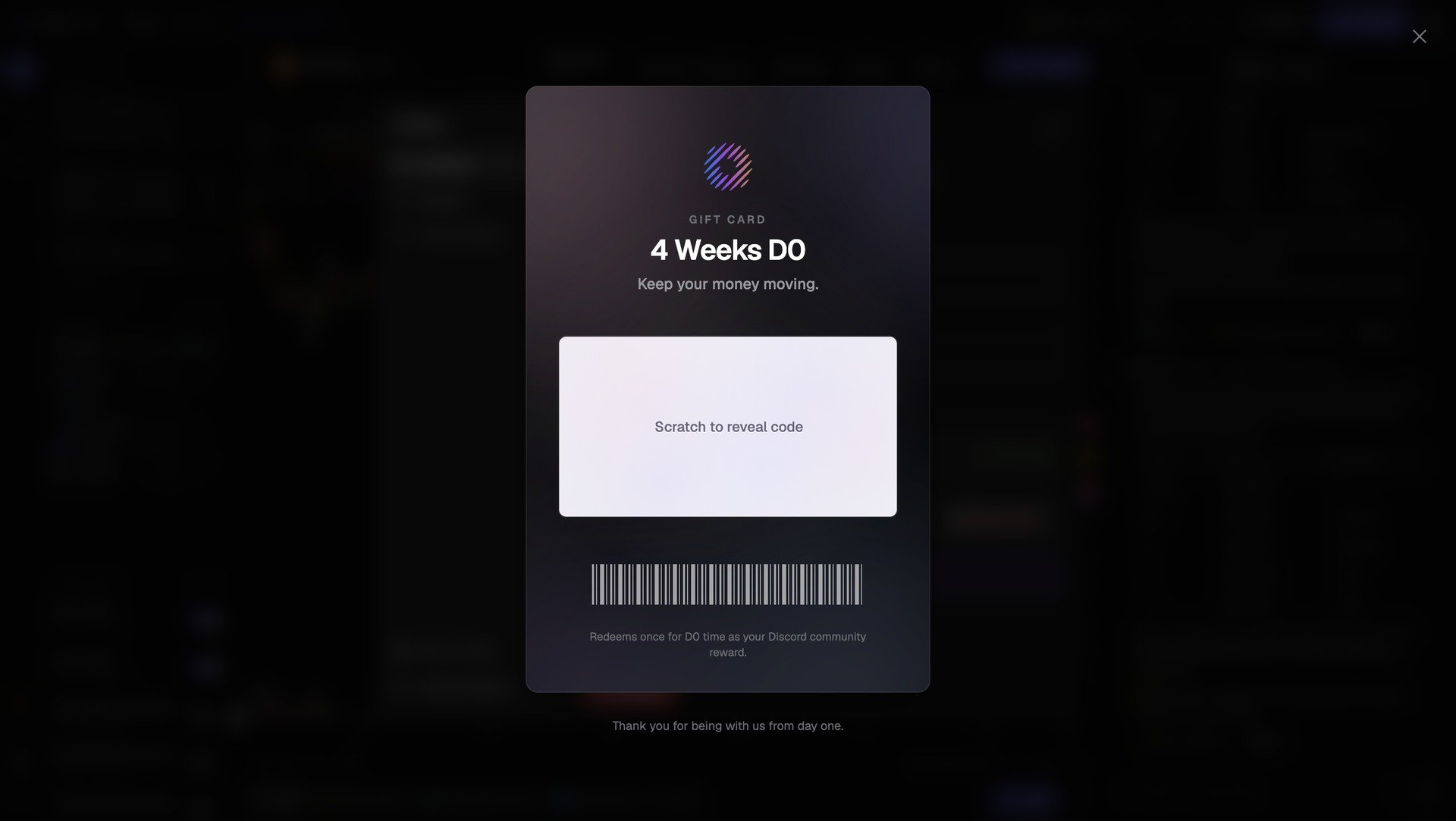 **卡片上的时长取决于你的 Discord 身份组等级**,所以你看到的可能和上面的示例不同。
## 第 6 步:Pro 已激活
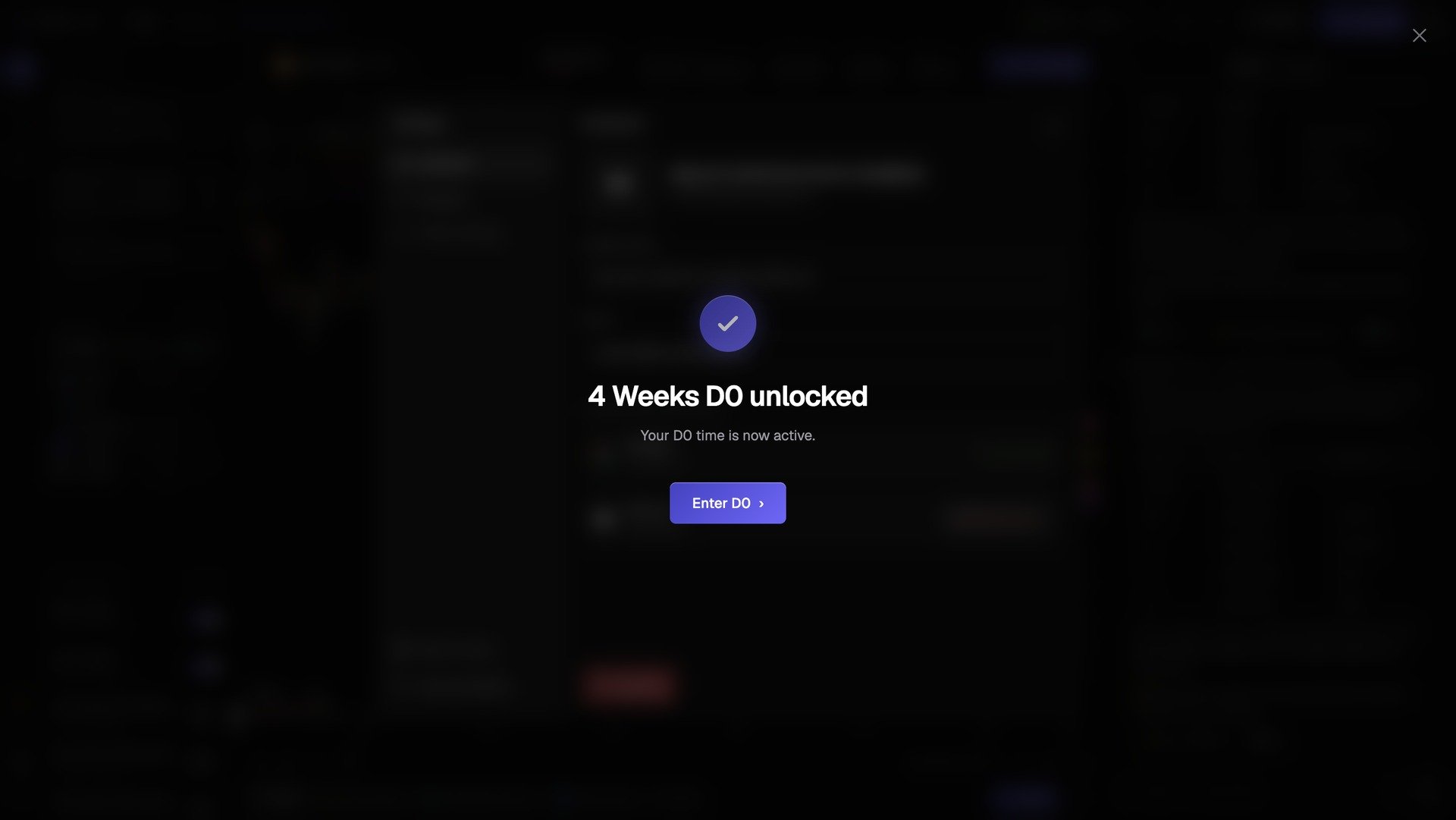
你会收到确认,提示 D0 时长已经生效。点 **Enter D0** 直接进入看板。
**卡片上的时长取决于你的 Discord 身份组等级**,所以你看到的可能和上面的示例不同。
## 第 6 步:Pro 已激活
你会收到确认,提示 D0 时长已经生效。点 **Enter D0** 直接进入看板。
 ## 领取之后
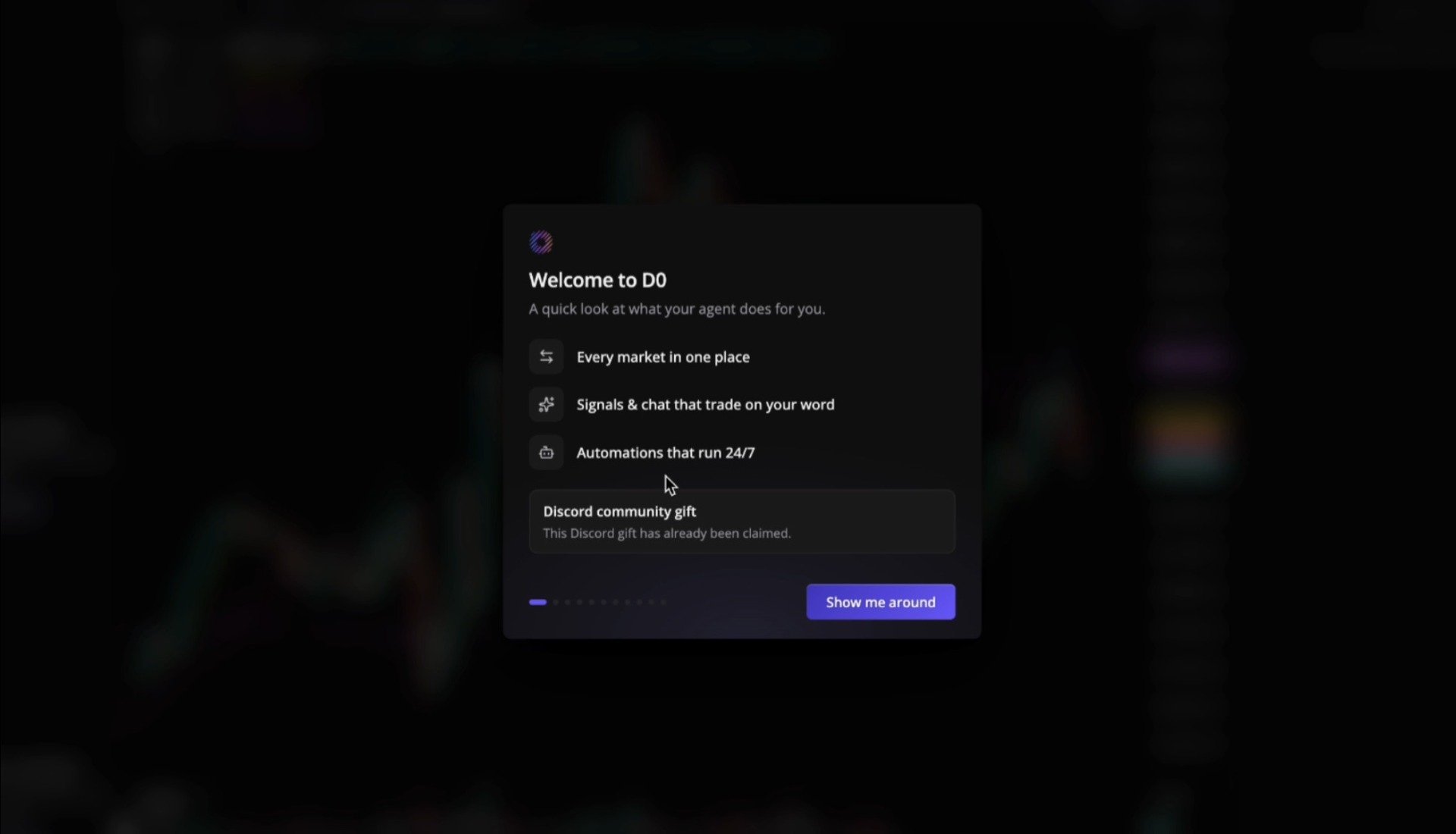
欢迎页上的 Discord 社区礼包卡片会变成「This Discord gift has already been claimed.」。你的看板已解锁,Pro 时长开始计时。
## 领取之后
欢迎页上的 Discord 社区礼包卡片会变成「This Discord gift has already been claimed.」。你的看板已解锁,Pro 时长开始计时。
 ## 故障排查
这张卡片只对符合社区礼包资格的账号显示。**如果你的 Discord 账号在 Donut 服务器里没有符合条件的早期身份组,就没有可领取的礼包。**
在 Discord 授权页面点 **Not you?**,换成持有早期身份组的那个账号登录,然后重新授权。
**每份礼包只能兑换一次。** 如果领取后看板上没有显示 Pro 时长,请到 [Donut Telegram](https://t.me/DonutAIOfficial) 找我们。
## 接下来
**Pro 时长和付费套餐的效果完全一样。** 包含哪些内容见 [订阅套餐](/zh/reference/subscription),开始在 Telegram 上使用 D0 见 [部署你的 Bot](/zh/getting-started/deploy-bot)。
## 故障排查
这张卡片只对符合社区礼包资格的账号显示。**如果你的 Discord 账号在 Donut 服务器里没有符合条件的早期身份组,就没有可领取的礼包。**
在 Discord 授权页面点 **Not you?**,换成持有早期身份组的那个账号登录,然后重新授权。
**每份礼包只能兑换一次。** 如果领取后看板上没有显示 Pro 时长,请到 [Donut Telegram](https://t.me/DonutAIOfficial) 找我们。
## 接下来
**Pro 时长和付费套餐的效果完全一样。** 包含哪些内容见 [订阅套餐](/zh/reference/subscription),开始在 Telegram 上使用 D0 见 [部署你的 Bot](/zh/getting-started/deploy-bot)。