> ## Documentation Index
> Fetch the complete documentation index at: https://docs-d0.donutbrowser.ai/llms.txt
> Use this file to discover all available pages before exploring further.
# iPhone 上的 D0
> 和网页端同一个 agent、同一个 Main Chat,装进口袋。五个地方,agent 坐在正中间。
iPhone 应用目前处于 **TestFlight 内测**。下面的截图来自内测版和一个演示账户,数字仅作示意。布局和名称与该版本一致;发布前细节仍可能调整。
## 登录
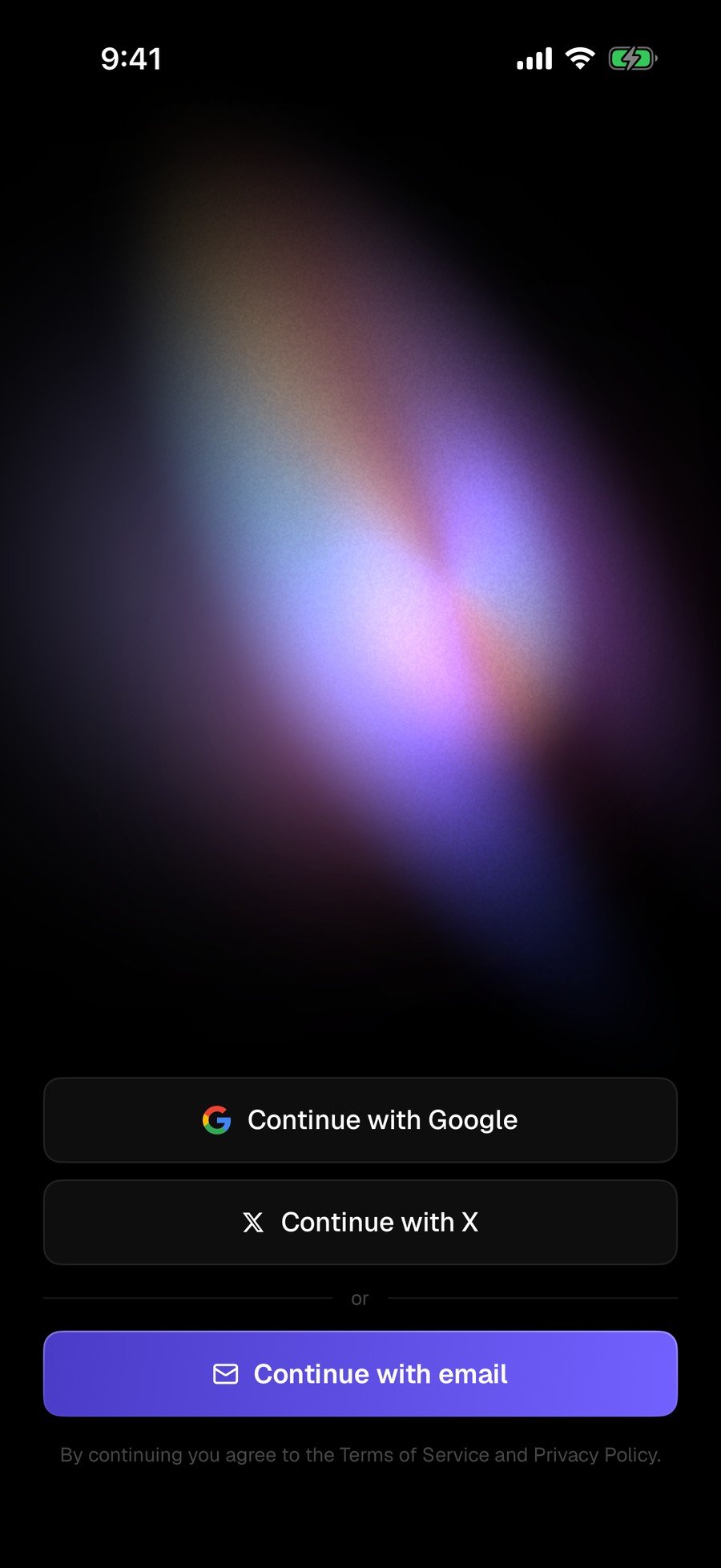
用 Google、X 或邮箱继续。没有钱包设置仪式,没有要抄下来的东西。同一个登录会把你在网页端的聊天历史带过来。
 ## 五个地方
底部一条 Tab 栏:**Home**、**Search**、**Chat**(中间的 Donut 标志)、**Signals**、**Portfolio**。**Activity** 作为第二个标签放在 Signals 旁边。
### Home
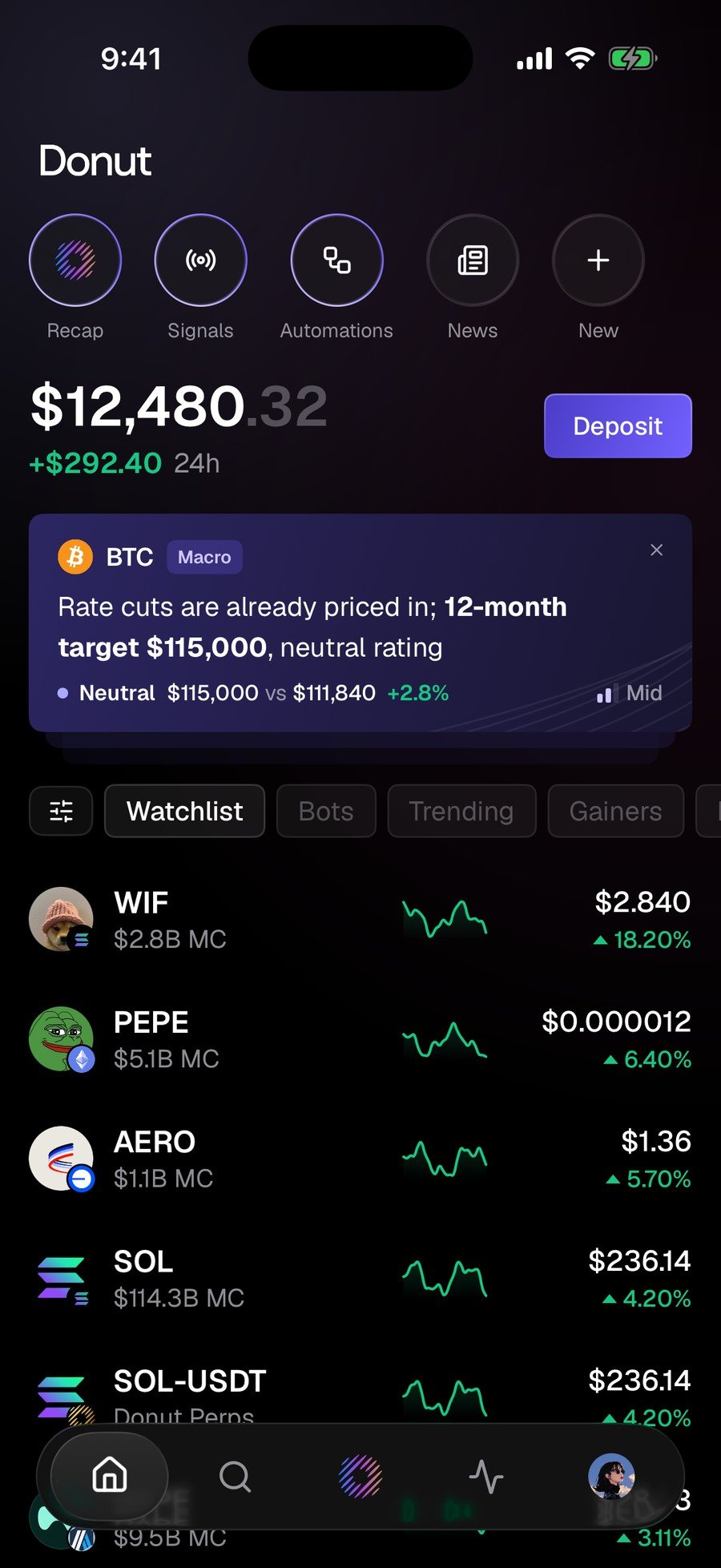
顶部五个快捷入口(**Recap**、**Signals**、**Automations**、**News**、**New**),下面是余额,再下面是自选。在 **News** 里点一条标题,它会直接进入聊天输入框,并已经被写成一个问题:*What does this mean for my portfolio?*
## 五个地方
底部一条 Tab 栏:**Home**、**Search**、**Chat**(中间的 Donut 标志)、**Signals**、**Portfolio**。**Activity** 作为第二个标签放在 Signals 旁边。
### Home
顶部五个快捷入口(**Recap**、**Signals**、**Automations**、**News**、**New**),下面是余额,再下面是自选。在 **News** 里点一条标题,它会直接进入聊天输入框,并已经被写成一个问题:*What does this mean for my portfolio?*
 ### Signals 与 Activity
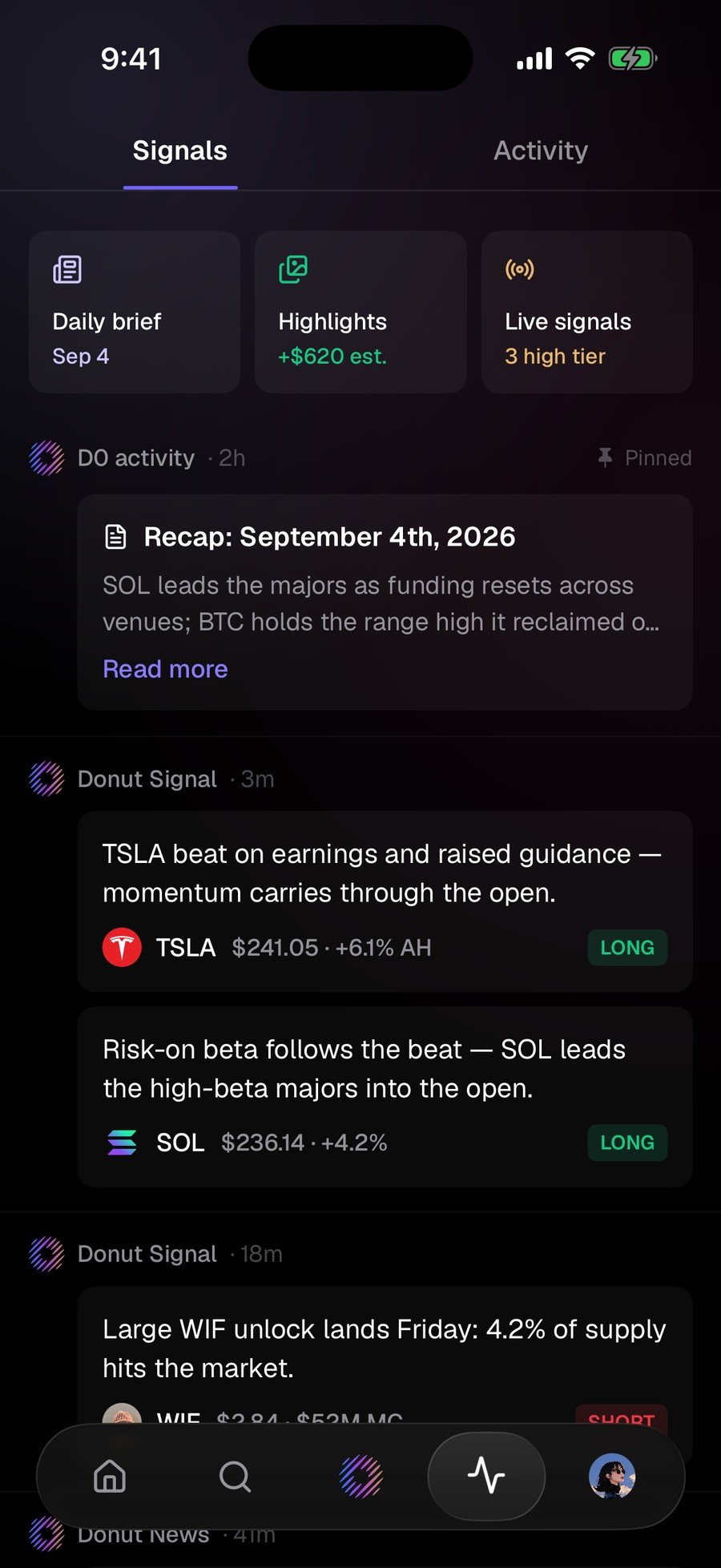
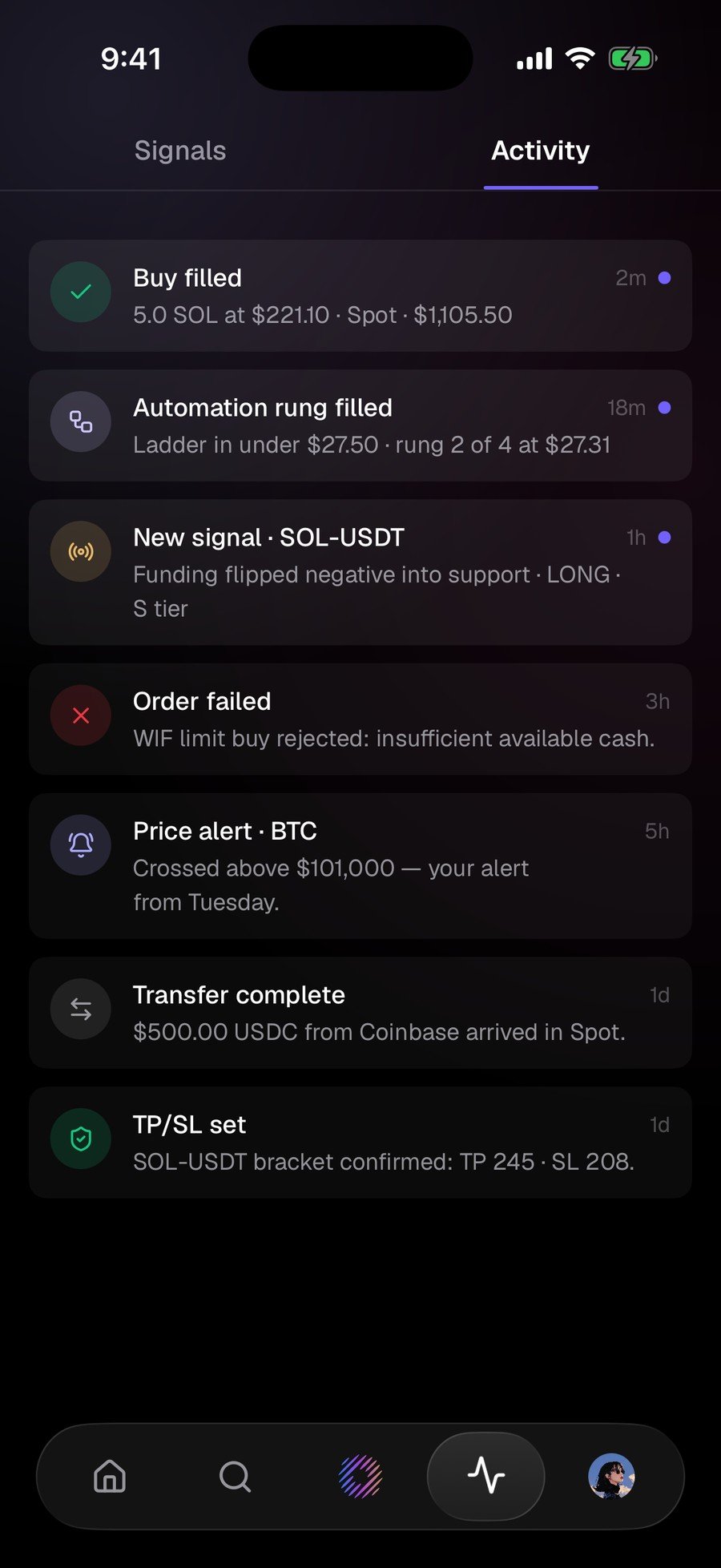
**Signals** 是市场在做什么:顶部一份每日简报,下面是信号卡,每张都带方向。**Activity** 是 D0 在做什么:每笔成交、提醒、失败的订单和划转,全部带时间戳。失败的记录和成交的记录在同一个列表里。
### Chat
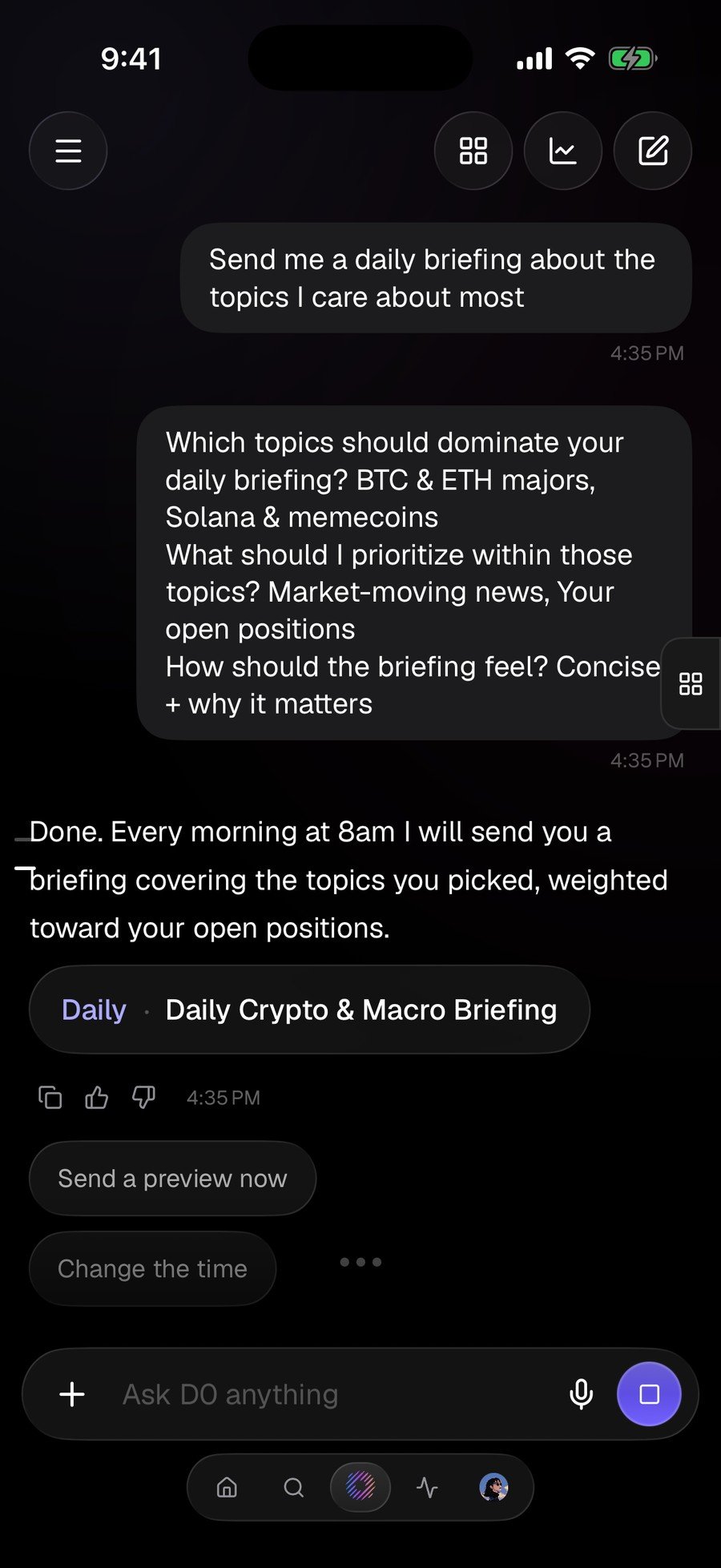
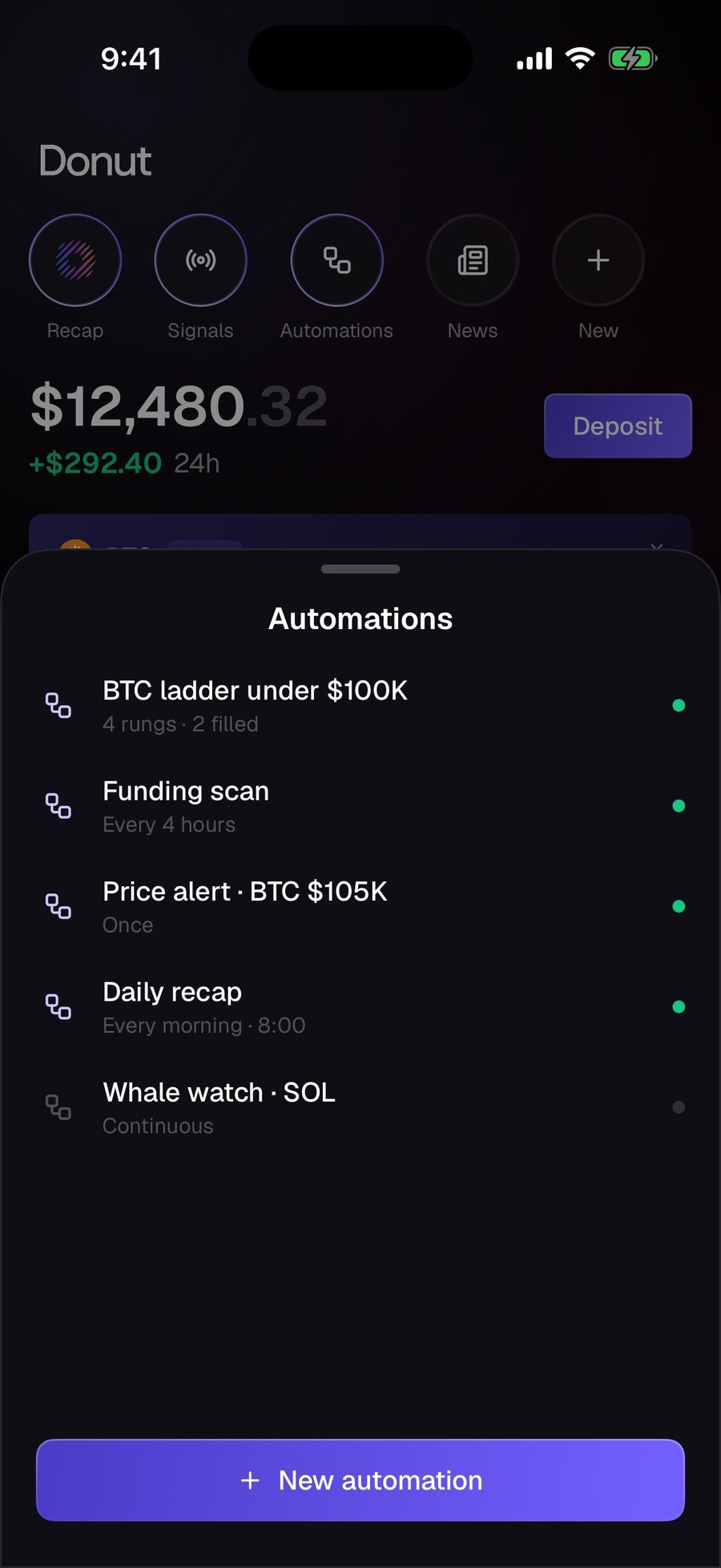
用大白话说出你要什么。建自动化时,D0 先问它需要的信息(主题、优先级、简报的风格),然后把规则复述给你:频率、范围、投递方式。之后每条自动化的时间表和状态都在一张面板上。
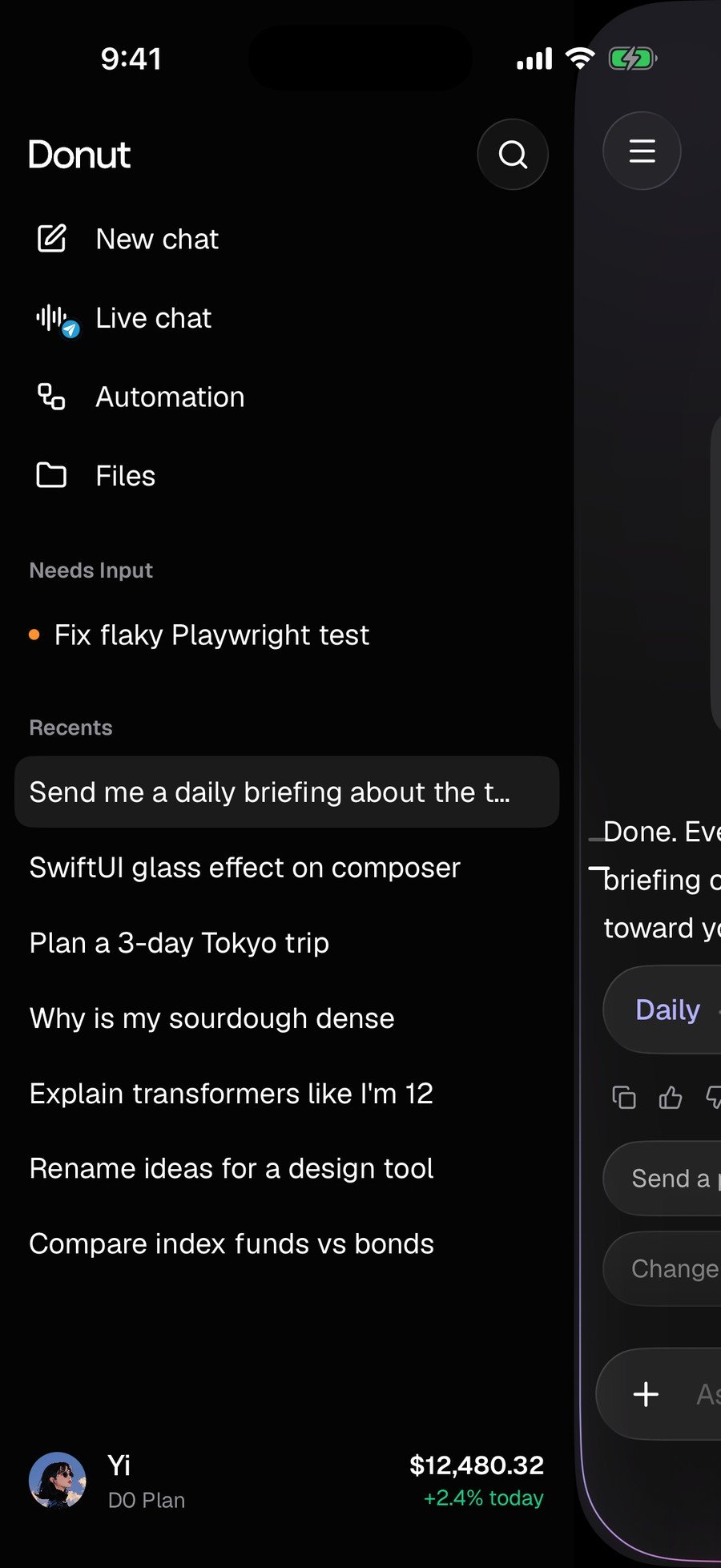
Chat 里的抽屉放着 **New chat**、**Live chat**、**Automation**、**Files**,以及你最近的会话。
### Signals 与 Activity
**Signals** 是市场在做什么:顶部一份每日简报,下面是信号卡,每张都带方向。**Activity** 是 D0 在做什么:每笔成交、提醒、失败的订单和划转,全部带时间戳。失败的记录和成交的记录在同一个列表里。
### Chat
用大白话说出你要什么。建自动化时,D0 先问它需要的信息(主题、优先级、简报的风格),然后把规则复述给你:频率、范围、投递方式。之后每条自动化的时间表和状态都在一张面板上。
Chat 里的抽屉放着 **New chat**、**Live chat**、**Automation**、**Files**,以及你最近的会话。
 ### Recap
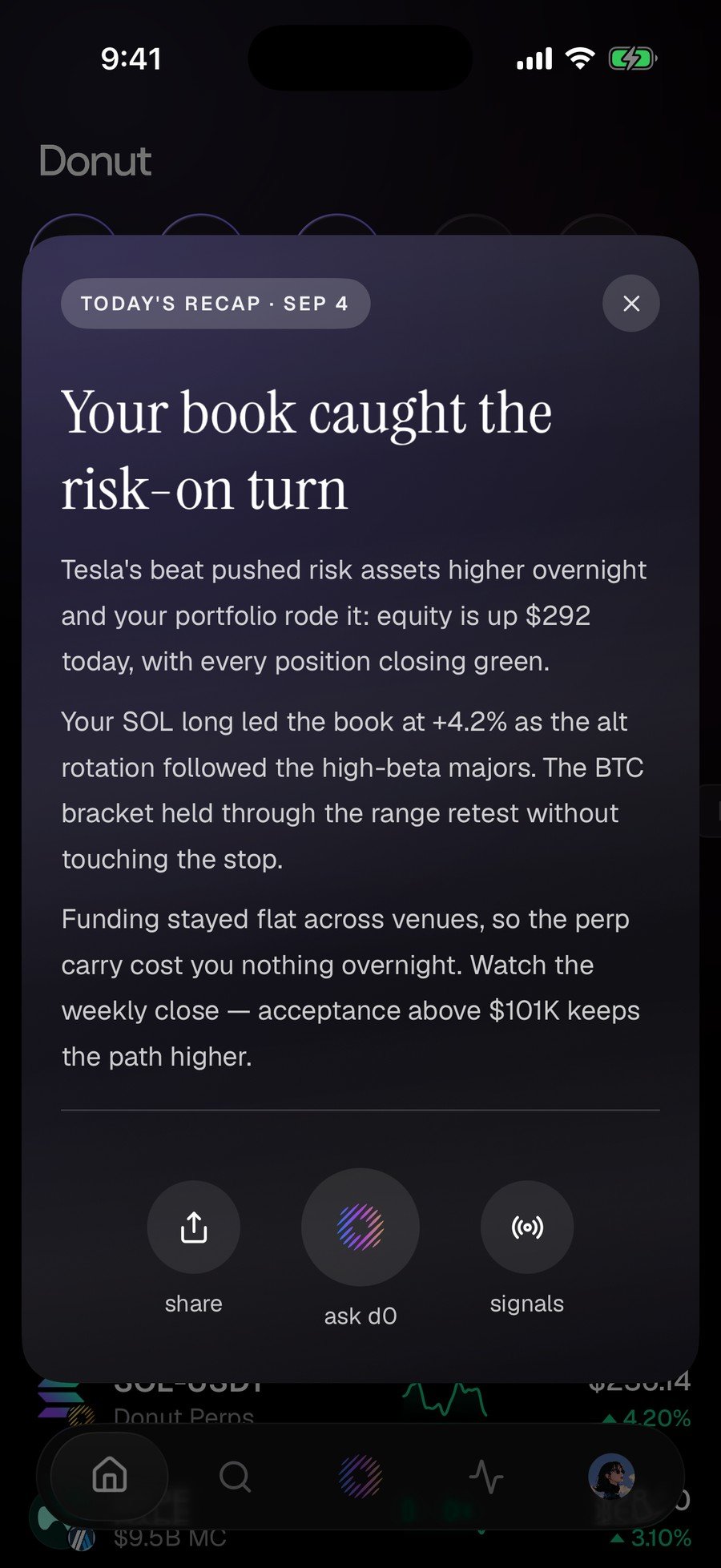
**Today's recap** 说清楚你的账本为什么动、是什么驱动的、接下来看哪里,底部是 **share**、**ask d0** 和 **signals**。
### Recap
**Today's recap** 说清楚你的账本为什么动、是什么驱动的、接下来看哪里,底部是 **share**、**ask d0** 和 **signals**。
 ### Portfolio
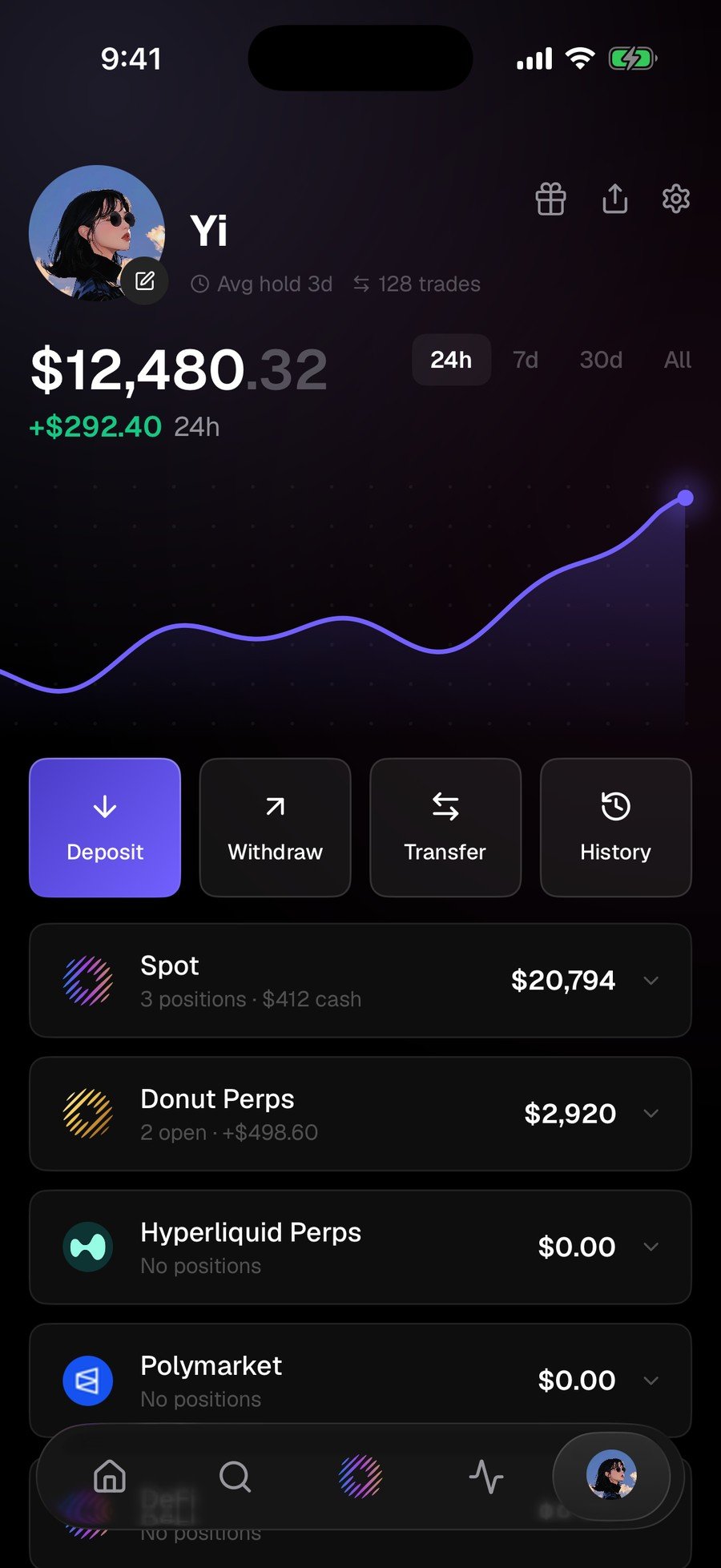
Spot & DeFi、Donut Perps、Hyperliquid Perps 和 Polymarket 汇总在一处,账户上方是 **Deposit / Withdraw / Transfer / History**,还有 **24h / 7d / 30d / All** 区间切换。
### Portfolio
Spot & DeFi、Donut Perps、Hyperliquid Perps 和 Polymarket 汇总在一处,账户上方是 **Deposit / Withdraw / Transfer / History**,还有 **24h / 7d / 30d / All** 区间切换。
 ## 下一步
* [手机端与网页端是同一个账户](/zh/mobile/one-account)
* [上手前 10 分钟](/zh/getting-started/dashboard-tour):网页端的同样这些入口
This documentation is built and hosted on [Mintlify](https://mintlify.com), a developer documentation platform.
## 下一步
* [手机端与网页端是同一个账户](/zh/mobile/one-account)
* [上手前 10 分钟](/zh/getting-started/dashboard-tour):网页端的同样这些入口
This documentation is built and hosted on [Mintlify](https://mintlify.com), a developer documentation platform.