> ## Documentation Index
> Fetch the complete documentation index at: https://docs-d0.donutbrowser.ai/llms.txt
> Use this file to discover all available pages before exploring further.
# Scheduled Tasks & Custom Automations
> Describe what you want watched and D0 builds the rule with you. Automations show in the left panel with a toggle each, and D0 proposes the next one itself.
Automations are rules D0 watches on a schedule and acts on: a daily recap, a multi-condition alert, a screen that runs every morning. You create them in chat, and they live in the **Automation** module of the left panel, each with its schedule and an on/off toggle.
## Ask once, get the result
The chat home opens on *What would you like to discover today?* with the composer set to **Ask D0 or describe an automation**. The **Approve each** control next to it decides whether D0 asks before every action the automation takes.
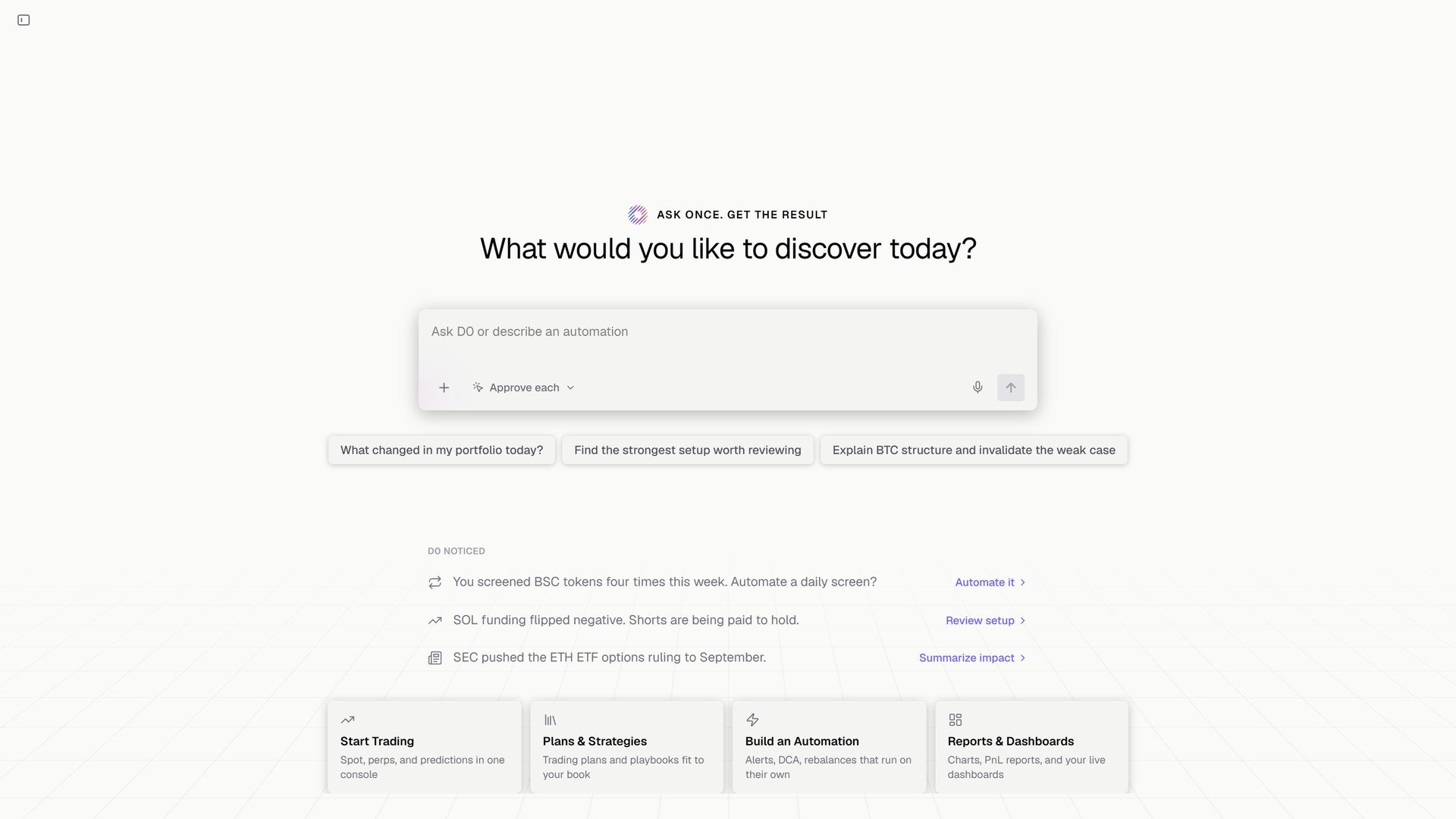 **D0 noticed** is the part to watch. D0 proposes automations from what you already do: *You screened BSC tokens four times this week. Automate a daily screen?* → **Automate it**. *SOL funding flipped negative. Shorts are being paid to hold.* → **Review setup**. One click turns the observation into a rule.
## Describing a rule
> **You:** Set up an automation to monitor Solana for a long entry setup, when a sharp selloff reaches a defined support level and a reversal candle prints a long lower wick showing buyers stepping in, then closes back above support. When the setup confirms, alert me with the support level, a suggested entry, a stop below the wick low, and a target.
>
> **D0:** Set up **SOL wick-reversal long setup**. It checks closed 15-minute SOL spot candles every 15 minutes, using the lowest low of the prior 20 candles as support. It flags a ≥2% selloff over four candles into support, followed by a candle that closes back above support with a lower wick at least as long as its body. The alert suggests entry at that candle's close, a stop 0.1% below its low, and a target at 2R. It's informational only and will not trade; qualifying newly confirmed setups may alert again on later checks.
What D0 does with your sentence:
1. Asks for the signal rules and trigger thresholds it needs, or fills them with suggested defaults.
2. States the rule back: cadence, data source, the exact conditions, what the alert will contain, and where it is delivered.
3. Adds the automation to the **Automation** module, where you can pause or re-enable it.
**D0 noticed** is the part to watch. D0 proposes automations from what you already do: *You screened BSC tokens four times this week. Automate a daily screen?* → **Automate it**. *SOL funding flipped negative. Shorts are being paid to hold.* → **Review setup**. One click turns the observation into a rule.
## Describing a rule
> **You:** Set up an automation to monitor Solana for a long entry setup, when a sharp selloff reaches a defined support level and a reversal candle prints a long lower wick showing buyers stepping in, then closes back above support. When the setup confirms, alert me with the support level, a suggested entry, a stop below the wick low, and a target.
>
> **D0:** Set up **SOL wick-reversal long setup**. It checks closed 15-minute SOL spot candles every 15 minutes, using the lowest low of the prior 20 candles as support. It flags a ≥2% selloff over four candles into support, followed by a candle that closes back above support with a lower wick at least as long as its body. The alert suggests entry at that candle's close, a stop 0.1% below its low, and a target at 2R. It's informational only and will not trade; qualifying newly confirmed setups may alert again on later checks.
What D0 does with your sentence:
1. Asks for the signal rules and trigger thresholds it needs, or fills them with suggested defaults.
2. States the rule back: cadence, data source, the exact conditions, what the alert will contain, and where it is delivered.
3. Adds the automation to the **Automation** module, where you can pause or re-enable it.
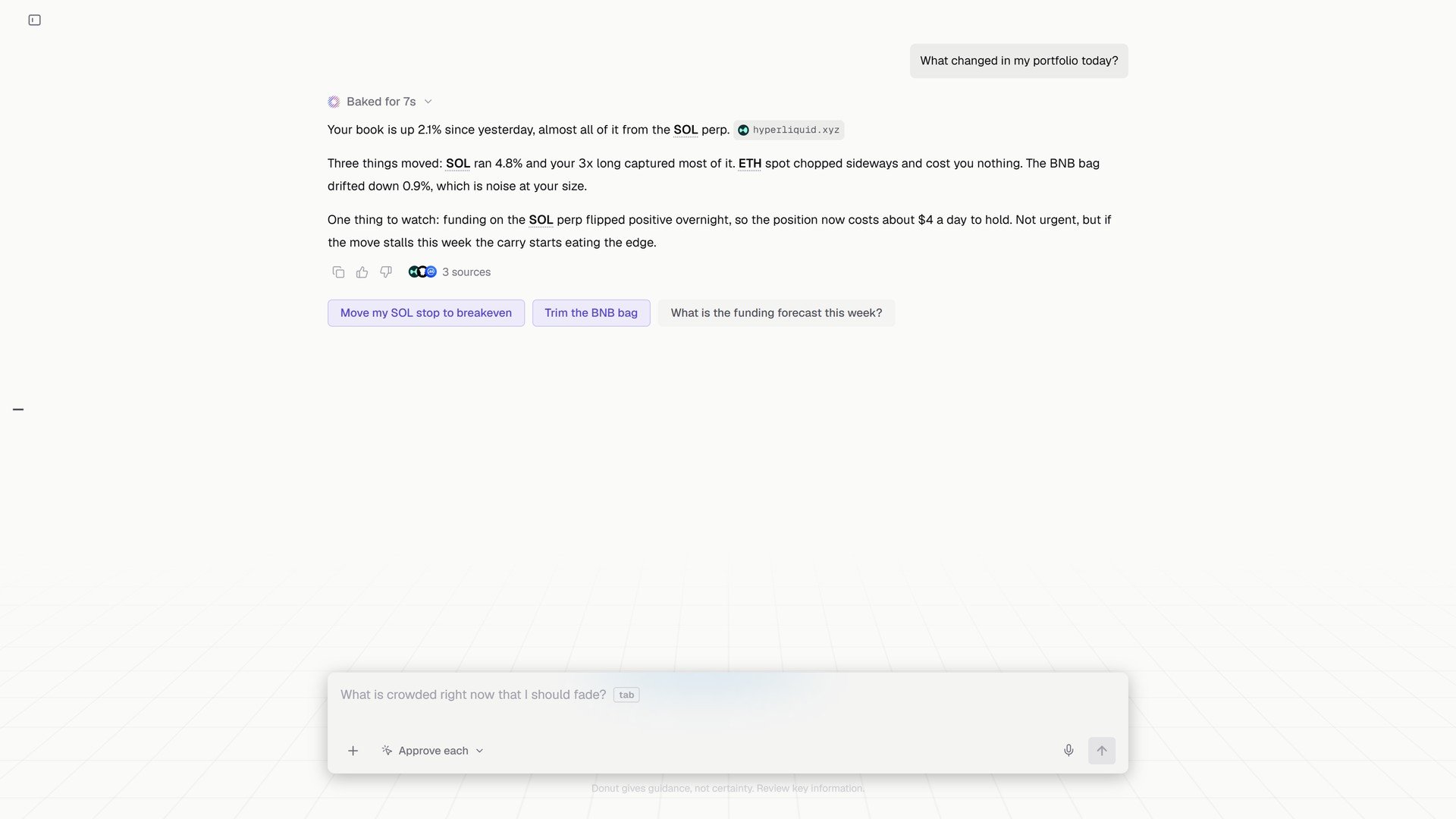 Chat-built automations are **informational** unless you give them an action path. To let D0 trade a rule, run a strategy from the [Strategy Library](/strategies/strategy-library), which requires a daily loss cap, or set an explicit boundary for automated execution. See [Automated Trading](/features/automated-trading).
## Price alerts
Simple threshold alerts (*Alert me when SOL goes above \$150*) are the lightest automation. They appear in the same module and fire to the chat, the Inbox, and Telegram if connected. See [Price Alerts](/features/price-alerts).
## Tips
**Start with one observable trigger and one bounded action.** Keep the first workflow small enough to review by hand.
**Read the readback.** D0 states every rule it set. If a number is not what you meant, say so in the same thread and it adjusts.
**Pause before changing assumptions.** Toggle the automation off, edit, toggle on.
## What's next
* [Strategy Library](/strategies/strategy-library): automations that trade
* [Price Alerts](/features/price-alerts)
* [Scheduled Automations](/use-cases/scheduled-automation): worked examples
This documentation is built and hosted on [Mintlify](https://mintlify.com), a developer documentation platform.
Chat-built automations are **informational** unless you give them an action path. To let D0 trade a rule, run a strategy from the [Strategy Library](/strategies/strategy-library), which requires a daily loss cap, or set an explicit boundary for automated execution. See [Automated Trading](/features/automated-trading).
## Price alerts
Simple threshold alerts (*Alert me when SOL goes above \$150*) are the lightest automation. They appear in the same module and fire to the chat, the Inbox, and Telegram if connected. See [Price Alerts](/features/price-alerts).
## Tips
**Start with one observable trigger and one bounded action.** Keep the first workflow small enough to review by hand.
**Read the readback.** D0 states every rule it set. If a number is not what you meant, say so in the same thread and it adjusts.
**Pause before changing assumptions.** Toggle the automation off, edit, toggle on.
## What's next
* [Strategy Library](/strategies/strategy-library): automations that trade
* [Price Alerts](/features/price-alerts)
* [Scheduled Automations](/use-cases/scheduled-automation): worked examples
This documentation is built and hosted on [Mintlify](https://mintlify.com), a developer documentation platform.