> ## Documentation Index
> Fetch the complete documentation index at: https://docs-d0.donutbrowser.ai/llms.txt
> Use this file to discover all available pages before exploring further.
# Settings
> Account, usage, plan and billing, notifications, security. Click your avatar in the top bar.
Click your avatar at the top right of any page. Settings opens as a modal with seven sections in the left column: **Account**, **General**, **Usage**, **Plan & Billing**, **Trade**, **Notifications**, **Security**, plus **Ask for help** and **Join community** at the bottom, and **Log out**.
## Account
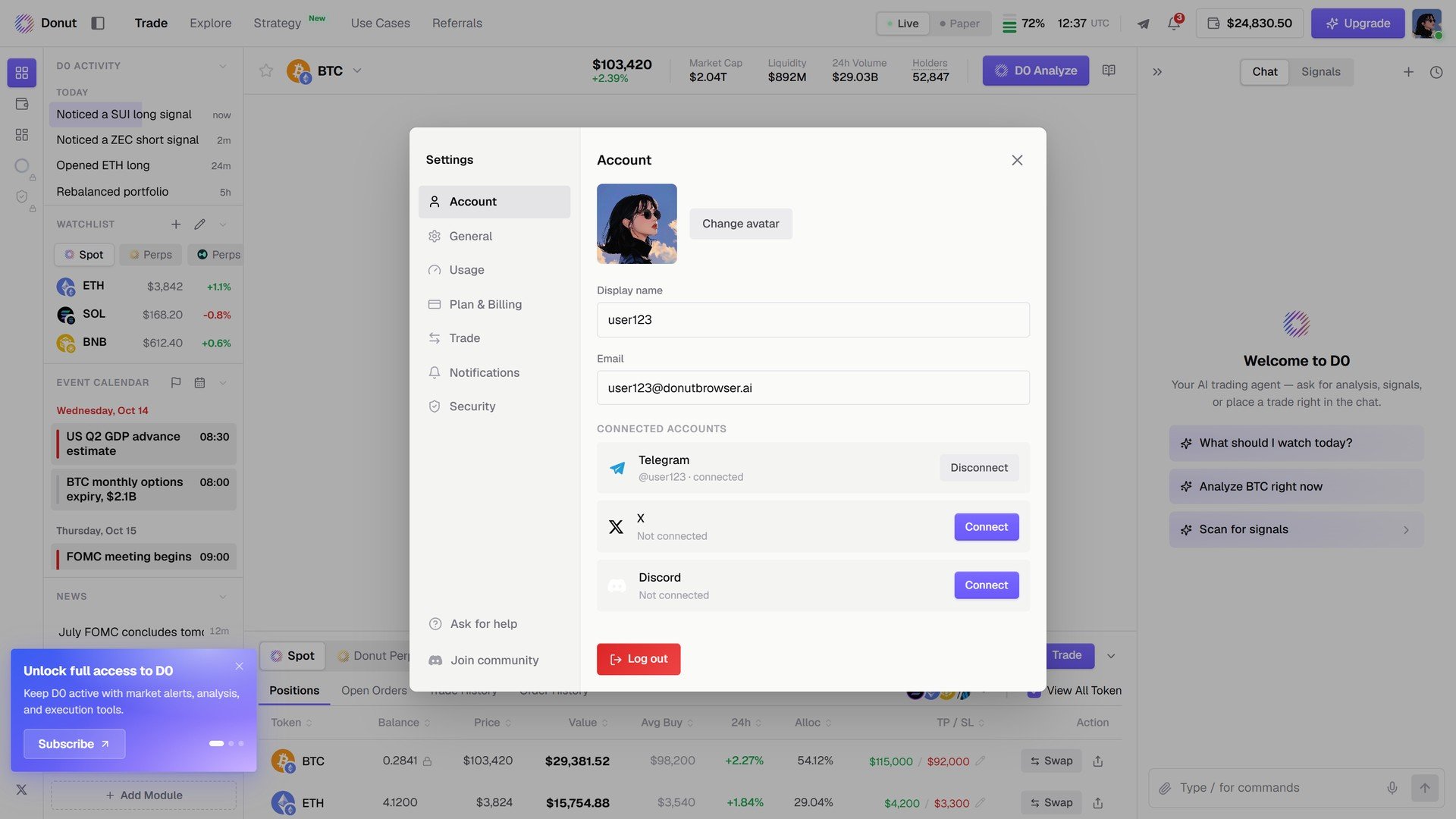
Display name, email, and **Connected accounts**: **Telegram**, **X**, **Discord**, each with **Connect** or **Disconnect**. Connecting Telegram is how D0's alerts and chat reach you there. See [Connect Telegram](/getting-started/deploy-bot).
 ## Usage
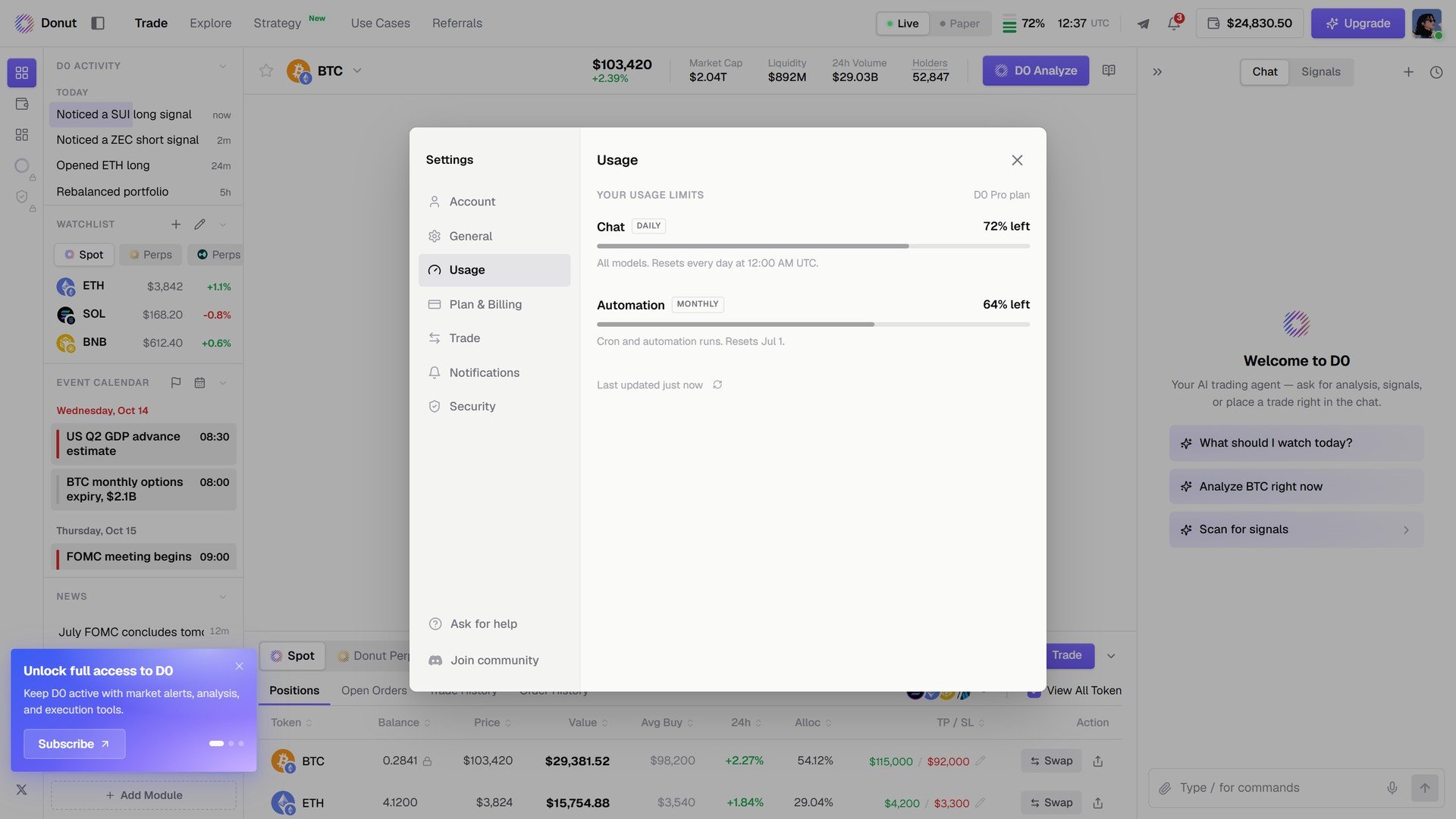
Your plan's limits and how much is left: **Chat** (daily) and **Automation** (monthly), with the reset time.
## Usage
Your plan's limits and how much is left: **Chat** (daily) and **Automation** (monthly), with the reset time.
 ## Plan & Billing
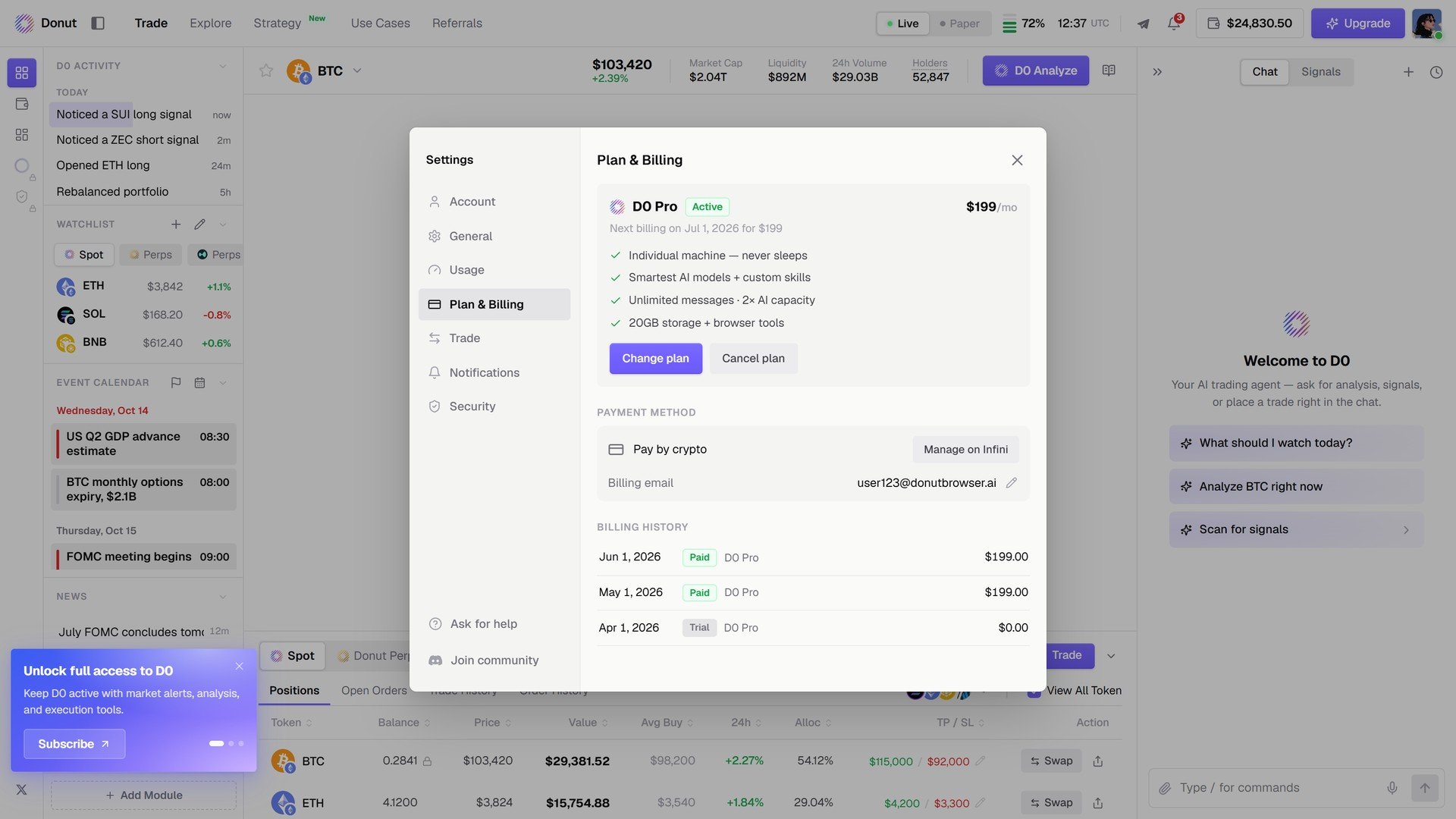
Your current plan and its renewal date, **Change plan** / **Cancel plan**, the payment method on file (card or crypto), the billing email, and the billing history. See [Subscription Plans](/reference/subscription).
## Plan & Billing
Your current plan and its renewal date, **Change plan** / **Cancel plan**, the payment method on file (card or crypto), the billing email, and the billing history. See [Subscription Plans](/reference/subscription).
 ## Notifications
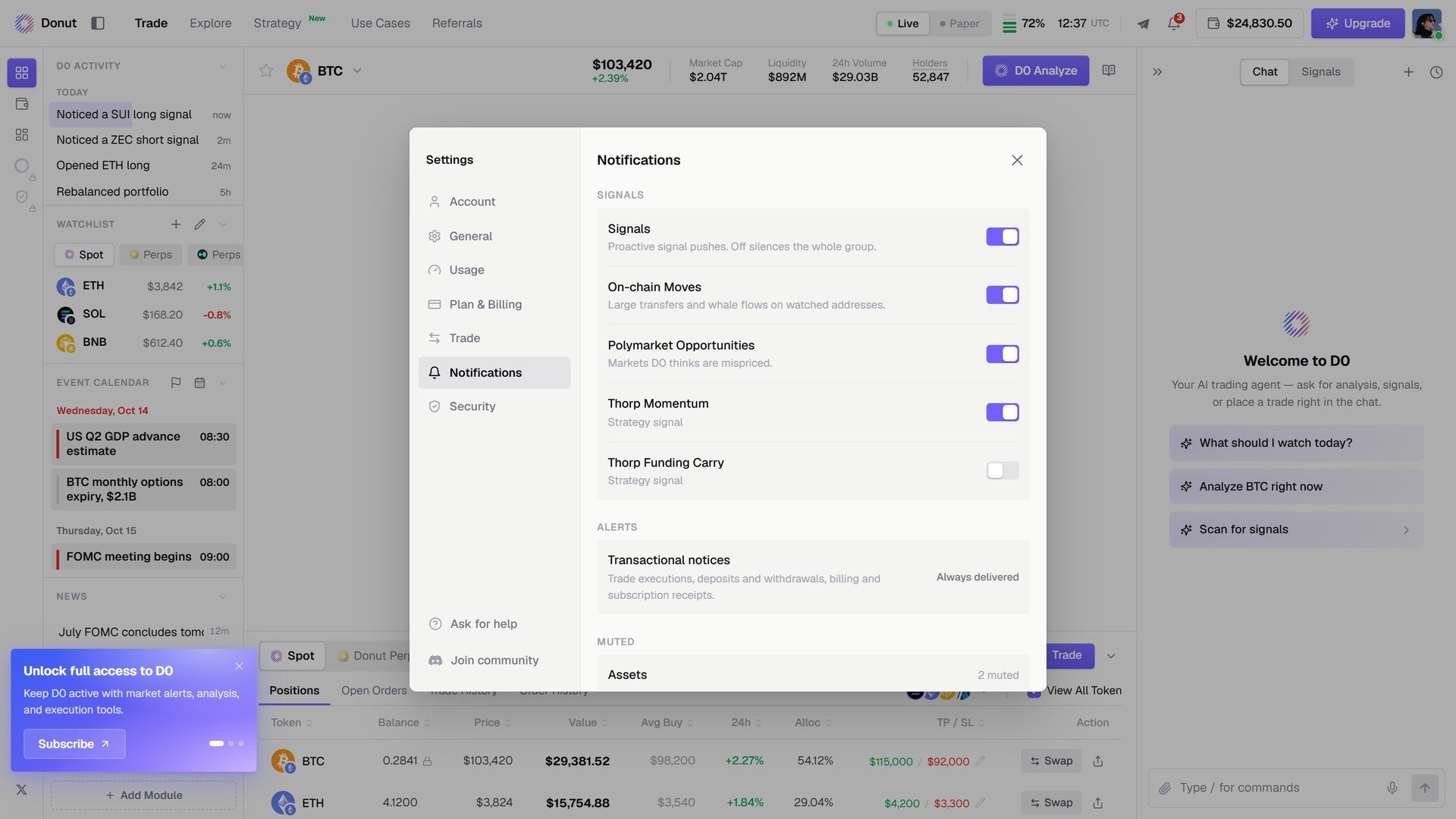
**Signals**: one toggle per source, **Signals**, **On-chain Moves**, **Polymarket Opportunities**, **Thorp Momentum**, **Thorp Funding Carry**. **Alerts**: transactional notices are always delivered. **Muted**: assets you have silenced. See [Signals](/features/thorp-strategy).
## Notifications
**Signals**: one toggle per source, **Signals**, **On-chain Moves**, **Polymarket Opportunities**, **Thorp Momentum**, **Thorp Funding Carry**. **Alerts**: transactional notices are always delivered. **Muted**: assets you have silenced. See [Signals](/features/thorp-strategy).
 ## Security
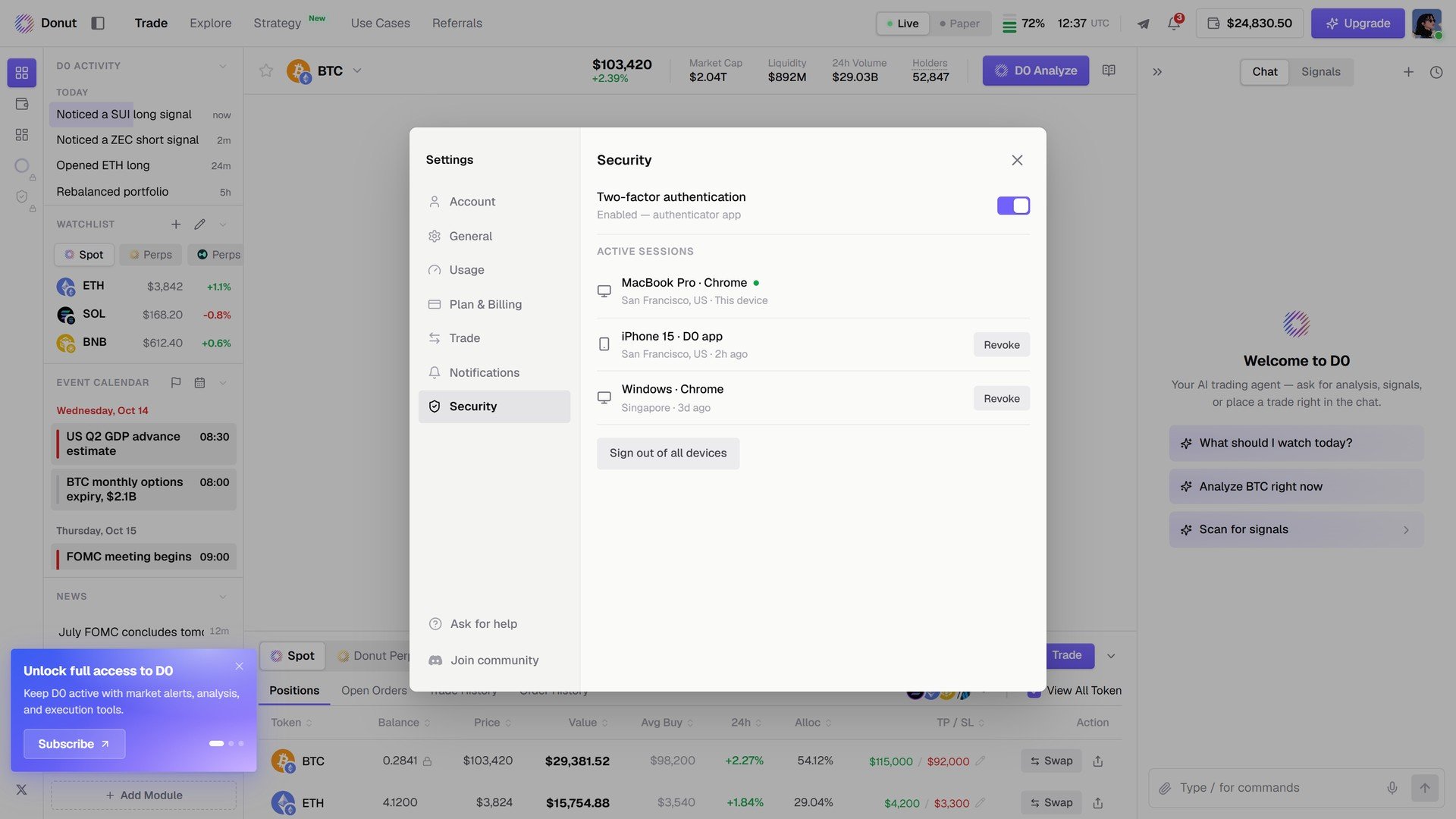
**Two-factor authentication** and **Active sessions** with a **Revoke** per device and **Sign out of all devices**. See [Security & Compliance](/reference/security-and-compliance).
## Security
**Two-factor authentication** and **Active sessions** with a **Revoke** per device and **Sign out of all devices**. See [Security & Compliance](/reference/security-and-compliance).
 ## What's next
* [Subscription Plans](/reference/subscription)
* [Connect Telegram](/getting-started/deploy-bot)
This documentation is built and hosted on [Mintlify](https://mintlify.com), a developer documentation platform.
## What's next
* [Subscription Plans](/reference/subscription)
* [Connect Telegram](/getting-started/deploy-bot)
This documentation is built and hosted on [Mintlify](https://mintlify.com), a developer documentation platform.