> ## Documentation Index
> Fetch the complete documentation index at: https://docs-d0.donutbrowser.ai/llms.txt
> Use this file to discover all available pages before exploring further.
# Claim Your Discord Community Gift
> If you held a legacy role in the Donut Discord, you're entitled to free D0 Pro time. Connect Discord, scratch the card, and it activates on the spot.
If you held a legacy role in the Donut Discord community, you're entitled to free D0 Pro time. How long depends on your role level. This page walks through claiming it.
The gift is tied to the Discord account you connect, and each gift redeems once. There's no card and no payment involved.
## Step 1: Sign In to D0
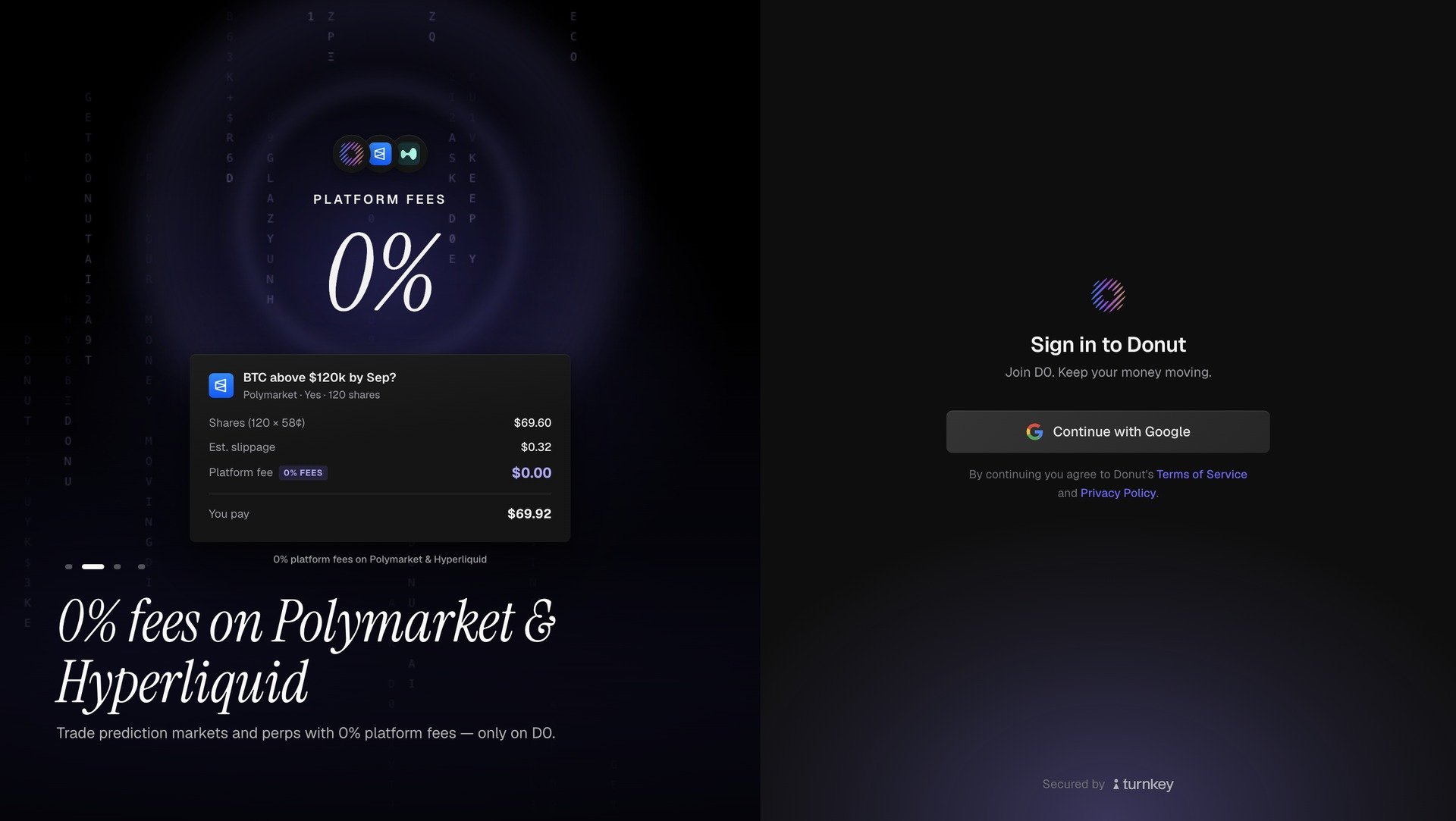
Open [**d0.donutbrowser.ai**](https://d0.donutbrowser.ai/) and click **Continue with Google** to sign in or create your account. If you don't have an account yet, follow [Create an Account](/getting-started/create-account) first.
 ## Step 2: Connect Discord
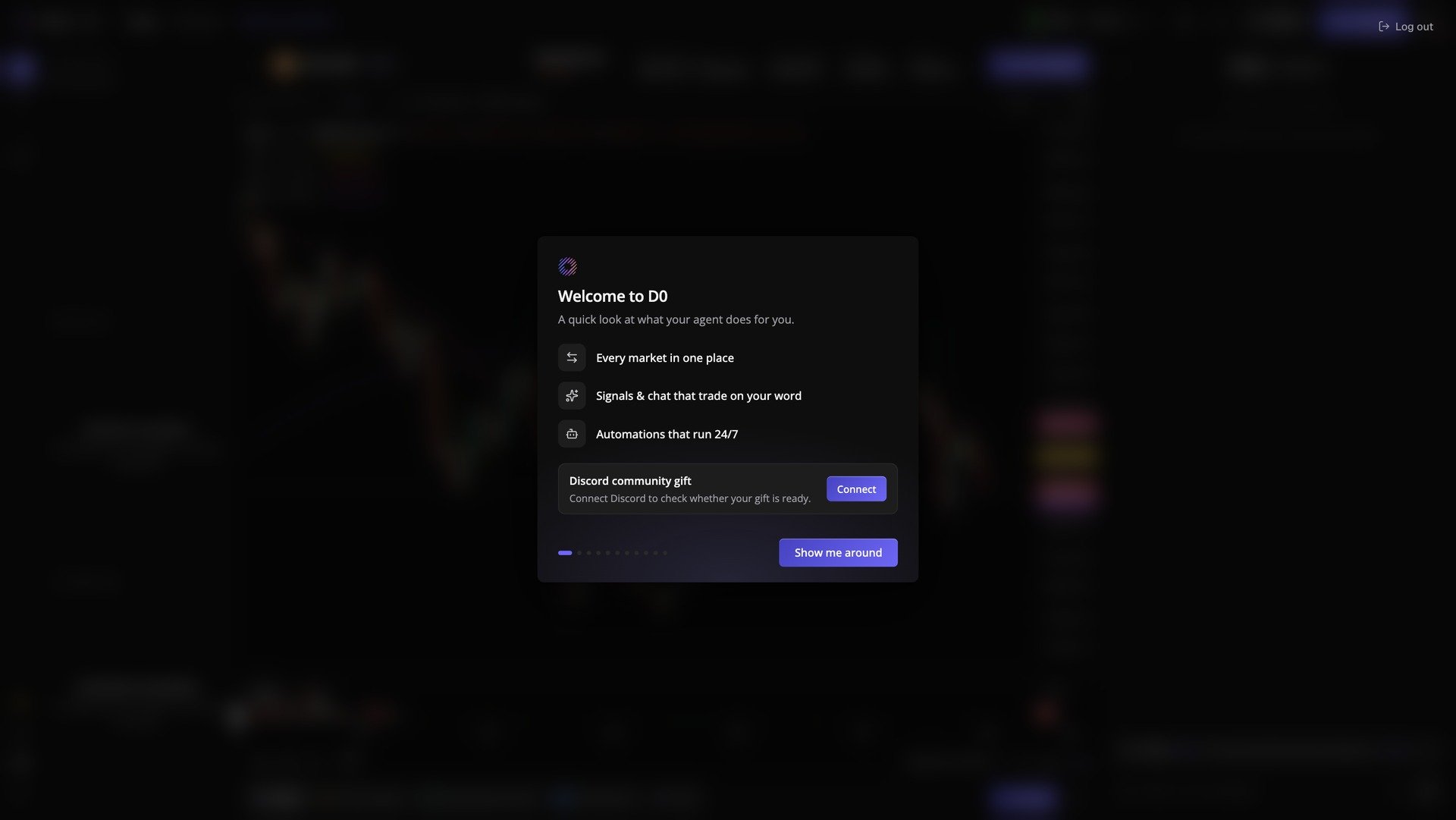
After signing in you'll land on the **Welcome to D0** screen. Find the **Discord community gift** card at the bottom and click **Connect**.
## Step 2: Connect Discord
After signing in you'll land on the **Welcome to D0** screen. Find the **Discord community gift** card at the bottom and click **Connect**.
 Connecting is what makes the check possible: D0 reads your legacy role in the Donut server to work out how much free Pro time you get.
## Step 3: Authorize on Discord
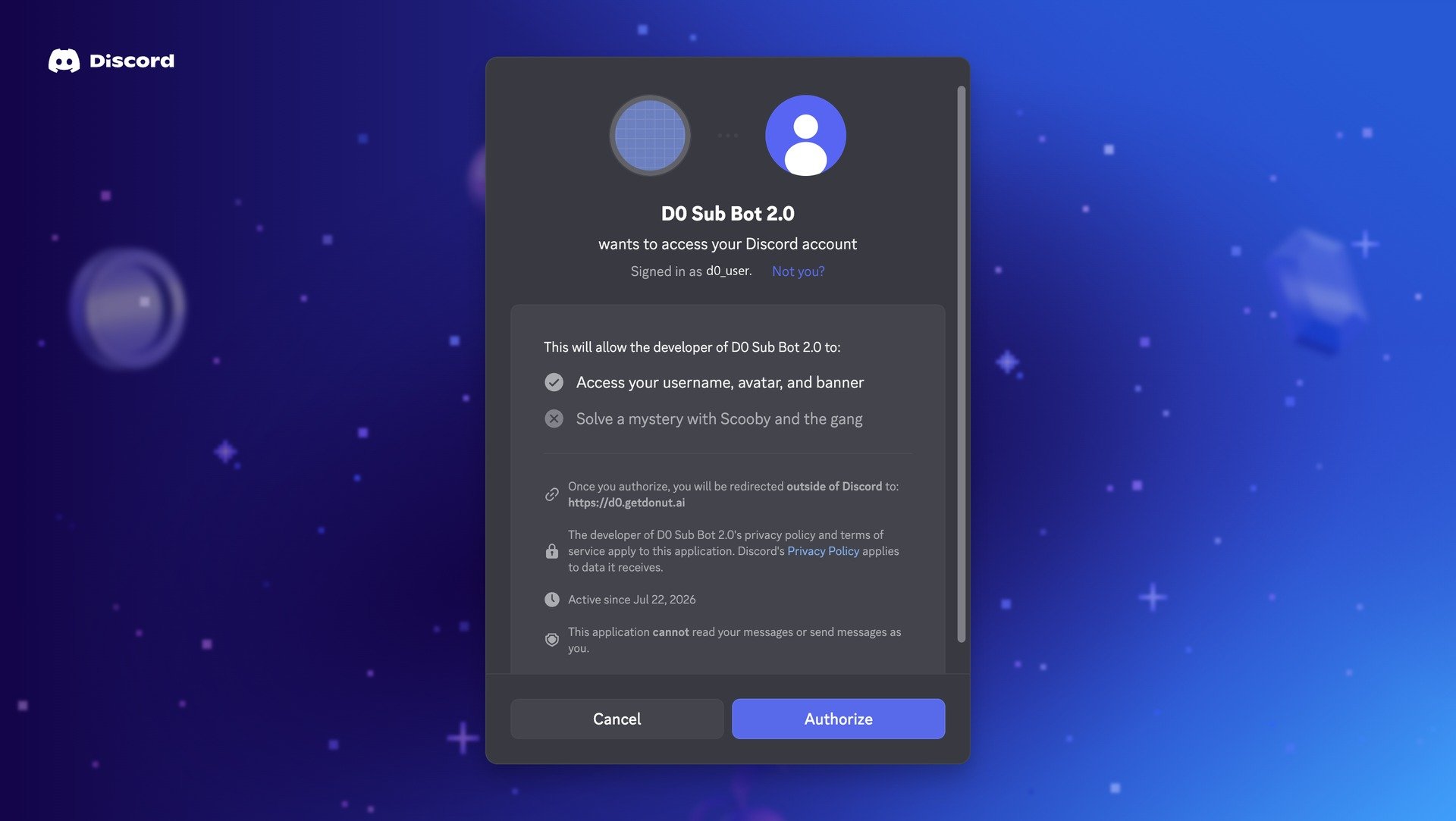
Discord asks you to authorize **D0 Sub Bot 2.0**. Confirm you're signed in as the right account (use **Not you?** to switch), then click **Authorize**.
The app only reads your username, avatar, and banner. It cannot read your messages or send messages as you.
Connecting is what makes the check possible: D0 reads your legacy role in the Donut server to work out how much free Pro time you get.
## Step 3: Authorize on Discord
Discord asks you to authorize **D0 Sub Bot 2.0**. Confirm you're signed in as the right account (use **Not you?** to switch), then click **Authorize**.
The app only reads your username, avatar, and banner. It cannot read your messages or send messages as you.
 ## Step 4: Reveal Your Gift
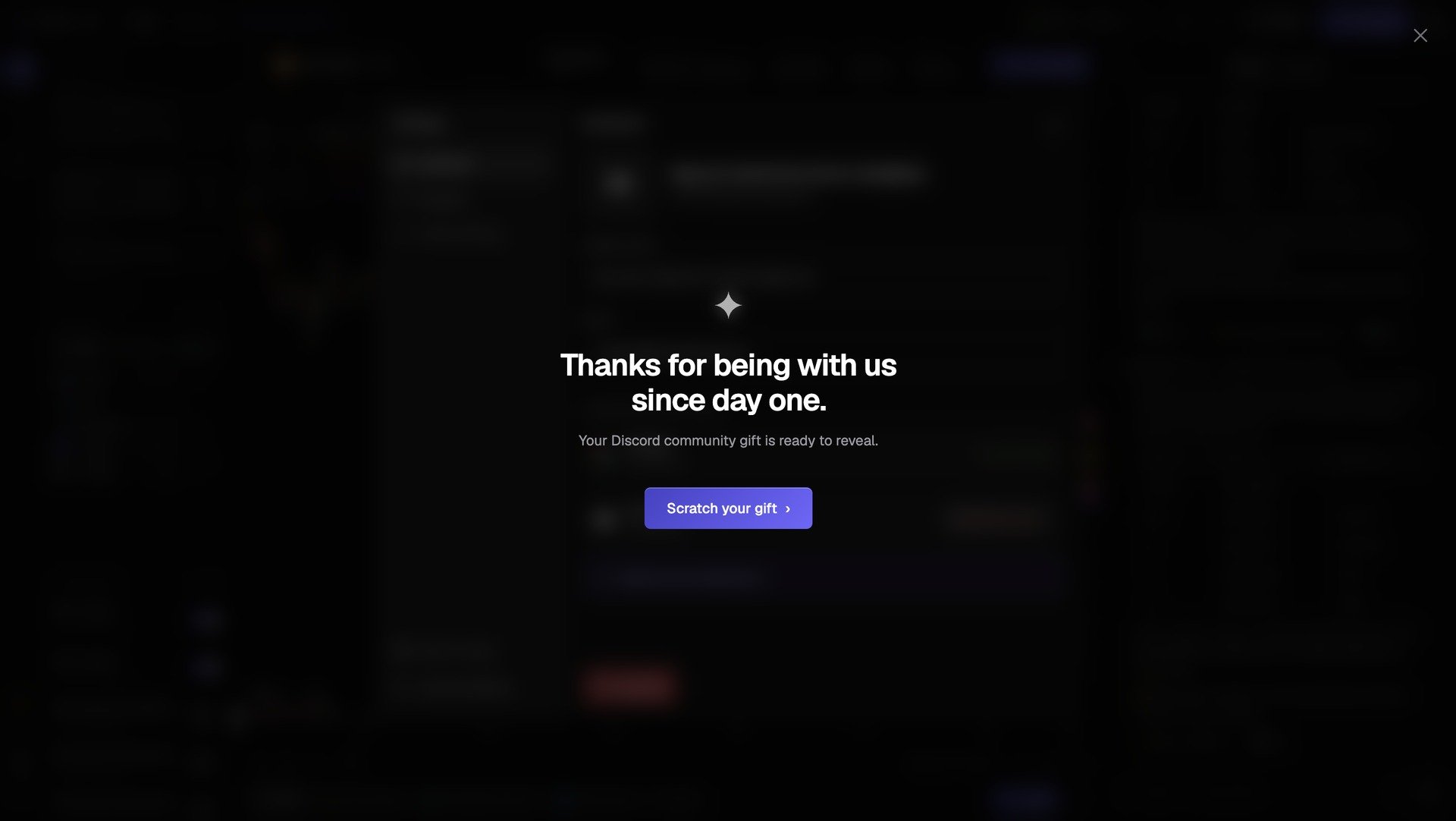
Back in D0 you'll see *"Thanks for being with us since day one."* Click **Scratch your gift**.
## Step 4: Reveal Your Gift
Back in D0 you'll see *"Thanks for being with us since day one."* Click **Scratch your gift**.
 ## Step 5: Scratch the Card
Your gift card shows the free duration you qualified for. Scratch the panel to reveal your one-time redemption code, then confirm to claim.
## Step 5: Scratch the Card
Your gift card shows the free duration you qualified for. Scratch the panel to reveal your one-time redemption code, then confirm to claim.
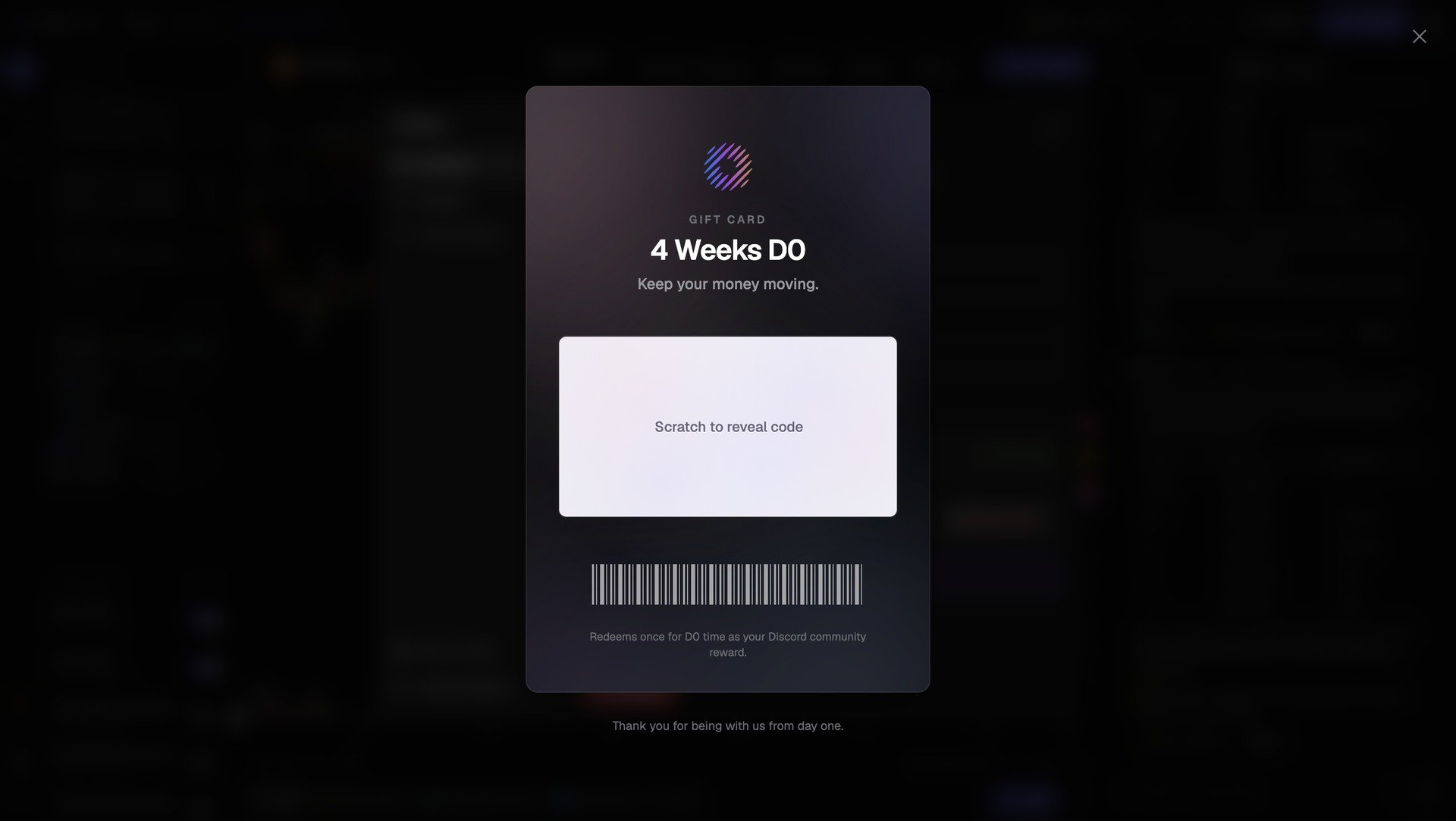 The duration on the card depends on your Discord role level, so what you see may differ from the example above.
## Step 6: Pro Activated
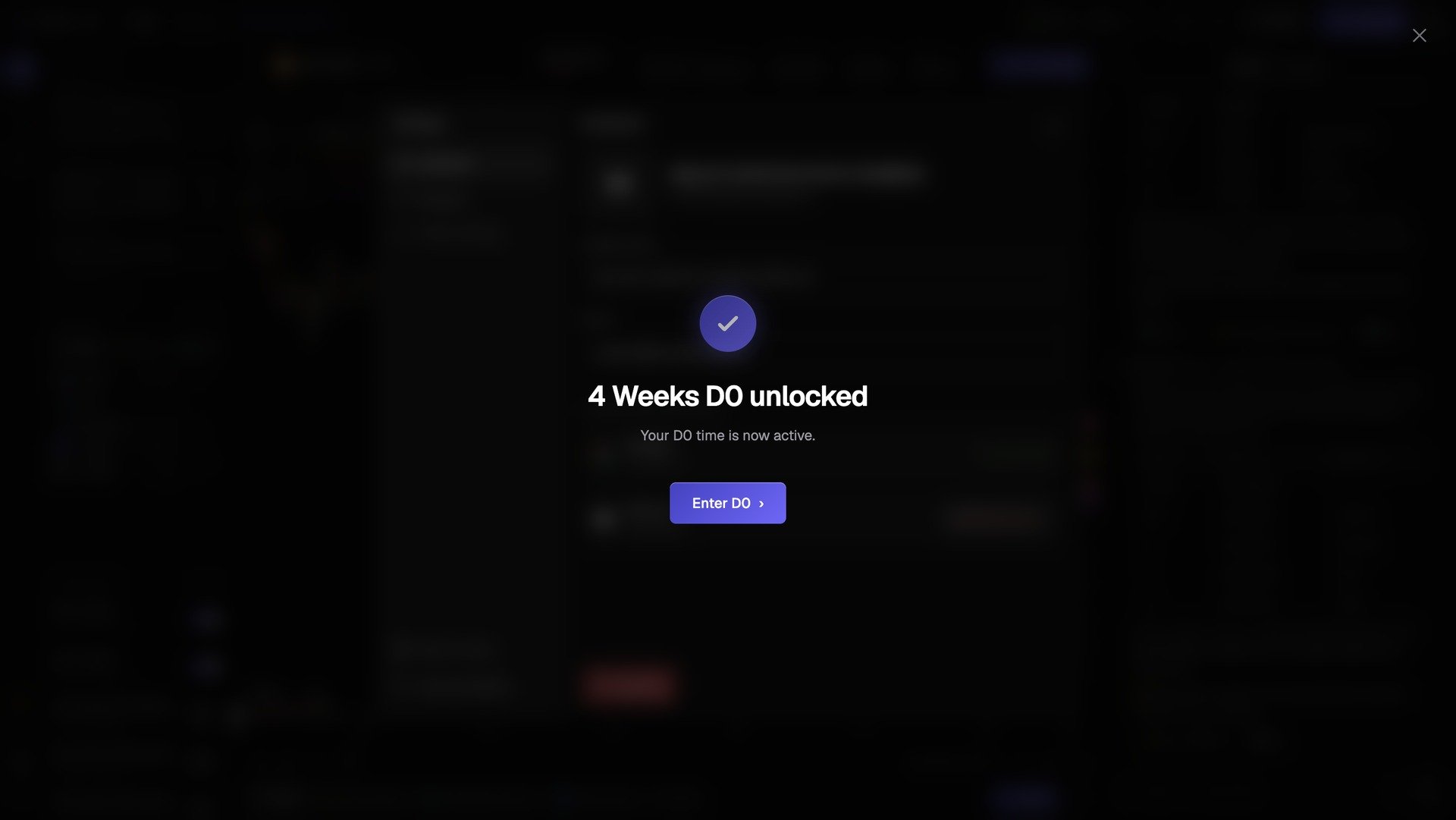
You'll get a confirmation that your D0 time is now active. Click **Enter D0** to go straight to your dashboard.
The duration on the card depends on your Discord role level, so what you see may differ from the example above.
## Step 6: Pro Activated
You'll get a confirmation that your D0 time is now active. Click **Enter D0** to go straight to your dashboard.
 ## After Claiming
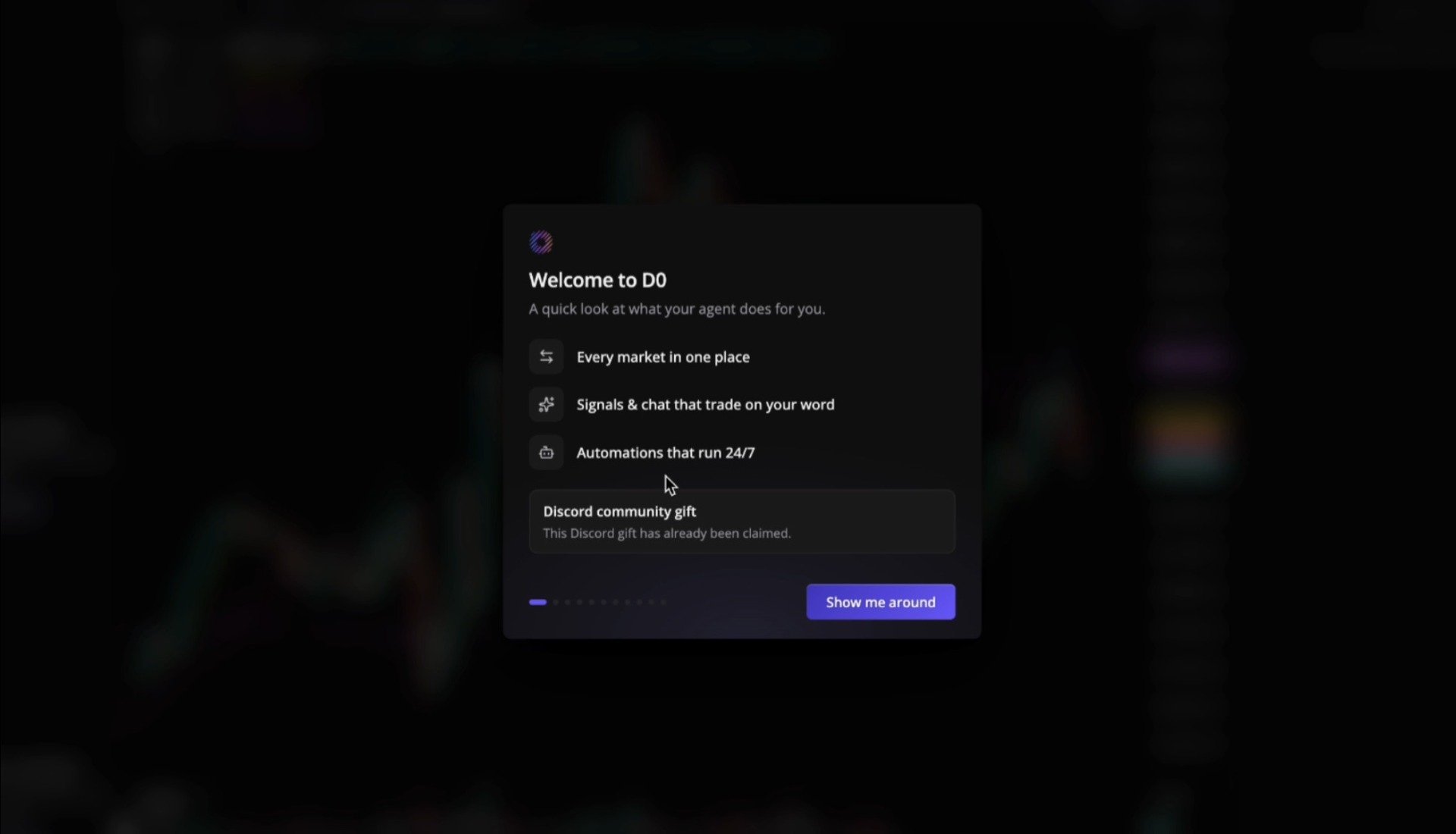
The Discord community gift card on the welcome screen updates to **"This Discord gift has already been claimed."** Your dashboard is unlocked and your Pro time is running.
## After Claiming
The Discord community gift card on the welcome screen updates to **"This Discord gift has already been claimed."** Your dashboard is unlocked and your Pro time is running.
 ## Troubleshooting
The card only appears for accounts eligible for the community gift. If your Discord account doesn't hold a qualifying legacy role in the Donut server, there's nothing to claim.
On the Discord authorization screen, click **Not you?** to sign in with the account that holds your legacy role, then authorize again.
Each gift redeems once. If your Pro time isn't showing on the Dashboard after claiming, reach out in the [Donut Telegram](https://t.me/DonutAIOfficial).
## What's Next?
Your Pro time works the same as a paid plan. See [Subscription Plans](/reference/subscription) for what's included, and [Deploy Your Bot](/getting-started/deploy-bot) to start using D0 on Telegram.
## Troubleshooting
The card only appears for accounts eligible for the community gift. If your Discord account doesn't hold a qualifying legacy role in the Donut server, there's nothing to claim.
On the Discord authorization screen, click **Not you?** to sign in with the account that holds your legacy role, then authorize again.
Each gift redeems once. If your Pro time isn't showing on the Dashboard after claiming, reach out in the [Donut Telegram](https://t.me/DonutAIOfficial).
## What's Next?
Your Pro time works the same as a paid plan. See [Subscription Plans](/reference/subscription) for what's included, and [Deploy Your Bot](/getting-started/deploy-bot) to start using D0 on Telegram.