> ## Documentation Index
> Fetch the complete documentation index at: https://docs-d0.donutbrowser.ai/llms.txt
> Use this file to discover all available pages before exploring further.
# Create an Account
> Getting started with D0 takes about 5 minutes. Here's what you'll do:
Getting started with D0 takes about 5 minutes. Here's what you'll do:
1. **Visit the D0 Dashboard**
2. **Sign in with Gmail** on the D0 Dashboard (first-time setup)
3. **Choose your preferred Subscription Plan**
4. **Connect Telegram** — one click, no manual bot setup
5. **Answer a quick risk questionnaire** (optional)
6. **Wait for provisioning** (about 1-2 minutes)
7. **Start using D0 in Telegram** — this is your daily interface
## Step 1: Visit the D0 Dashboard
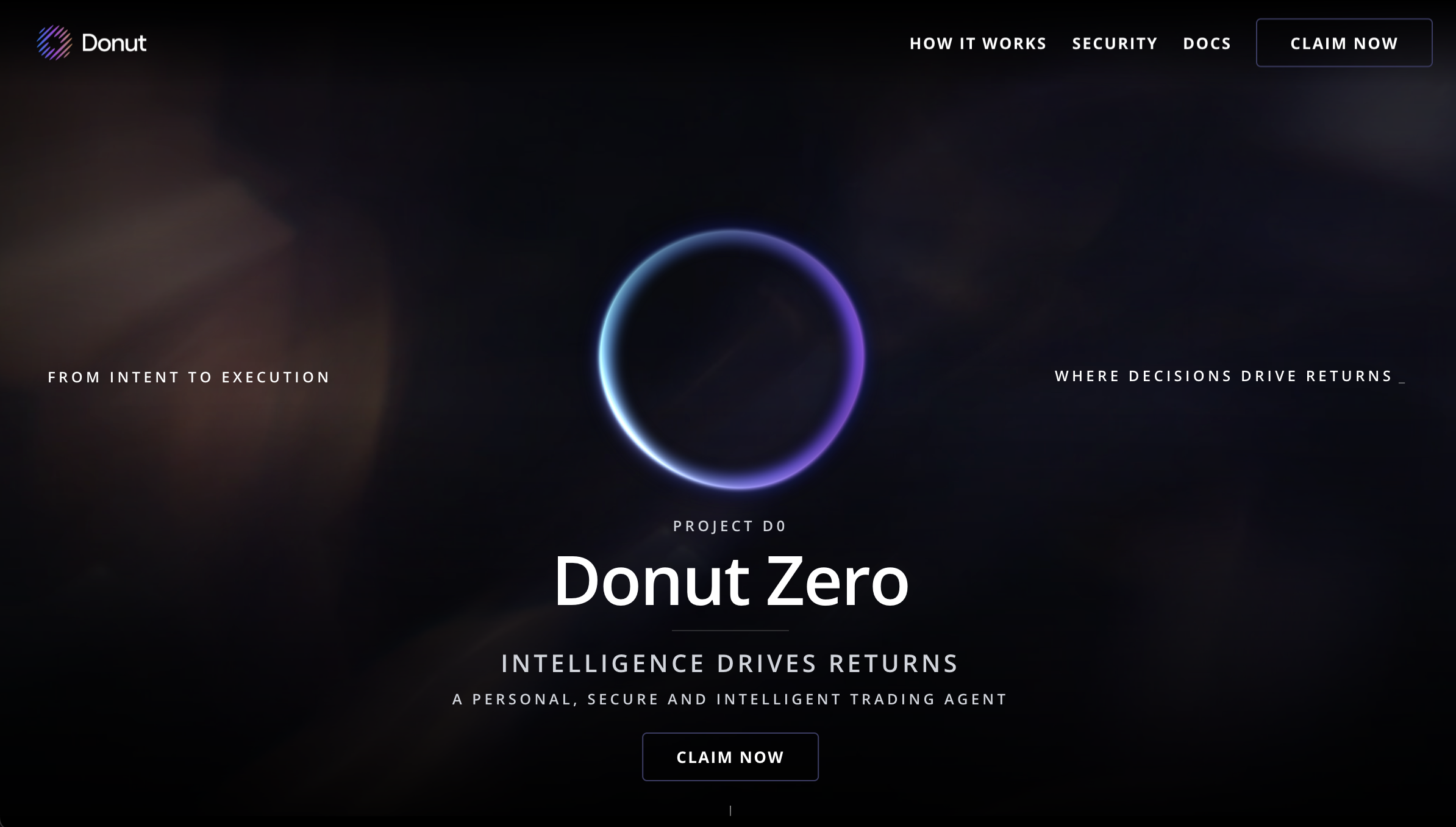
Open [**d0.donutbrowser.ai**](https://d0.donutbrowser.ai/) and click **Claim Now** (or **Sign In** if you already have an account). After provisioning you'll land at [d0.donutbrowser.ai/dashboard](https://d0.donutbrowser.ai/dashboard).
## Step 2: Sign In with Gmail
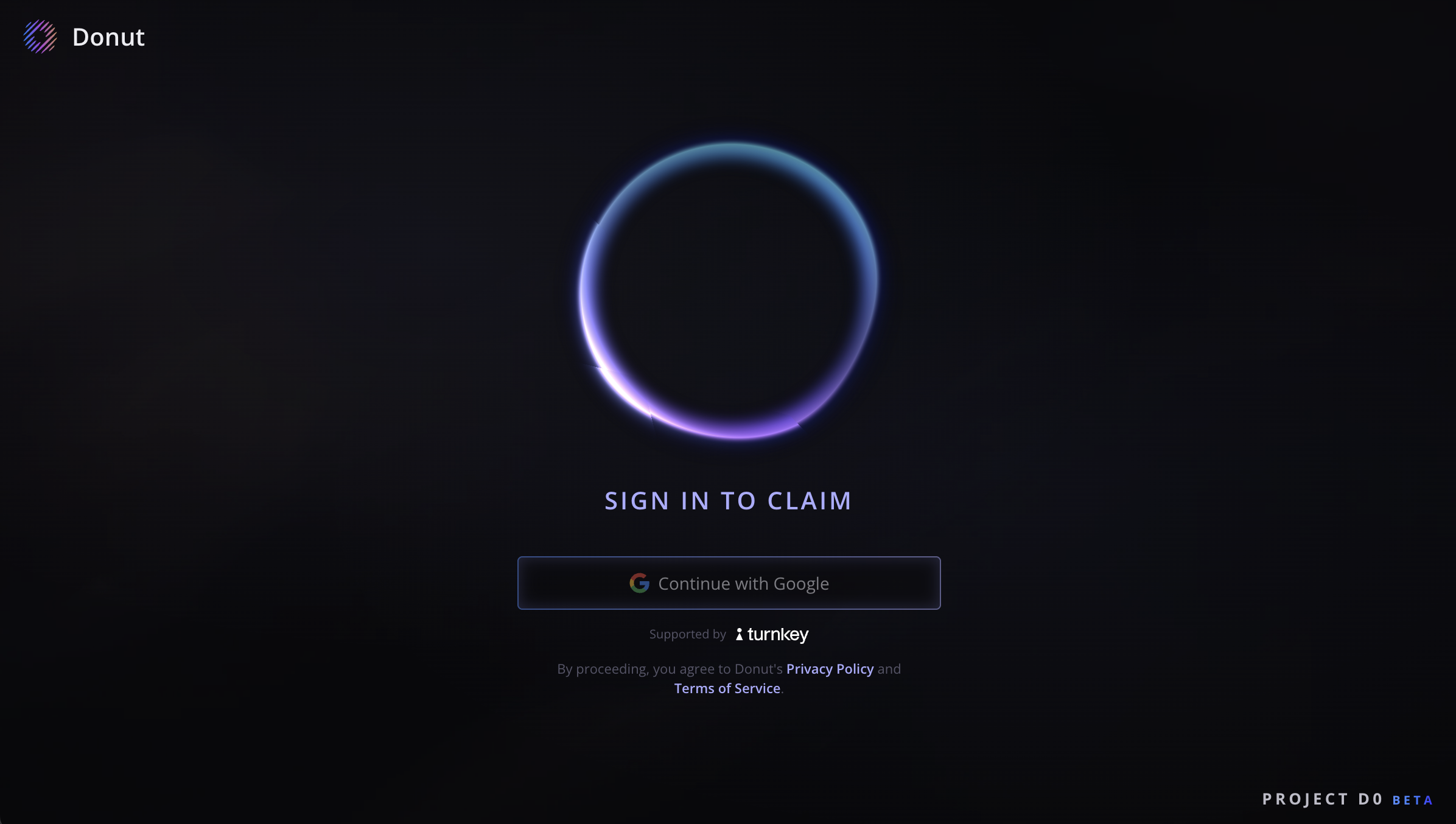
Authenticate with your Gmail account. This web sign-in is only for first-time setup and provisioning.
## Step 3: Choose Your Subscription Plan
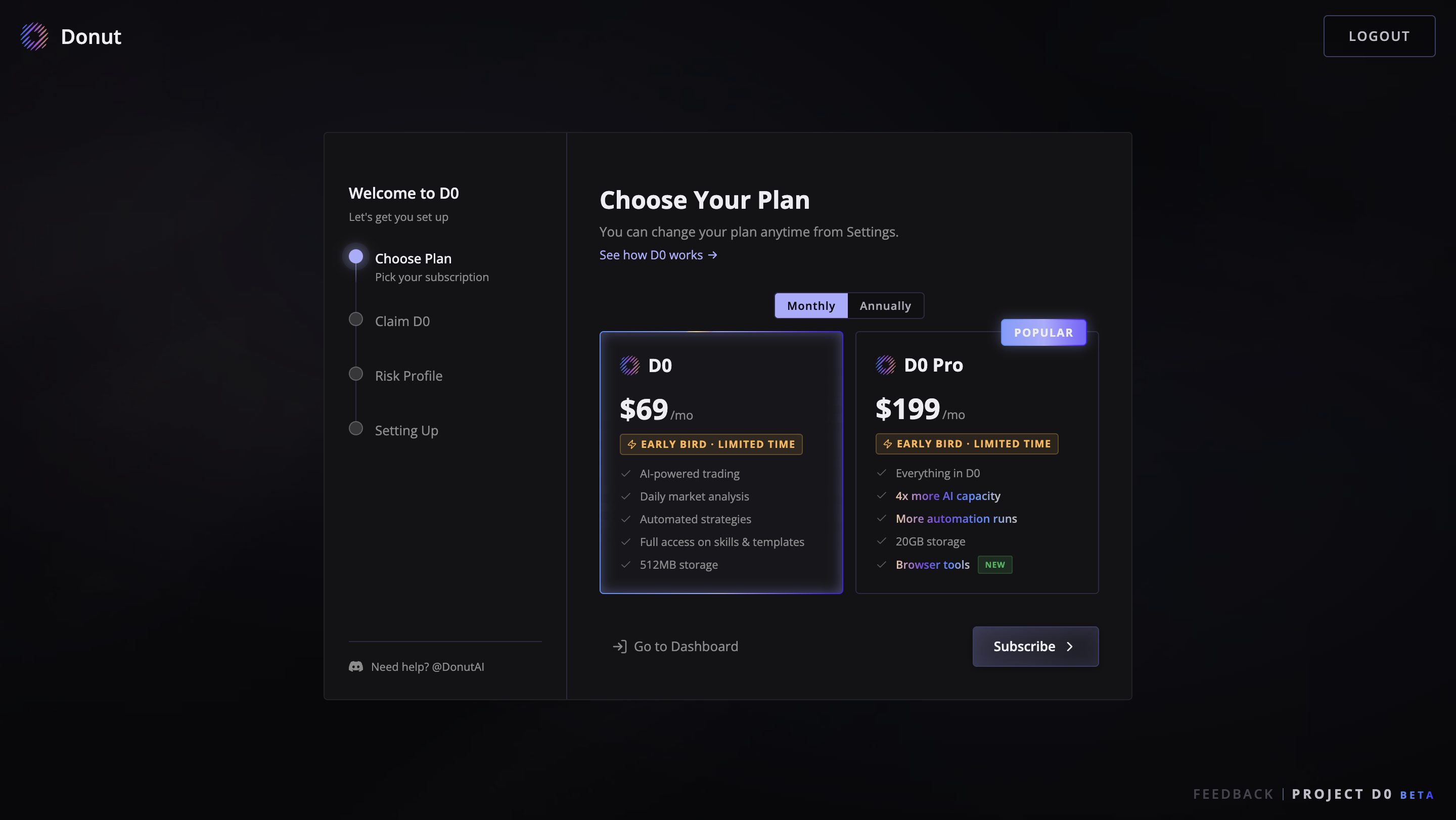
After signing in, you'll see the subscription page with the available plans. Pick the one that fits your needs:
* **D0 Standard** — \$69/month. Core AI trading agent with cross-chain market scanning, proactive alerts, natural language execution, and risk scoring.
* **D0 Pro** — \$199/month. Everything in Standard plus unlimited automations, higher leverage (up to 150×), more chain support, and priority execution.
Select your plan and click **Continue**. You can upgrade or downgrade anytime from the Dashboard later.
## Step 4: Connect Telegram
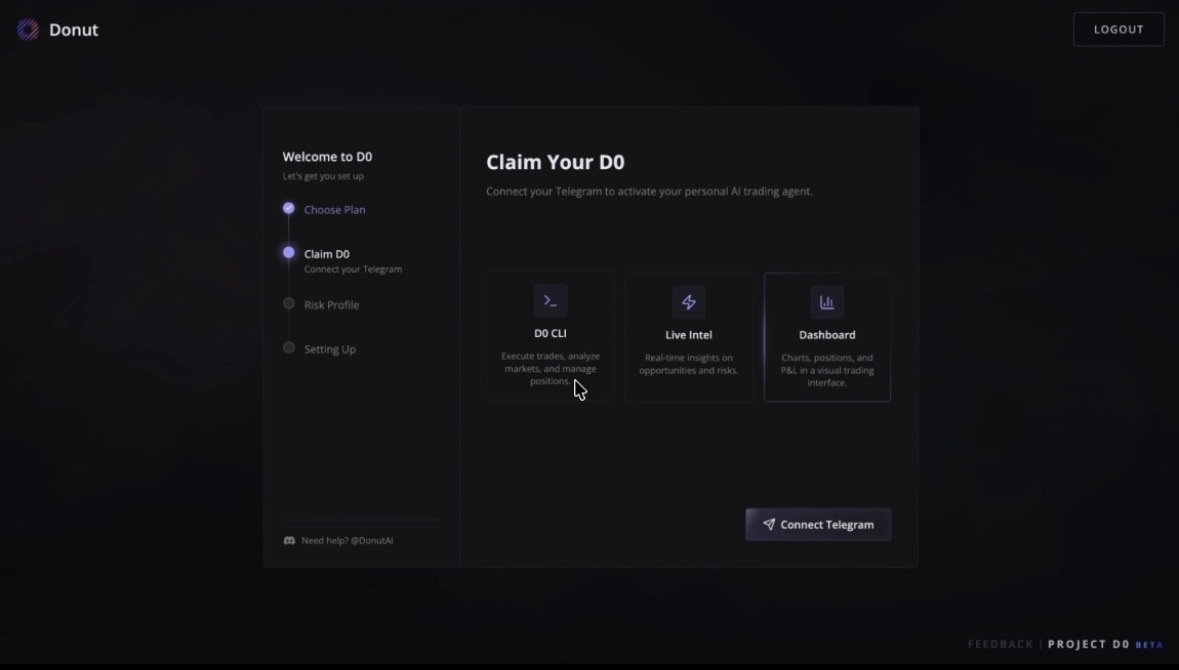
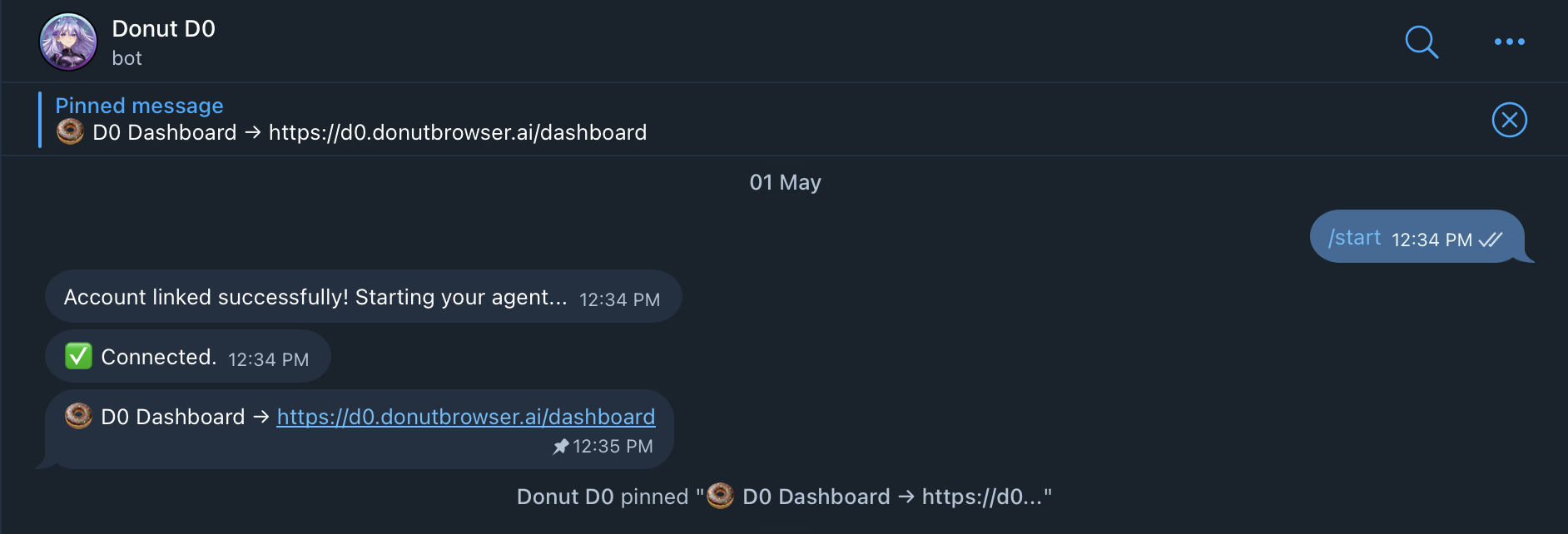
Click **Connect Telegram** — this opens a Telegram authorization page. Tap **Authorize** to link your account. D0 automatically assigns a pre-configured bot to you. No BotFather, no API tokens to copy.
 ## Step 5: Risk Questionnaire (Optional)
Answer a few questions about your trading style and risk tolerance. This helps D0 tailor its responses to your preferences. You can skip any question or the entire questionnaire.
## Step 6: Wait for Provisioning
D0 will automatically boot your compute environment and connect your gateway. This takes 1-2 minutes. When it's done, you'll be redirected to the Dashboard.
## Step 7: Chat with Your D0 Bot on Telegram
After setup is complete, Telegram becomes your primary way to use D0. Open your assigned bot and chat anytime to analyze markets, place trades, and manage positions.
**Connecting a Wallet**
You can connect a Solana wallet later from the Dashboard to enable trading, portfolio tracking, and DeFi features. It's not required during onboarding.
## What's Next?
Now that your bot is live, [deploy it and start using D0](/getting-started/deploy-bot).
## Step 5: Risk Questionnaire (Optional)
Answer a few questions about your trading style and risk tolerance. This helps D0 tailor its responses to your preferences. You can skip any question or the entire questionnaire.
## Step 6: Wait for Provisioning
D0 will automatically boot your compute environment and connect your gateway. This takes 1-2 minutes. When it's done, you'll be redirected to the Dashboard.
## Step 7: Chat with Your D0 Bot on Telegram
After setup is complete, Telegram becomes your primary way to use D0. Open your assigned bot and chat anytime to analyze markets, place trades, and manage positions.
**Connecting a Wallet**
You can connect a Solana wallet later from the Dashboard to enable trading, portfolio tracking, and DeFi features. It's not required during onboarding.
## What's Next?
Now that your bot is live, [deploy it and start using D0](/getting-started/deploy-bot).